
The Sims 3 Supernatural Guide Essentials How to Use This Guide
How to Use This Guide
Introduction
Who hasn’t entertained thoughts of the supernatural? A curiosity about life outside the fringe—where creatures of the night lurk—is only normal for those firmly tethered to the natural world. The Sims 3 Supernatural offers a heady dose of electric escapism, turning over the keys to a kingdom full of the strange. But while there may be a touch of sinister going on here, Supernatural revels in all the fun that must flank a life where things that go bump in the night... are bumping to a great beat.
The all-new Moonlight Falls is supernatural central, home to werewolves, vampires, fairies, ghosts, and more. With this expansion, you can walk on the (literal) wild side as the full moon hangs high in the night sky. What kind of weirdness will you indulge in? Will you board the nearest magic broom and try out a day in the life of a un-wicked witch? Fuzz out as a werewolf? Flitter about as a winged fairy? Your destiny in Moonlight Falls is your own, but this guide will help you get the absolute most out of these new alt-lives.
How to Use This Guide
Welcome to the official game guide for The Sims 3 Supernatural . This book serves as your guide through the mysterious realm of the occult. Best practices for werewolves? Fairy dos and don’ts. Moondial horoscopes revealed. Alchemist recipes for excellent elixirs. What’s behind that secret bookcase below the Vault of Antiquity. All of this and more are revealed within the following pages. So, to help you get the strategy you need—when you need it—here’s a brief summary of what you’ll find inside this guide:
New Simology
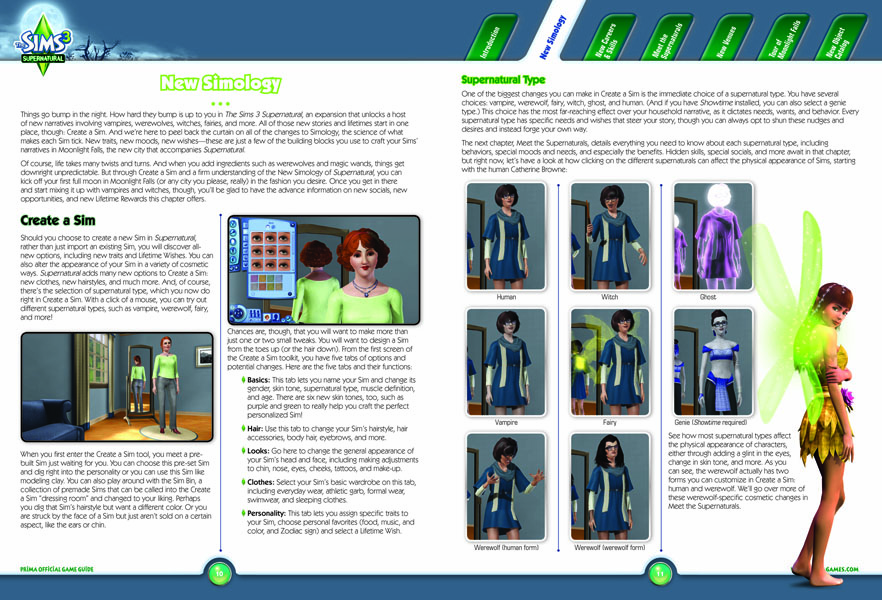
With the introduction of Supernatural , players now have access to all-new traits, wishes, Opportunities, and more. This chapter details all of these new features, including a breakdown of new socials, moodlets, and Lifetime Rewards. All of these tie into the arrival of vampires, werewolves, fairies, and more!
New Careers and Skills
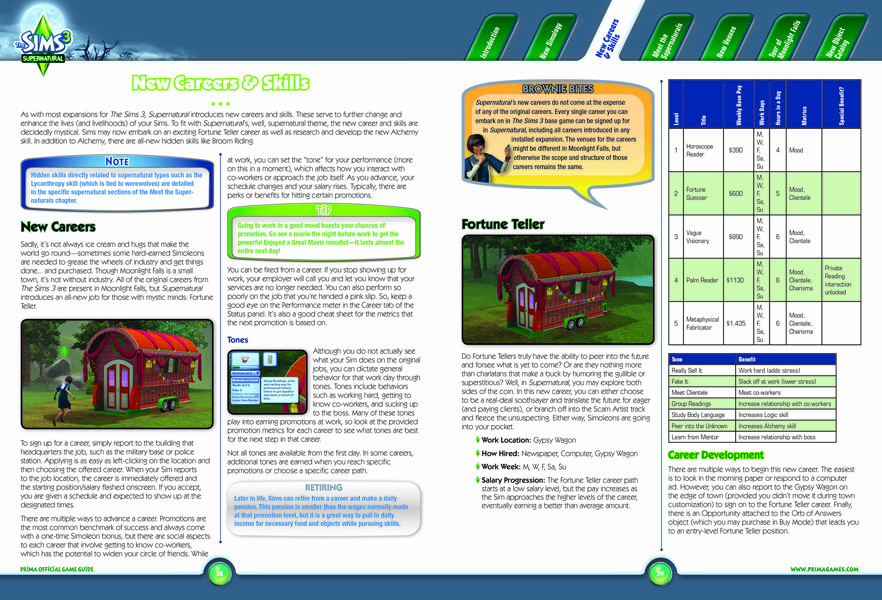
When you check into Moonlight Falls, you have access to an all-new career: Fortune Teller. This chapter explains how to excel at both branches of the Fortune Teller career. This chapter also details the Alchemy skill, including how to make all the new elixirs. In addition to Alchemy, Supernatural introduces a wealth of new “hidden” skills like Broom Riding. Get behind-the-scenes strategy for these behind-the-scenes skills!
Meet the Supernaturals
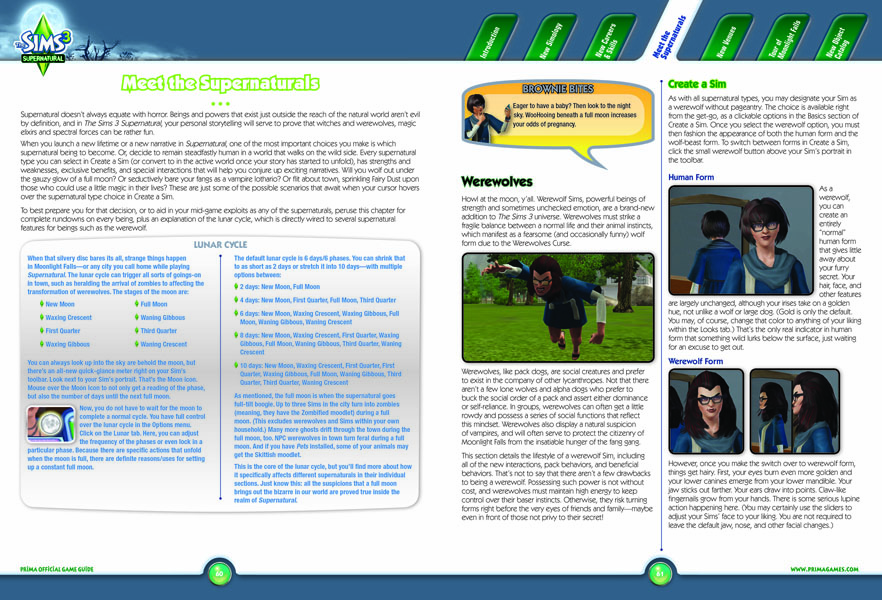
Ever wanted to live the (un)life of a vampire? Howl at the moon as a werewolf? Indulge in the mischievous powers a witch? With the new supernatural elements of this expansion, you can explore these occult options (and more). This chapter includes full strategies for each new supernatural form, with tips and tricks for getting the most out of each lifestyle, such as all the perks of being a fairy. (Hint: fairies can cheat at the new arcade game...)
New Venues
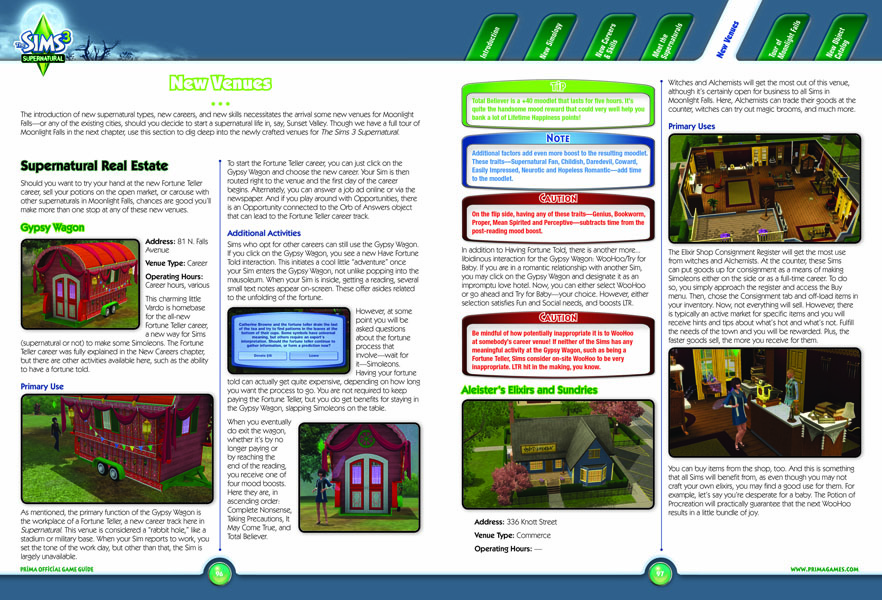
With the arrival of new careers, skills, and forms, there are new venues. Use this chapter to learn more about the Gypsy Wagon and Varg’s Tavern, as well as other key locations in the lives of supernaturals running wild in Moonlight Falls.
Tour of Moonlight Falls
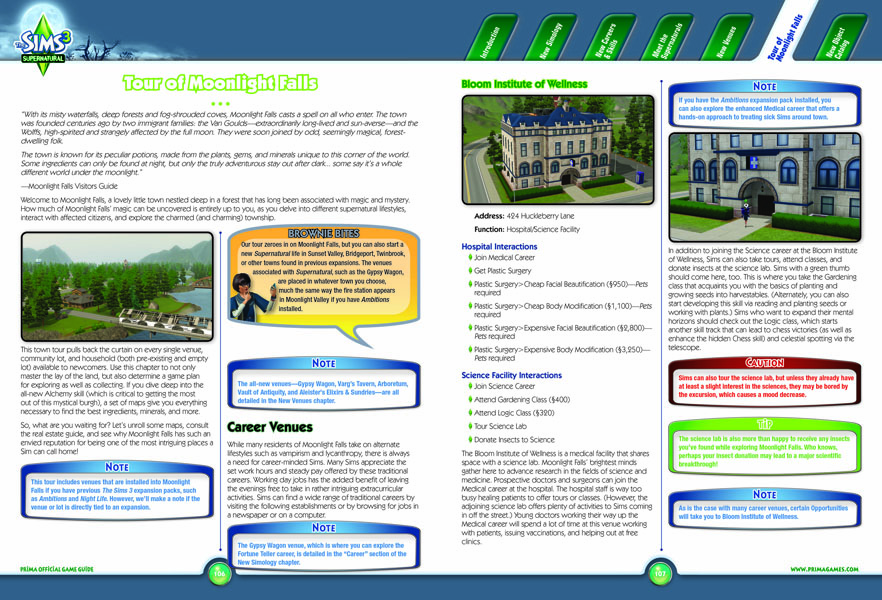
A new expansion means a new town, and Supernatural is no exception. Moonlight Falls is a brand-new city for you to call home. There’s a touch of mystery in this new burg, and in this chapter, you’ll uncover all sorts of secrets. Here, you’ll find a comprehensive breakdown of every venue, business, community lot, and fishing hole. If you’re on the hunt for collectibles (and you should be if you plan on becoming an expert Alchemist), maps and charts reveals the best places for gathering up goodies.
New Object Catalog
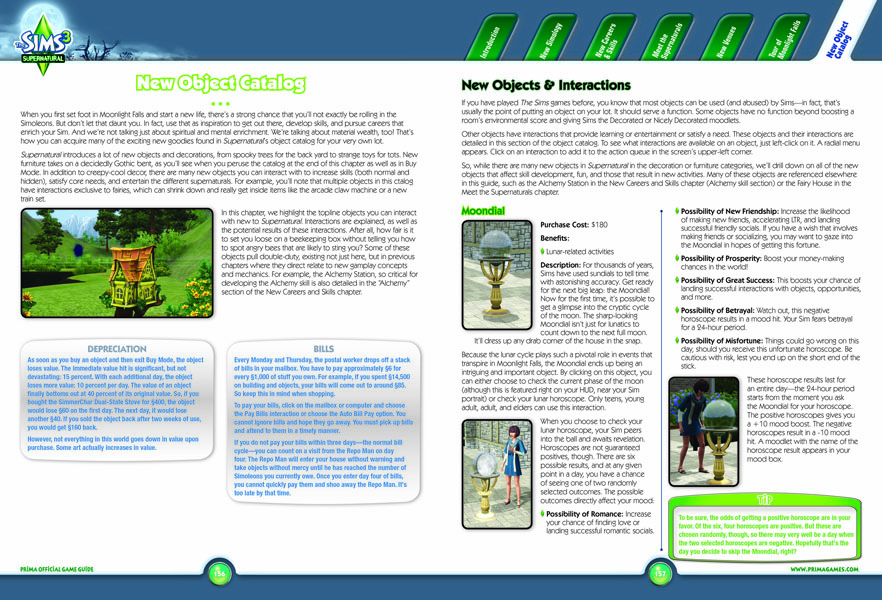
Supernatural expands the object catalog with a wealth of new practical items, decorations, and other such lovelies. Use these new objects to further develop skills, careers, and lifestyles. Or, dig deep into your pockets and splash some Simoleons for home beautification. (Or both!) This chapter includes a breakdown on new interactive objects, plus an Object Catalog that lists every new object, including prices, benefits, and more.
Cheats
Below, we’ve provided some information about the available cheats. But don’t think of these cheats as… well… cheating. Think of these as tools that let you tell your story your way. Don’t cheat yourself out of the opportunity to use these commands to spice up and personalize your game.
To access the command console, press Shift+Control+C and input the text of the desired command (it appears in the blue bar on the top of the screen). For some cheats to work, you may have to type TestingCheatsEnabled true first. Type Help for a list of all the currently available commands. To exit the command console, press Enter or Escape.
Popular Cheats
Help
- help
- help <cheatname>
Various cheats are available, depending on your game update and which expansion packs you have installed. To find out what cheats are available in your game, enter the cheat menu and type help. This lists all the currently available cheats. To find out more information about a specific cheat, type help <cheatname>.
Money Cheats
- kaching
- motherlode
The money cheats (kaching and motherlode) are a great way to skip some of the initial struggle. Sure, some young families have to work hard and scrimp to get by, but that’s not the only option. I could pretend to be poor… ahem… but perhaps I’d rather pretend to be rich! Filthy stinking rich! Maybe I want a mansion with a moat, and a fast sports car, and a fat roll of cash to flash. Or maybe I just want to make some really neat houses, or focus on a skill, and I don’t want to have to wait for my Sim to amass enough money the old-fashioned way.
There are lots of “valid” reasons for extra cash to come someone’s way. I like to think that many of my Sims have trust funds or made a killing in tech stocks. A big cash infusion could be an inheritance or lottery winnings. Smaller cash infusions are similarly explainable. Perhaps your Sim took an advance on a credit card, won a door prize, or did a job under the table. Criminal Sims have obvious explanations for unearned cash, but anyone could have done a little extra side work or taken on an extra project.
Obviously, if you choose a Lifetime Wish that involves cash, such as Swimming In Cash or Life of Luxury, then use money cheats to reach that goal, you’re just pushing the “I Win” button. You can cheat at solitaire too but… why? But if you have a story to tell, there’s no reason to let money, or the lack thereof, stand in your way.
Real Estate Cheats
- freeRealEstate
The freeRealEstate cheat is especially useful if you’re editing your town and don’t want to be constrained to only a few small houses when placing your pre-made Sim neighbors. You may not even plan to actively play those Sims; they’re just window dressing. So why not put them wherever you like?
Reset
- resetSim <firstname> <lastname>
- resetSim *
In any computer game, glitches can happen. If your Sim ever gets stuck somewhere, don’t panic. You might not have to lose your progress since your last save. Try ResetSim <firstname> <lastname> to reset your Sim back to their home lot. If you don’t know who is stuck, use resetSim * to reset all Sims.
Frame Rate
- framerate on/off
If you wonder how well your computer is rendering the game, you can turn on the frame rate counter with framerate on. When the little numbers on the right become annoying, you can turn it back off with framerate off.
Miscellaneous Cheats
Joke Please
- jokePlease
Prints a random joke to the console.
Move Objects
- moveObjects [on|off]
Removes footprint limitation for all object placement in Buy Mode and Build Mode. Removes limitations placed on hand tool for when objects are in use or for objects that normally are not movable. Is known to cause issues with game elements, routing, hidden object generation and manipulation, etc. Note that using this cheat allows you to move and delete objects that normally cannot be manipulated such as Sims. If you delete these objects, there is no way to get them back, so be careful!
Constrain Floor Elevation
- constrainFloorElevation [true|false]
Allows all terrain adjustments regardless of objects, Sims, and other structures on them. Walls, floors, and objects will move with the terrain, allowing you to create sloped walls and floored hills. However, placing new walls/floors will still flatten terrain, and placing objects will still require the terrain to be flat initially if the objects normally require it.
Disable Snapping to Slots
- disableSnappingToSlotsOnAlt [on|off]
When on, objects will not snap to slots while holding ALT. Useful for placing objects such as chairs near tables without them snapping, or placing counters near other counters, etc.
Headline Effects
- hideHeadlineEffects [on|off]
Hides all Sim overhead effects such as thought balloons and speech balloons.
Fade Objects
- fadeObjects [on|off]
Toggles whether objects fade when the camera gets close to them. Does not apply to Sims.
Slow Motion
- slowMotionViz <level>
Puts the visuals of the game in slow motion. Entering a “level” value is optional. Valid values range from 0 = normal speed to 8 = slowest.
Unlock Outfits
- unlockOutfits [on|off]
Includes career outfits and service Sim outfits as options in Create a Sim. The cheat must be entered before going into CAS.
Enable Llamas
- EnableLlamas [on|off]
Supernatural Cheats
Supernatural Population Control
Want to control your supernatural population by adding or removing supernaturals? If you want fewer zombies, or more fairies, this is one way to do it. First open cheat mode as explained previously. Then go to the mailbox on your lot and shift click to bring up some cheat options for your game. Select “ Supernatural Population Control” to bring up the option to either add or remove supernatural Sims into your game.
- Supernatural Population Control—Add Supernatural —Name of Supernatural
This cheat turns two Sims in the world to this supernatural type, except for the player household.
- Supernatural Population Control—Remove Supernatural —Name of Supernatural
This removes this supernatural status from ALL Sims in the world, except for the player household.