
How To Update Monster Hunter Wilds to DLSS 4
Huge difference!


Monster Hunter Wilds is a demanding title, both on PC and current-generation consoles. Even on high-end PCs players will routinely run into performance and stability issues. To improve their experience, players can make use of DLSS, FSR, and frame generation.
However, Monster Hunter Wilds comes with an older DLSS version that is inferior to DLSS 4, which has the latest transformer model. PC players can swap to the latest DLSS version in Monster Hunter Wilds to improve visual clarity and use a more aggressive form quality preset for DLSS despite better results.
Monster Hunter Wilds DLSS Comaprison
Here is what Monster Hunter Wilds looks like with DLSS 3.7 and DLSS 4.0 when playing Monster Hunter Wilds at the Quality preset at 1080p. As you can see, the detail on the Seikret, and Palico is way more refined in DLSS 4.0 even at this lower internal resolution and everything looks sharper and cleaner.
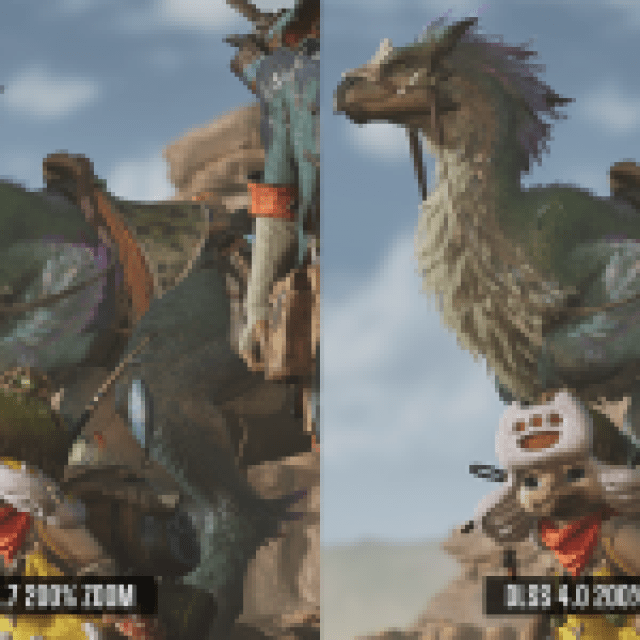

I have uploaded the same comparison with higher-resolution images at imgsli as well.
Update Monster Hunter Wilds to DLSS 4
PC users can update the DLSS version in Monster Hunter Wilds in a few ways. They can manually swap the DLSS dll file or use DLSS Swapper, which automatically does the job. I much prefer using DLSS Swapper as it makes the process quick, painless, and lets you update the FSR version as well.
Use DLSS Swapper
Here is how you can easily use DLSS Swapper, to update the DLSS version for Monster Hunter Wilds.
- Download the latest version from GitHub and install it.
- Launch DLSS Swapper and it will automatically scan through your library and show all the games currently using some form of DLSS, including Monster Hunter Wilds.
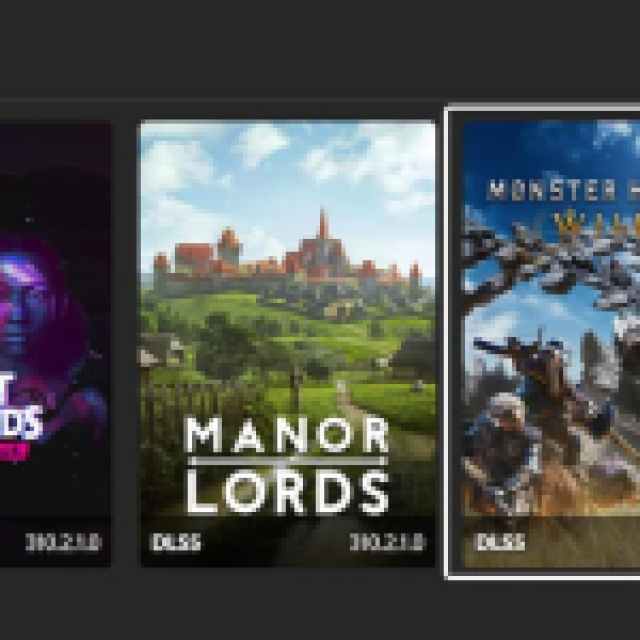

- You can set the filter at the top right to “Hide games with no swappable items”. This will only show games that have some DLSS or FSR implementation.
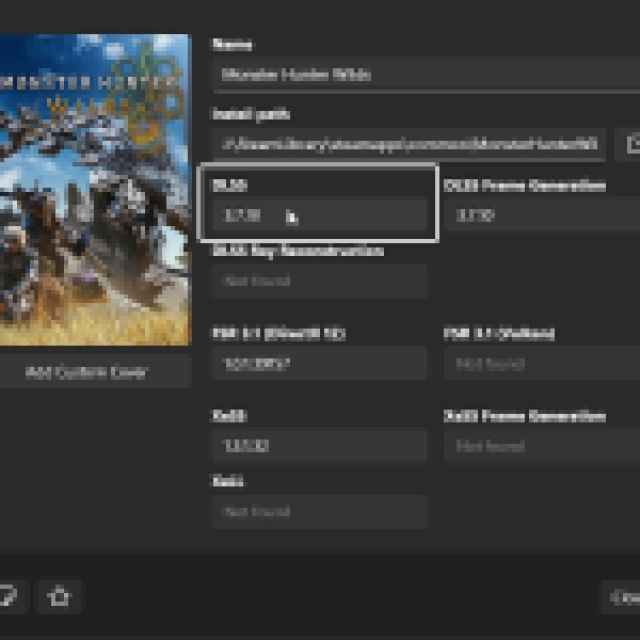
- Now, click on Monster Hunter Wilds to open a window.
- Select the value under DLSS, which is 3.7.10 by default.

- Now, choose the latest DLSS version, which is v310.2.1 (This is the latest DLSS 4 version currently available)
- You’ll have to click the download button on the right first, and then select Swap
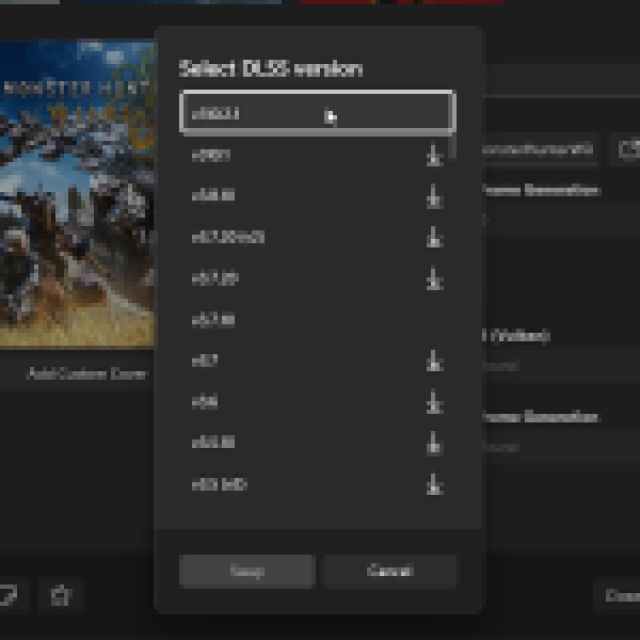

Once you hit swap, the DLSS version will be updated to the latest version and will be reflected in the DLSS Swapper app, as well as its in-game overlay. This will produce a much better image result, especially if you’re playing at 1440p, or even a lower resolution like 1080p.
We highly recommend updating the DLSS version for a far better visual experience in Monster Hunter Wilds. You can also download the high resolution textures pack for the game if your GPU can handle those.


