
Indiana Jones and the Great Circle Complete Controls for PC and Controller
Press F to whip!

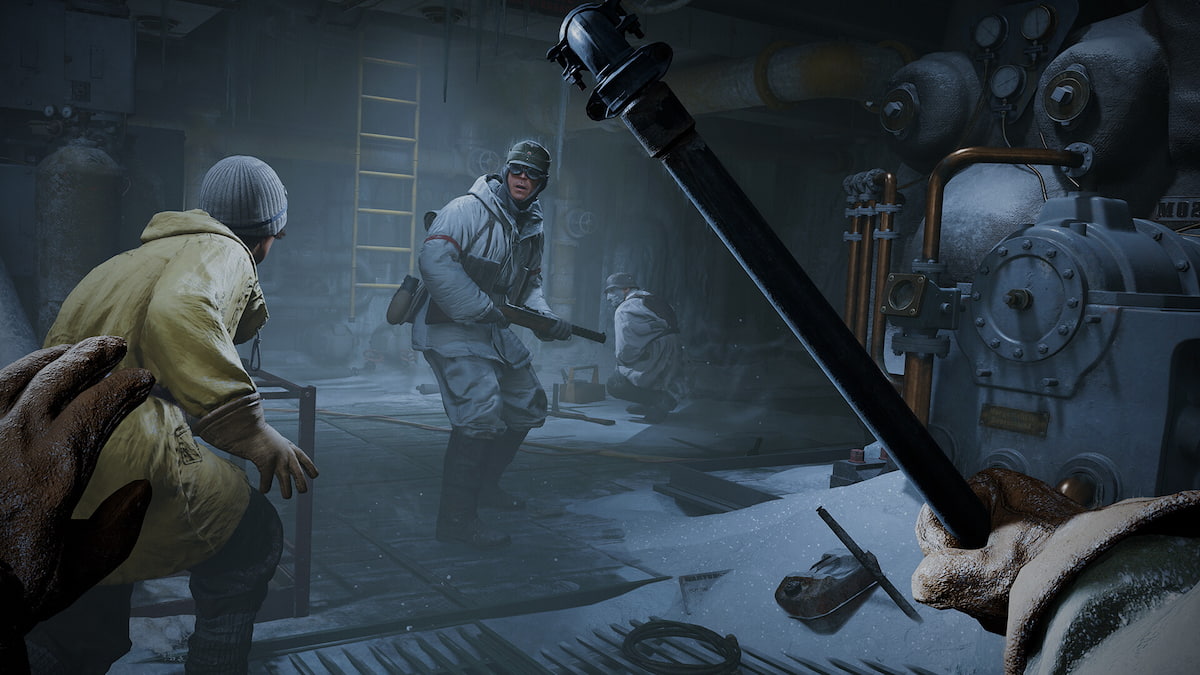
Indiana Jones and the Great Circle is now available on PC, consoles, and Xbox Game Pass. MachineGames have outdone themselves with a first-person adventure that combines parts of the Hitman and Dishonored series with the tone and wit of the original Indiana Jones trilogy. Indy can whip, shoot, and throw objects at oblivious guards, and it works well whether you’re playing on a controller or keyboard and mouse. Here are the complete controls for Indiana Jones and the Great Circle Complete for both input types.
Indiana Jones and the Great Circle Complete Controls for Controllers
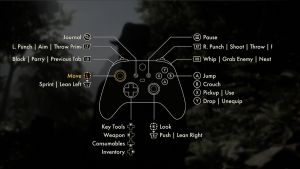
Here are the default controls for Indiana Jones and the Great Circle whether you’re playing on an Xbox or PlayStation controller.
| Action | Xbox | PlayStation |
|---|---|---|
| Movement | Left Stick | Left Stick |
| Look | Right Stick | Right Stick |
| L. Punch | Aim | Throw Prime | LT | L2 |
| Block | Parry | Previous Tab | LB | L1 |
| R. Punch | Shoot | Throw | Reload | RT | R2 |
| Whip | Grab Enemy | Next Tab | RB | R1 |
| Jump | A | X |
| Crouch | B | Circle |
| Pickup | Use | X | Square |
| Drop | Unequip | Y | Triangle |
| Sprint | Lean Left | LS | L3 |
| Push | Lean Right | RS | R3 |
| Key Tools | D-pad Up | D-pad Up |
| Weapon | D-pad Left | D-pad Left |
| Consumables | D-pad Down | D-pad Down |
| Inventory | D-pad Right | D-pad Right |
| Journal | View Button | Touchpad |
| Pause | Menu Button | Menu Button |

Indiana Jones and the Great Circle Complete Controls for Keyboard and Mouse
Here are the default controls for Indiana Jones and the Great Circle when playing on a keyboard and mouse.
| Action | Input |
|---|---|
| Move Forward | W |
| Move Backward | S |
| Strafe Left | A |
| Strafe Right | D |
| Lean Left | Z |
| Lean Right | C |
| Jump | Space bar |
| Sprint | Left Shit |
| Crouch | Left Ctrl |
| Use | Pickup | E |
| Drop | Unequip | Q |
| R. Punch | Shoot | Throw | Reload | Left Mouse Button |
| L. Punch | Aim | Throw Prime | Right Mouse Button |
| Block | Parry | V |
| Push | R |
| Whip | Grab Enemy | F |
| Journal | J |
| Inventory | Tab |
| Weapon | 1 |
| Consumables | 3 |
| Key Tools | 2 |
| Previous Tab | Q |
| Next Tab | E |
Can you Remap Controls in Indiana Jones and the Great Circle?
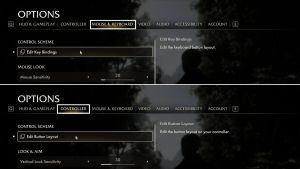
Yes, you can remap controls in Indiana Jones and the Great Circle for both keyboard and mouse, as well as controllers. In addition to the bindings, players can also adjust the dead zones, sensitivity, aim-assist, vibration, and behavior of different gameplay toggles.

This is the type of extensive customization we expect from other AAA releases as well, but if you’re running into any issues with PlayStation controllers in Indiana Jones and the Great Circle, we have you covered.


