
How to Hack Quickly and Stop Disposal in Rivage
A race against the clock


This puzzle is a true race against time, as you need to complete everything in under 2 minutes or restart the loop all over again. The hacking puzzles also have a lot of RNG, so it can feel quite frustrating. Here’s how to hack the disposal computer and solve the USB puzzle.
Note: It’s easier to track the time by scanning the schedule inside Rafael’s Locker in the Pod Bay.
How to Hack Rafael’s Computer Fast
You have 90 seconds to complete the hacking minigame, as you have only two minutes between waking up and the ACEBIN ejection in the Garage. The key here is to be as fast as possible.
Hacking requires you to navigate from the desktop to the exploit(yellow key) and then to the exit. Each move costs you a bit of health. The key to solving this quickly is to use the Backdoor protection effectively. Each Backdoor charge will negate any damage you take for one block. Use this to overcome obstacles such as the 10-damage blocks.
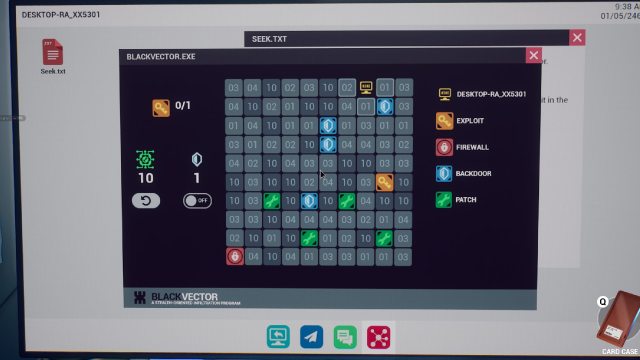
With a bit of trial and error, you will be able to solve these fast enough to make it to the Garage in time. Furthermore, once you travel on a block, you can move freely to it, so you can move more than one space at a time. Complete your two hacks and disable the software in the garage.
Retrieve Key from Garage
You have to use the Garage door in the Kitchen to reach the Garage, instead of through the Pod Bay, as this lets you save both time and power. Head towards the ACEBIN and press the button above the panel to open it. Once open, quickly grab the key inside it and run back to the Kitchen.
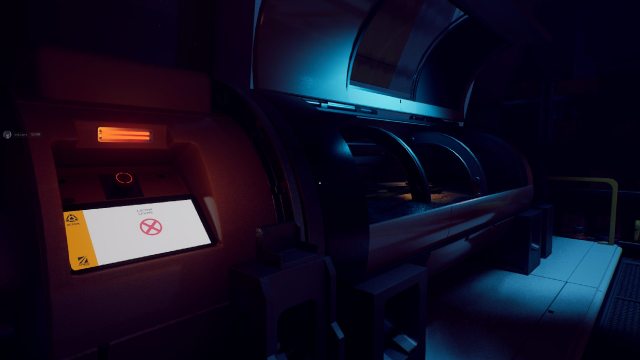
Retrieve USB from Kitchen
Once you have the key from the Garage, return to the Kitchen disposal bin and quickly open it. If you were fast enough, you can salvage the USB before it burns. However, the time scramble still isn’t over. Now take the power cell from the box in the Kitchen and get one more unit of power. You’re going to need it.
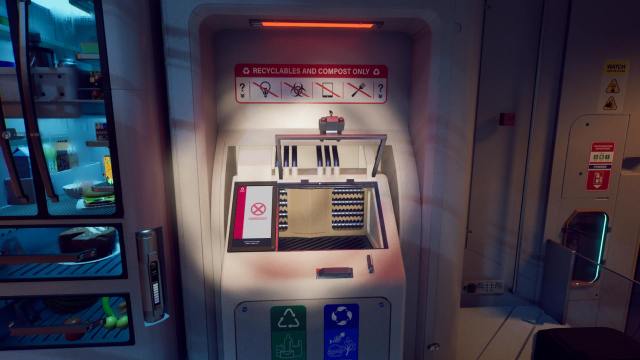
Stop the Virus Upload
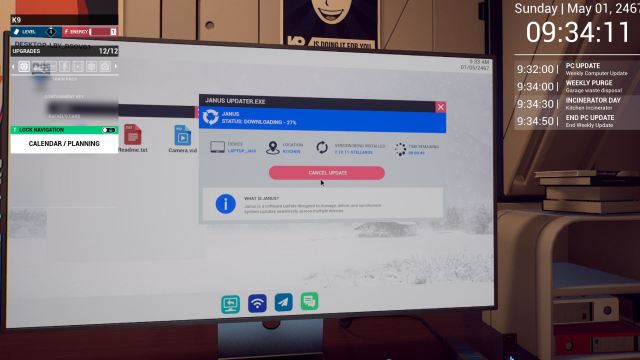
With the Power Cell inserted, head to the lobby and insert the USB into the computer here. Before checking out any of the files, stop the scheduled software update using the Janus Updater. Now feel free to check out the remaining files on the USB.
Check the Laptop
Return to the kitchen and use the touchpad in the middle to navigate to the Robotics area. You’ll notice that Kim’s previously bugged laptop will work now. You can now access the contents on the laptop and progress the main story.
For more guidance, check out the main guide to see where to go next.


