
The Sims 3 Generations Guide Essentials Family Enhancements
Children
No longer do adult Sims have all the fun. Children receive a wealth of new features and objects that enhance their lives, from treehouses to Imaginary Friends.
Boarding Schools
Children and teens can be enrolled in boarding schools rather than the school venues in town.
Boarding schools are expensive, but they take the management of the younger Sim (including homework) out of daily activities.
While away at school, children and teens pick up traits and skills related to the school they attend.
There are several possible boarding schools, each with specific possible traits and skills.
To enroll a student in boarding school, click on a computer and choose the Boarding School interaction. You can then select which boarding school to patronize.
Households can take their children out of boarding schools at-will. (In fact, some parents receive prompts to do so if they start missing their kids).
Removing a student is handled via the computer.
| Boarding School | Tuition Cost | Traits Typically Learned at School | Possible Negative Traits Acquired at School | Skills Possibly Learned at School | Career Recommended Following Graduation |
|---|---|---|---|---|---|
| Smuggsworth Prep School | 1,600 | Ambitious, Snob, Charismatic | Couch Potato, Slob, Easily Impressed, Inappropriate, Rebellious | Logic, Writing, Charisma, Chess (Hidden Skill), Homework (Hidden Skill) | Business, Political, Medical, Journalism, Writer (Self-Employed) |
| Fort Starch Military School | 800 | Neat, Handy, Good, Brave, Disciplined | Loser, Slob, Couch Potato, Over-Emotional, Clumsy, Insane, Party Animal, Inappropriate, Rebellious | Logic, Athletic, Handiness, Homework (Hidden Skill), Martial Arts (World Adventures) | Firefighter (Ambitions), Military, Law Enforcement, Criminal |
| LeFromage Art School | 1,200 | Virtuoso, Artistic, Dramatic, Charismatic, Photographers Eye (World Adventures), Star Quality (Late Night), Saavy Sculptor (Ambitions) | Can't Stand Art, Couch Potato | Dancing (Late Night—Hidden Skill), Club Dancing (Late Night—Hidden Skill), Piano (Late Night), Bass Guitar (Late Night), Guitar, Drums (Late Night), Painting, Charisma, Sculpting (Ambitions), Photography (World Adventures) | Music, Stylist (Ambitions), Interior Designer (Ambitions), Nectar Maker (World Adventures), Painter, Photographer (World Adventures), Sculptor (Ambitions), Writer (Self-Employed), Film (Ambitions) |
| School of Peace and Love | 800 | Loves the Outdoors, Artistic, Green Thumb, Vegetarian, Eco-Friendly (Ambitions) | Mean-Spirited, Hates the Outdoors, Snob | Cooking, Gardening, Fishing, Inventing (Ambitions), Nectar-Making (World Adventures) | Science, Culinary, Bookstore (Part-Time), Fishing (Self-Employed), Gardener |
| Dribbledine Sports Academy | 1,200 | Athletic, Loves the Outdoors, Handy, Adventurous (World Adventures), Disciplined (World Adventures) | Loser, Slob, Couch Potato, Clumsy, Hates the Outdoors, Rebellious | Athletic, Handiness, Martial Arts (World Adventures), Foosball (Hidden Skill), Homework (Hidden Skill), Trampoline (Ambitions—Hidden Skill) | Professional Sports, Law Enforcement, Criminal, Firefighter (Ambitions) |
While Sims are away at boarding schools, they are inactive in the household. However, Sims can make and receive calls with the enrolled student.
To call an enrolled student, click on the child’s portrait in the Relationship panel and choose Chat.
Some conversations result in the child asking for extra money, but others result in a nice payout for the household because the student won an award.
Traits and Skills
As mentioned, each boarding school offers a set of learnable traits and skills. Boarding schools also tend to remove negative traits and replace them with positive traits.
Each day the student is at boarding school, the chance of removing a negative traits grows. Children can have one negative traits removed. So can teens.
If you leave a student in school through child and teen transitions, two negative traits may be removed.
When students age up at school, either from child to teen or teen to young adult, they automatically get a positive trait.
Aging and Graduation
When a student ages up from child to teen, you can either bring the teen home or leave them enrolled at the boarding school.
When a teen ages up to young adult, they must leave boarding school.
When the teen comes home, you receive a message letting you know which traits and skills have been acquired, any bad traits that were removed, and what careers are likely to be the most successful for the graduate.
Imaginary Friends
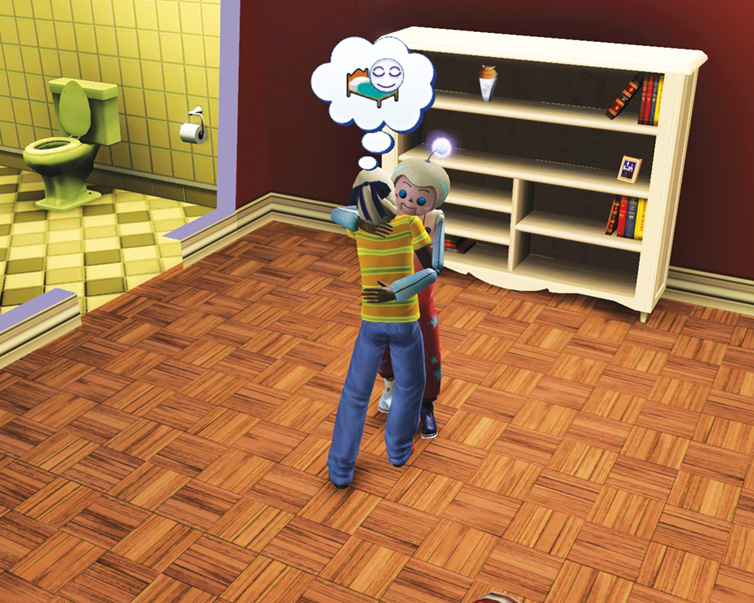
Most The Sims 3 expansions introduce a special character that can become part of the household. World Adventures let you bring home a mummy. Late Night introduced vampirism.
Ambitions allowed you to build your very own SimBot. Generations extends this concept to the child age group with the all-new Imaginary Friend.
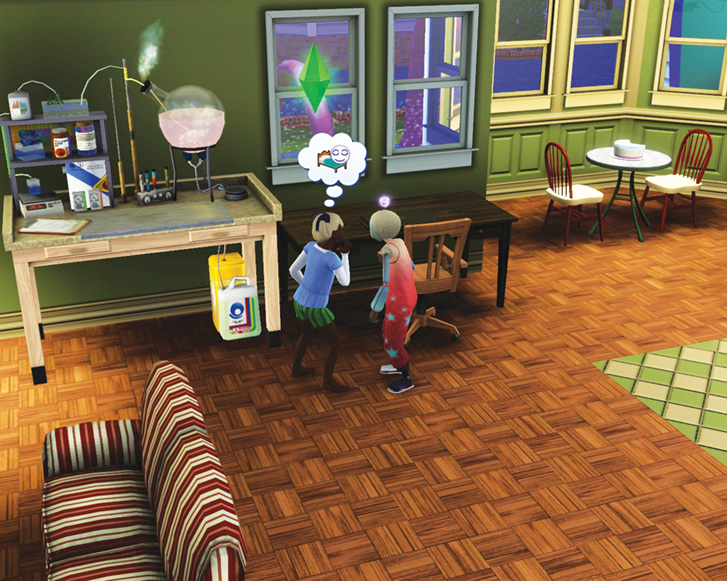
Child view
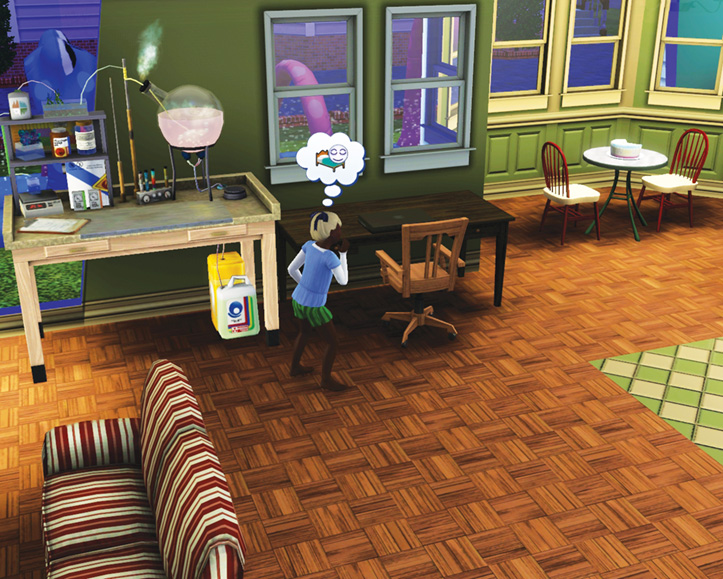
Adult view
The Imaginary Friend is a special playmate that only children in the household can see. If the child Sim is active, you can see the Imaginary Friend walking around the house.
Children can also interact with it. However, if you click on a teen or older Sim, the Imaginary Friend vanishes.
There is, though, a way for everybody to see the Imaginary Friend... but more on that in a moment.
Getting an Imaginary Friend
The friend starts “life” as a doll, which the household receives when there is a new baby—either through conception or adoption.
A message will typically pop up saying a special package has arrived from an aunt or uncle.
Collect it from the mailbox. This places the toy in the toddler’s inventory.
To play with the doll, you need to place it on the lot. You cannot place the doll in the toy box. However, you can place it in a crib or on a bed.
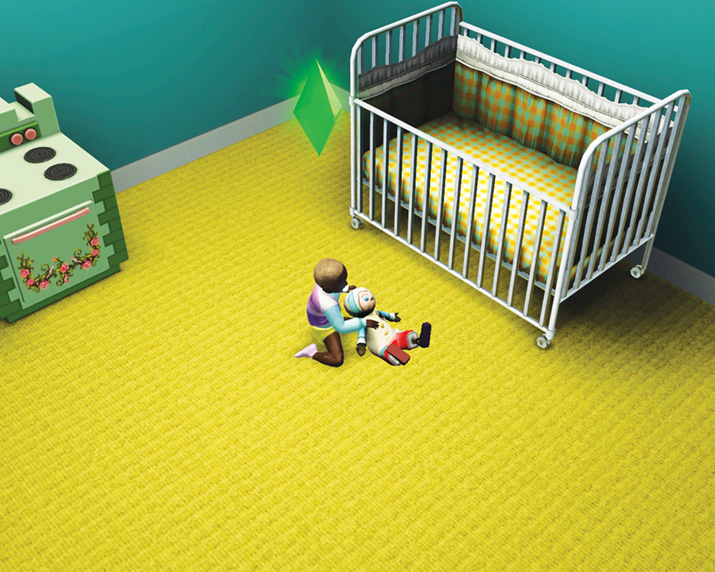
The doll has a number of interactions available only for the toddler, such as Play and Sing.
Autonomous toddlers will perform these interactions on their own, but you should always encourage the toddler to play with the doll whenever not attending to needs such as Hunger and Hygiene.
Singing, cuddling, and playing with the doll builds “relationship” with it, although this is not a metric you can monitor. You just have to feel it.
To be on the safe side, interact with the doll as much as possible during the toddler age.
If you play with the doll enough as a toddler, it will turn into an Imaginary Friend when the toddler ages up to child. Cool!
Now what?
Life with an Imaginary Friend
Once the toddler ages up and the doll becomes an Imaginary Friend, you can watch it wander around the house whenever the child that “owns” it is the active Sim.
The Imaginary Friend looks like a doll made real. You do not have direct control over it, but the child Sim can still interact with it.
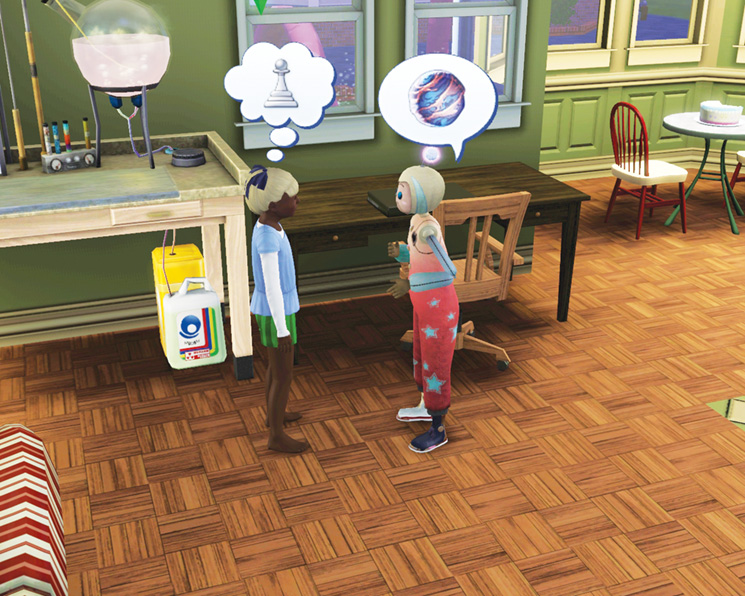
Now that the Imaginary Friend is a part of the child’s life, there are several things to do with it. Children can socialize with the Imaginary Friend, using socials from groups like Friendly, Funny, and Mean.
Socializing with an Imaginary Friend is important because you still need to build and maintain a relationship.
If you ignore the Imaginary Friend for too long, there is a chance it will turn back into a doll. If that happens, don’t worry.
Just have the child apologize to the doll and it will turn back into an Imaginary Friend. Just be sure to keep up that socialization so it will remain an active Imaginary Friend.
To monitor the relationship status between a child and the Imaginary Friend, use the Relationships tab.
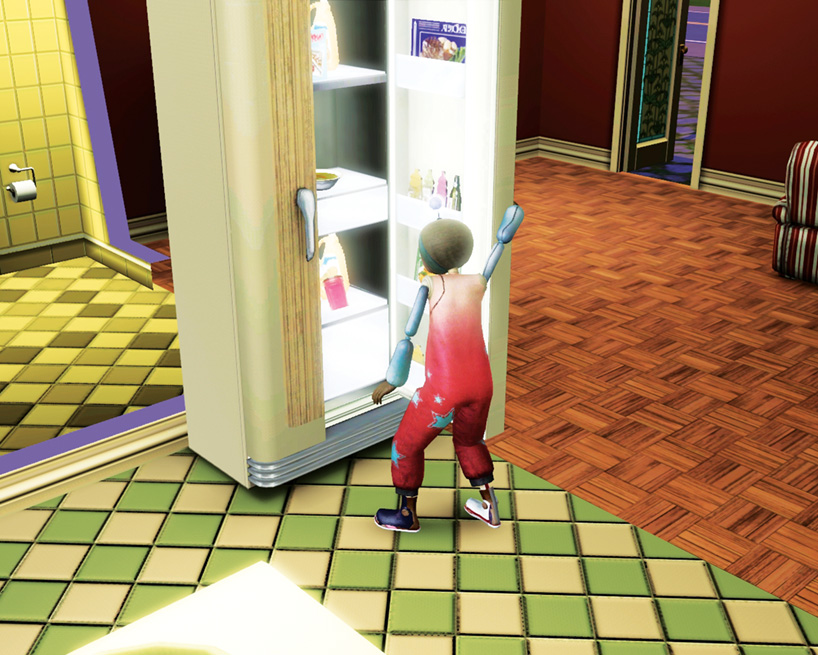
In addition to socials, children can also ask the Imaginary Friend to fetch them a snack or clean up a mess for them.
And because the Imaginary Friend tends to hang out around the child at all times, there is a Shoo interaction for getting a little solo time.
You can also tell the Imaginary Friend to Leave Me Alone. The dejected Imaginary Friend goes back to the bedroom and reverts to a doll.
You need to apologize if you want it to turn back into an Imaginary Friend.
Imaginary Made Real
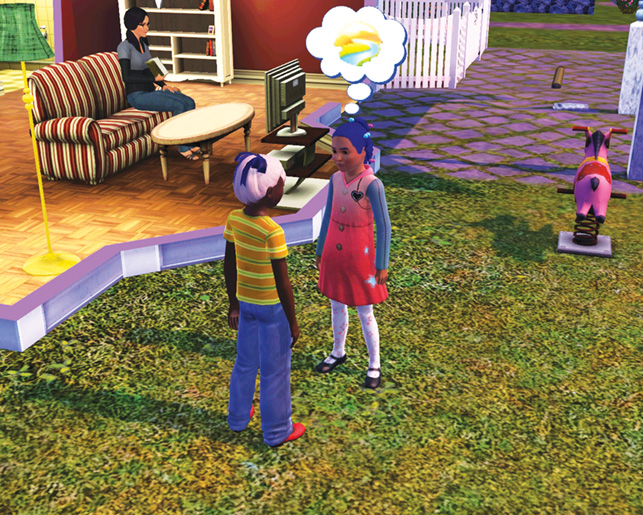
Other Sims in the household may find it adorable that the child is talking to nobody in particular, but the Imaginary Friend is very much real for the child.
You can show the rest of the household that the child was actually serious about the Imaginary Friend by making it into a real Sim who joins the household.
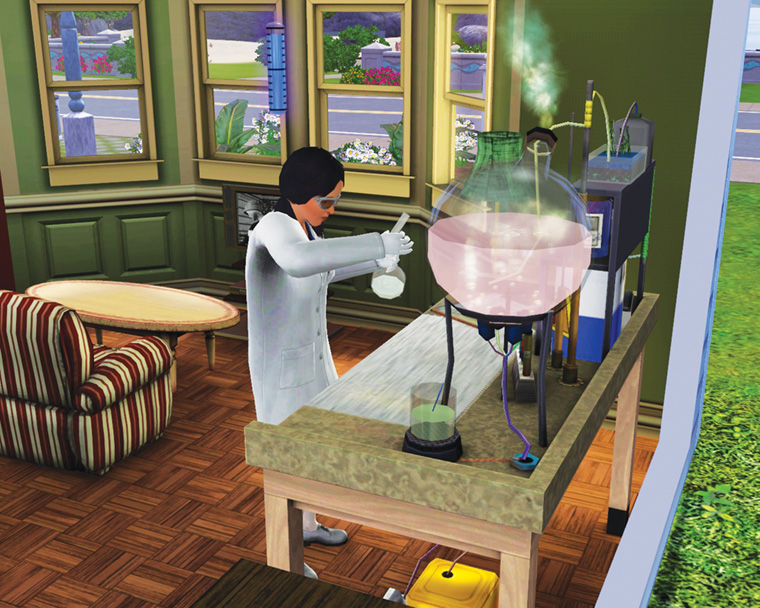
There are two ways to make an Imaginary Friend into a real Sim. The first is via a potion created at the chemistry lab. This requires a Sim in the household to have developed the Logic skill to level 8.
Then a Sim must discover the Imaginary Friend Metamorphium potion. Once it’s discovered, a sample of it goes into the chemist’s inventory. (Future doses can be created for §4,500.)
Then, give the potion to the child. The child can then gift it to the Imaginary Friend if they maintain a high enough relationship.
If that’s now possible, click on the Imaginary Friend and use the new Offer to Make Real interaction.
The child gives the Imaginary Friend the potion. The Imaginary Friend drinks it and—voila!—it’s now a Sim.
The Sim is a member of the household and you have direct control over it.
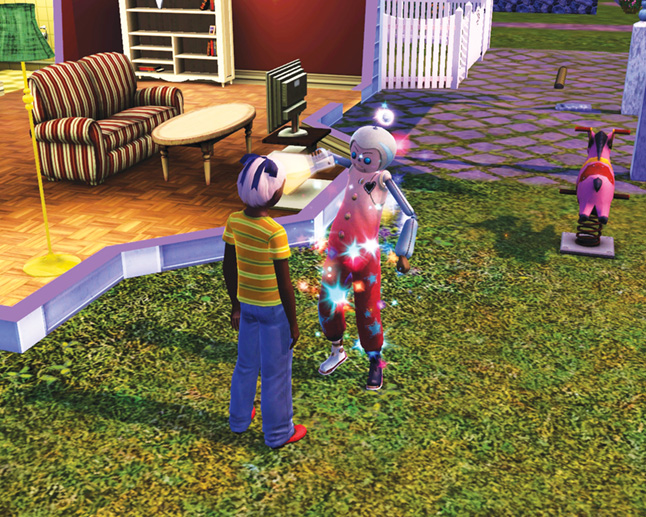
Before
After
The second way to turn an Imaginary Friend real is through a special opportunity. If no member of the household can create the potion, the When Dreams Come True opportunity is pushed on your household.
This requires somebody in the household to bring a Rainbow Gem to the science facility, which will then be turned into the Imaginary Friend Metamorphium potion.
Once the Imaginary Friend turns real, everybody in the household can see him or her.
The new child will develop its own favorites and traits. (If there are undesirable traits, consider sending the child to boarding school for a little education and trait-changing.)
Now you have direct control over the new addition to the household.
However, there is not an immediate bond between the new child and the adults in the household—remember, this is not a familial relationship.
So, you must build the relationship between the (formerly) Imaginary Friend and the other Sims in the household.
Playing with Furniture
Children love to use their imagination to go on make-believe adventures with household furniture. For example, while an adult sees the tub as someplace to scrub up and get clean, a child views it as a submarine.
Here are the four imagination opportunities for kids around the house.
Having make-believe interactions with furniture satisfies the Fun need.
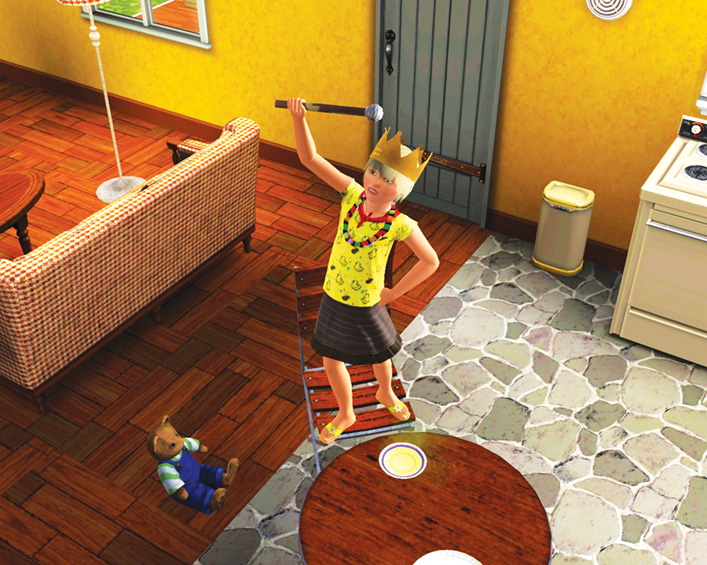
Dining Chair/Table: Children can use Preside Over Royal Court on a dining chair linked to a dining table.
The kid puts on either a kingly or queenly costume and then stands at the table, giving proclamations to make-believe subjects.
At the end of the interaction, the child has the King/Queen for a Day moodlet.
Bath Tub: Why take a bath when you can go on a Submarine Adventure? The kid hops in the tub, goes up-periscope, and has a grand old time splashing about.
After tub time ends, the kid has the Submarine Adventure moodlet.
Teddy Bear: Children love to Host Tea Party on the teddy bear (or doll) objects. When this make-believe activity is initiated, the kid gets some juice from the fridge and gives it to the bear.
At the end of the little party, the child enjoys the Fantastic Tea Party moodlet.
Sofa or Loveseat: Children can now use the Go for Joyride interaction on a sofa or loveseat.
Kids don sunglasses, hop on the sofa, and then put their hands up to grip an imaginary steering wheel.
Other children in the household may join the “driver.” At the end of the fun, the kid gets the Went for Joyride moodlet.
Slumber Parties
Children and teens can throw a new type of party: Slumber Party. Children and teens use the phone to invite friends to the slumber party (guests must be in the same age group as the host).
There is no dress code for the party. Guests arrive in everyday clothes. When it’s time for bed, kids automatically put on their sleepwear and start looking for a place to lie down.
If there’s floor space, out come the sleeping bags. Guests will also sleep in available beds, on the couch, in a tent, or in a treehouse.
Slumber parties are similar to regular parties. Refreshments and entertainment are needed, but space is also important.
If there is not enough space for all of the invitees, some will leave early and the party score takes a dive.
Objects
Children (and families) have several new objects they can use for fun and socialization.
Treehouses
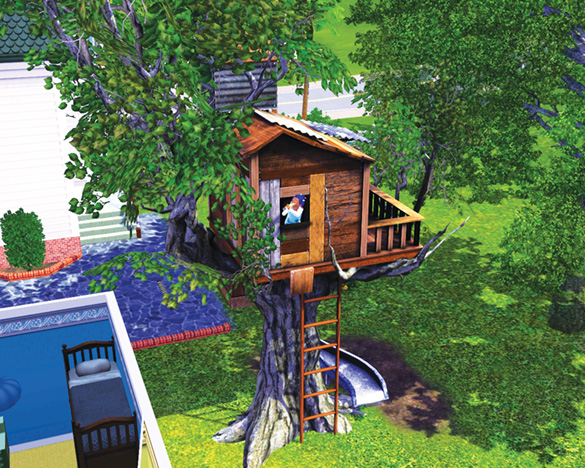
There are three new treehouses you can place on your lot for children to use. The treehouse object is the same size as a large tree, but there’s an elaborate treehouse built within its branches.
Sims enter the treehouses via ladders. You cannot see inside the treehouse, but kids tend to poke their heads out when they play.
Children can play make-believe in a treehouse. Depending on which of the three treehouses you purchase, there are different interactions: Fight Pirate Invaders, Hold Great Feast, and Explore New Worlds.
Children can also play on slides, take naps, and invite other children up into the treehouse. You can even give treehouses a new name with the Give Name interaction.
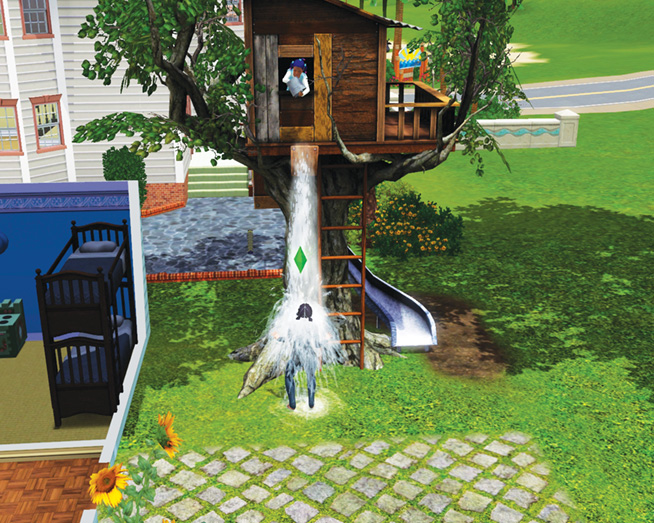
Children also have a prank-like interaction: Dump Water. When you select this interaction, you then choose which household Sim is about to get wet.
The Target Sim goes out to the treehouse when the child calls out for them.
As the Sim approaches, the child dumps a bucket of water on them. The Target gets the Soaked moodlet. Even though the child thinks this is hysterical, there is a slight LTR hit for this prank.
Costume Chest
The new Dreamer’s Costume Chest object lets children dress up in special outfits and have fun playing make-believe. There are three costumes: dinosaur, astronaut, prince/princess.
To put on a costume, click on the chest and choose the Put On interaction. Once the costume is on, click on the child and use the new Play Pretend interaction.
The child then earns Fun by playing in the cute outfit.
Hopscotch
You can purchase a new Hopscotch Court object in Buy Mode and then place either indoors or outdoors. Sims aged child and up can then either practice or play hopscotch with other Sims or by themselves.
There is a hidden Hopscotch skill that improves the more Sims practice or play hopscotch. So, at first you will see Sims stumble on the court. But over time, their jumps turn surer.
They soon start winning games, which can also fulfill a wish.
Water Slides
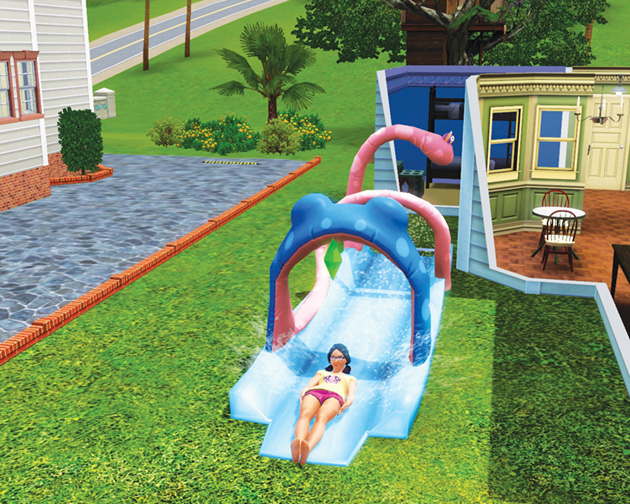
A new water slide object provides a great deal of fun. When the water slide is placed on the lot (outside only), Sims can then use the Slide interaction to start having fun.
Up to four Sims can play on the slide together, each taking turns.
Playground Rides
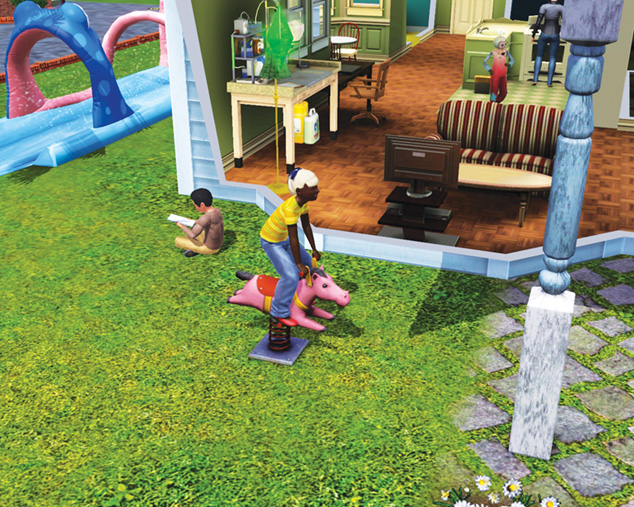
Children love to play on the new playground rides, such as a little plastic horsie that rocks back and forth.
The ride lights up and makes sound effects, which delights that child and satisfies the Fun need.
Bunk Beds
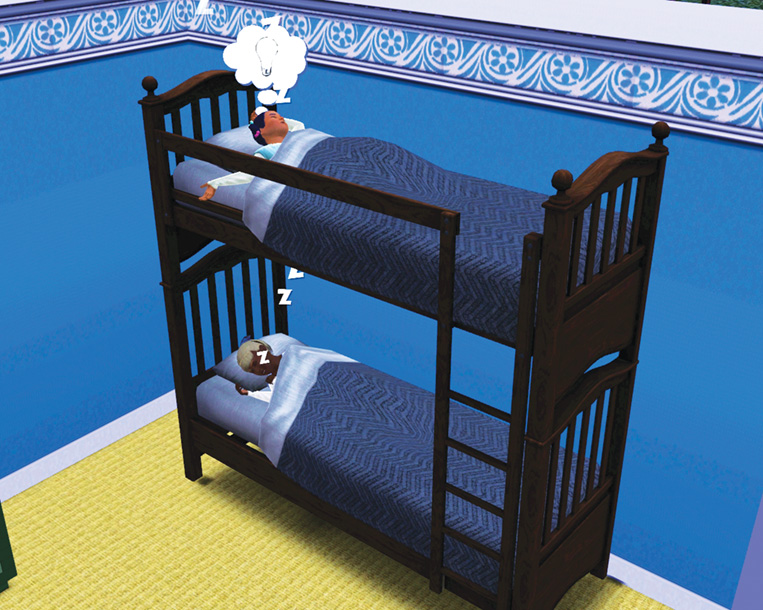
Bunk beds are a new variation on regular beds. They have the same interactions—such as relax, sleep, and nap—but now there are ownership issues with each bunk.
Children and teens tend to like their preferred bunk. When both bunks are occupied, Sims can chat with each other (satisfies Social and Fun needs plus gains LTR).