
How To Switch to the Manor Lords Beta Branch on Steam
Early EARLY access!


Manor Lords launched in early access last year and has since gone through several major updates including an engine switch to Unreal Engine 5. Before each major update, players can try out the new features, systems, balancing changes, and content by accessing the Beta branch on Steam. This allows players to discuss the new content and provide valuable feedback before everything is added to the main build. Here is how you can switch to the beta branch of Manor Lords on Steam.
Switch to the Manor Lords Beta Branch
Before switching to the Beta branch, the developers recommend backing up your local save files to avoid any data loss while you try out the upcoming content.
Manor Lords Save File Location
The save files for Manor Lords can be found in the following location on PC:
C:\Users\[Windows Username]\AppData\Local\ManorLords\Saved\SaveGames
Back up everything in the SaveGames folder for future use.
Switch to the Beta Branch
After backing up the progress, we can easily switch to the beta branch through Steam.
- Open your Steam library and right-click on Manor Lords
- Click on Properties and select the Betas tab
- Here, enter the following code under Private Betas:
veryNiceBasket
- (This code will likely update when a new update goes into the beta branch later.)
- Click the blue button that appears below it, and you will be added to the beta branch.

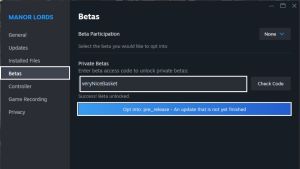
- Steam will download a few more files (around 1 GB in my case) from the beta branch, and you should be ready. If an automatic update does not trigger, restart the Steam client.
- In the Betas tab, the correct beta branch should be selected next to Beta Participation, “pre_release” in this case.
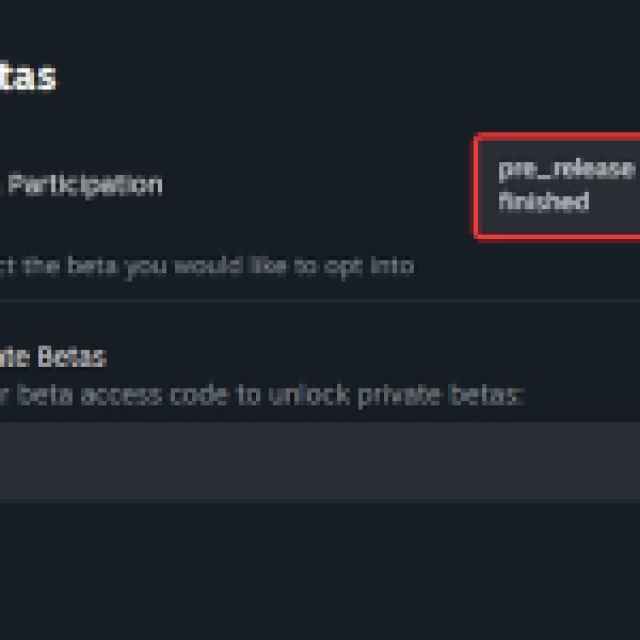
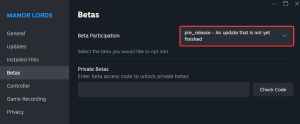
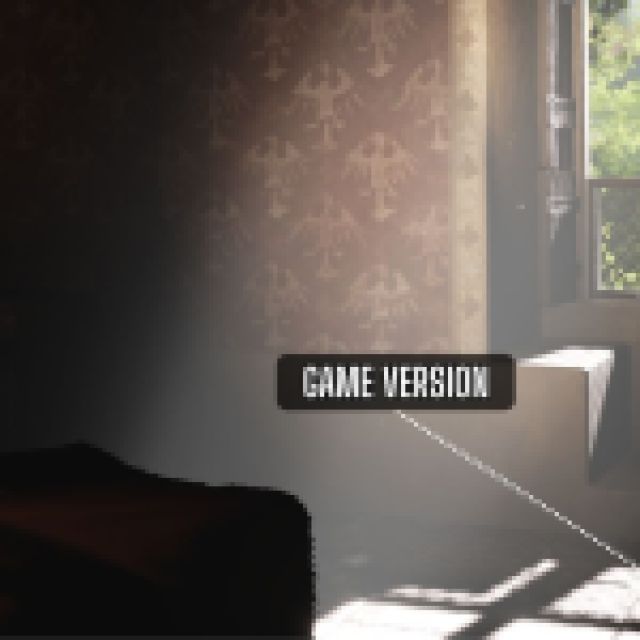
After this, launching the game will show the correct game version at the bottom right in the main menu.

Opt-Out of Beta Branch
We recommend opting out of the beta branch once the update goes live for the main build. This is fairly straightforward, and you want to select “None” in the dropdown next to Beta Participation in the Betas tab for Manor Lords in Steam.
That’s all there is to it and we’re excited to try out all the new systems in the upcoming major update. Whether you’re jumping into the beta branch, or want to wait, make sure to read up on how the Butcher’s Workshop functions to generate sausages!


