
How to Rename Your Character in Warhammer 40K Darktide
Maybe HulkHolgryn wasn't the best choice.

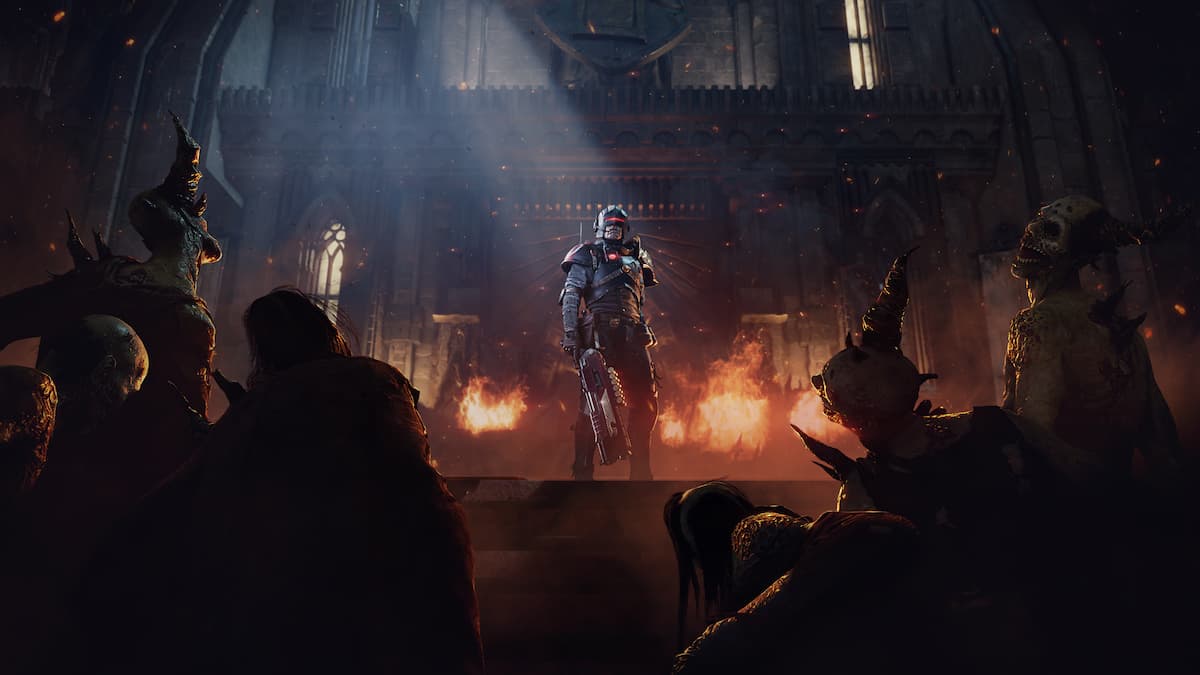
We all have embarrassing character names that we’d like to forget, and that’s no different in Warhammer 40K: Darktide, which lets you create several operatives, each with their own progress. Initially, you were stuck with your chosen name, but things have changed since the barber joined ranks.
Here is how you can rename your characters or operatives in Warhammer 40K Darktide.
Rename Your Character in Warhammer 40K Darktide
You can adjust the appearance, reset the background, and change the name of your characters in Warhammer 40K Darktide by interacting with Barber Chirurgeon in the Mourningstar Hub.
- From the spawn location, make your way to the left side, where you’d normally visit the Commodore’s Vestures and Commissary.
- Barber Chirurgeon has his station there, and you can visit him for customization features that go beyond your weapons and armor sets.
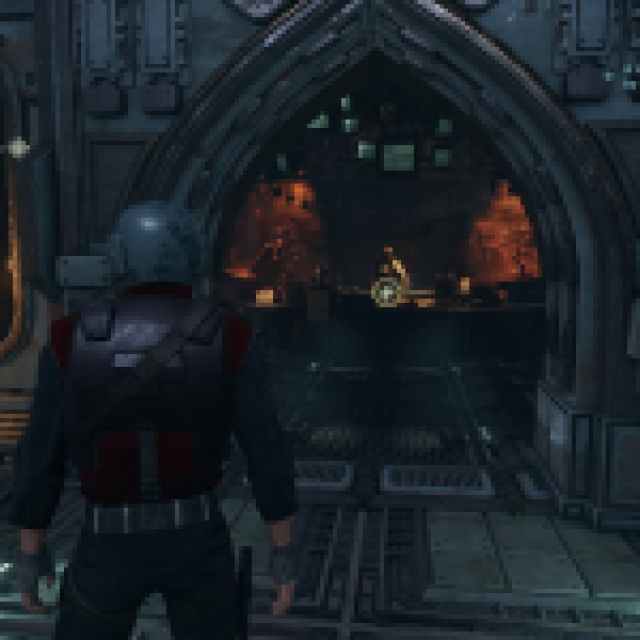

- Approach him and you’ll be given the option to “Modify Appearance” or perform a “Personality Scourge“. To change the name, you’ll need to select Personality Scourge.
- This service costs 50,000 Ordo Dockets, which is a lot, but you’re essentially resetting everything cosmetic about the character as well as their background, so it’s worth it.


This is essentially what you go through when creating a new character, and through Personality Scourge you will be able to modify the following:
- Home World
- Early Life
- Commendations
- Defining Moment
- Appearance
- Personality
- Precinct
- Character Name
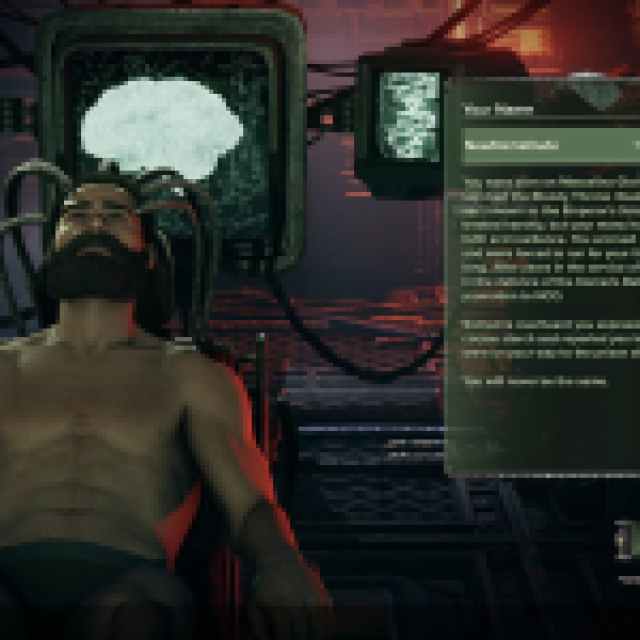

After you’ve decided on the new name, hit complete order at the bottom right, and your operative’s (character’s) name will be changed to the new one.
The price of the service remains the same even after you change your character’s name. I recommend taking the time to think about what you want the character’s new name to be because 50,000 Ordo Dockets isn’t too difficult, but you’d rather spend those elsewhere, like a shiny helmet.
Change Character Appearance in Warhammer 40K Darktide
Similarly, you can change your character’s appearance at Barber Chirurgeon as well. This is a free service, so you don’t need to worry about messing up. Just approach him and select the first option instead. If you’re playing as the Arbites, you’ll see an additional option for the Mastiff as well.
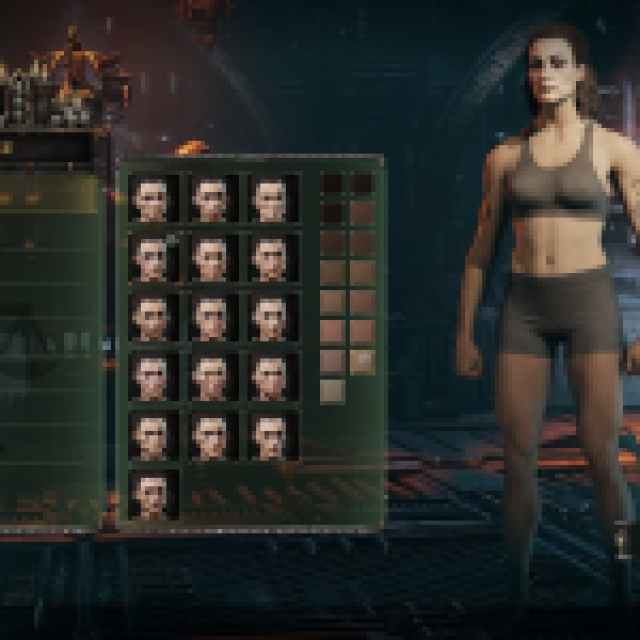

The Personality Scourge option includes changing the character’s appearance as well, but again, that’s more suited for a complete character reset.
Overall, being able to change your character’s name is a useful feature in Warhammer 40K: Darktide, especially if you don’t want to create a new one just to use a different name.


