
How To Invite Players or Join a Session in Hyper Light Breaker
The way it's meant to be played.

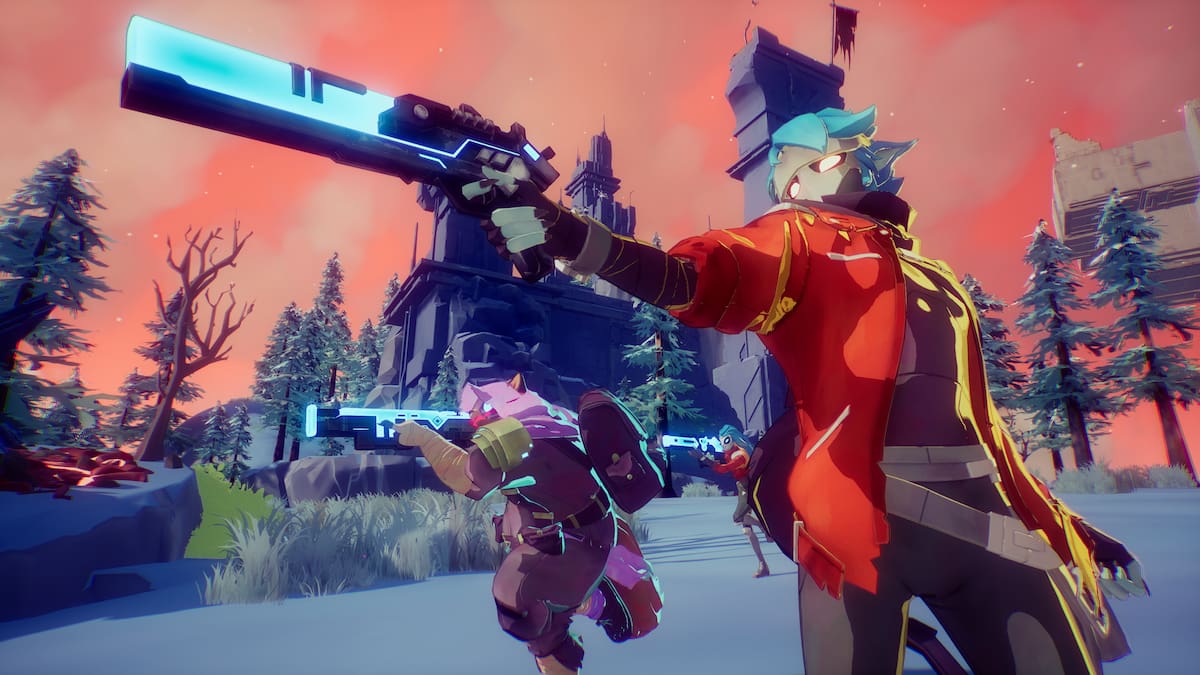
Hyper Light Breaker is a rogue-lite open-world action game from Heart Machine set in the world of Hyper Light Drifter. This early access title is now available on Steam and is built around cooperative play. Inviting players, creating a party, and joining other sessions is something you’ll do quite a bit as you die and respawn at The Cursed Outpost. Here is how the multiplayer aspect works in Hyper Light Drifter, and how you can create parties.
Hyper Light Breaker Co-Op Explained
Co-op play is fairly straightforward in Hyper Light Breaker. In The Cursed Outpost, players can interact with a robot behind a counter in the main hall next to Pherus Bit.

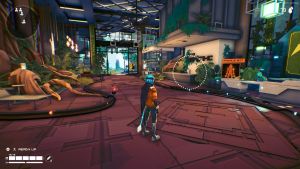
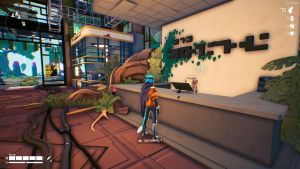
Once you interact with the robot, you can create a party called a “Breaker Team” or join an existing session.
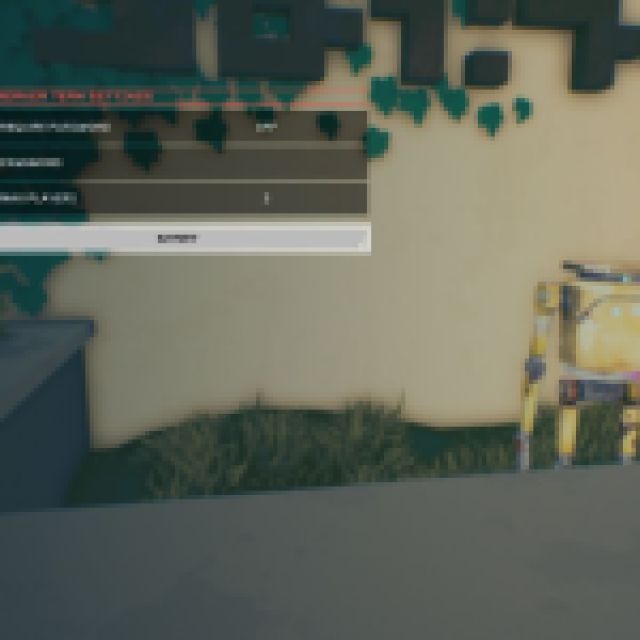
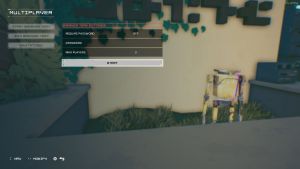
While creating a party, you can set the party size, which requires at least two players and a max of three. Additionally, you can set a password for the party so only players you want to join can access your lobby. Players from your Steam friends list can also be invited. Similarly, while browsing existing lobbies, you can see an icon at the far right which indicates that the party is password protected.
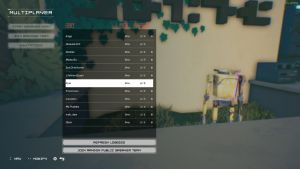
Joining these is pretty simple, however, and once you’re queued up and ready, you can explore the overgrowth together.
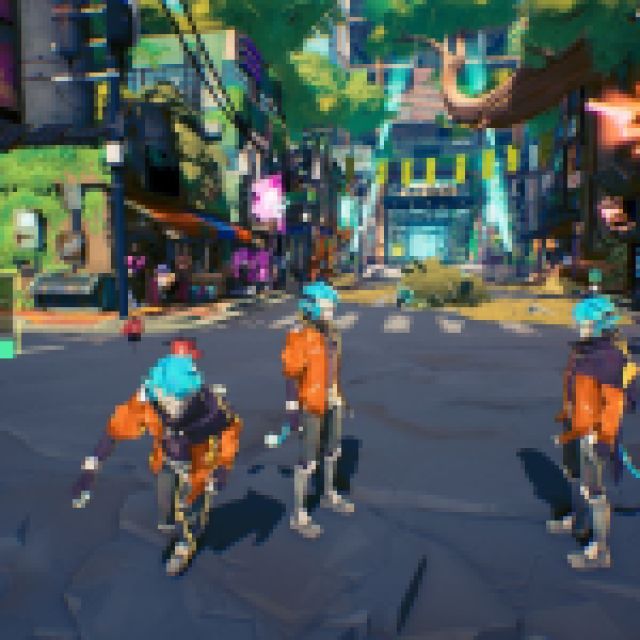
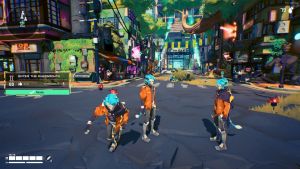
Currently, the ping (latency) displayed is incorrect, but there are bound to be issues like this in an early access release.
How To Ping in Hyper Light Breaker
Since players can’t text or voice chat in Hyper Light Breaker, they’ll either need to communicate externally or use the in-game pinging system. You can ping at different things in the game world using the d-pad right on a controller or the middle mouse button if you’re playing with a keyboard and mouse. This makes in-game communication much easier, though the ping indicator text doesn’t look final.
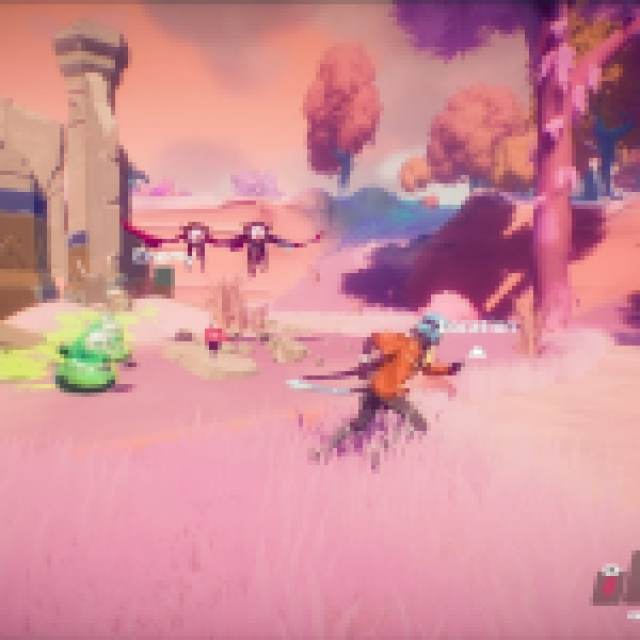
While the game can be played solo, the developers have emphasized that it’s designed with multiplayer in mind. The launch has been a bit rough though which is largely down to performance issues, and a lack of in-game settings to fine-tune the experience.


