
How To Fix the Path of Exile 2 Dedicated GPU Not Detected Issue on PC
This is why you're getting low FPS!


Compared to the original title, Path of Exile 2 is a major jump in terms of visuals, animation quality, and overall presentation. It’s a stunning title that requires beefier hardware to properly run, but it’s very well-optimized at the same time. However, for some laptop users, Path of Exile 2 refuses to default to the dedicated GPU, which results in massively degraded performance, crashes, and stability issues. Here is how you can force Path of Exile 2 to use the dedicated GPU so you get the right performance.
Fixing the Path of Exile 2 Dedicated GPU Not Detected Issue
In the graphics settings of Path of Exile 2, players can check which GPU is being utilized by the game, as well as the output monitor.
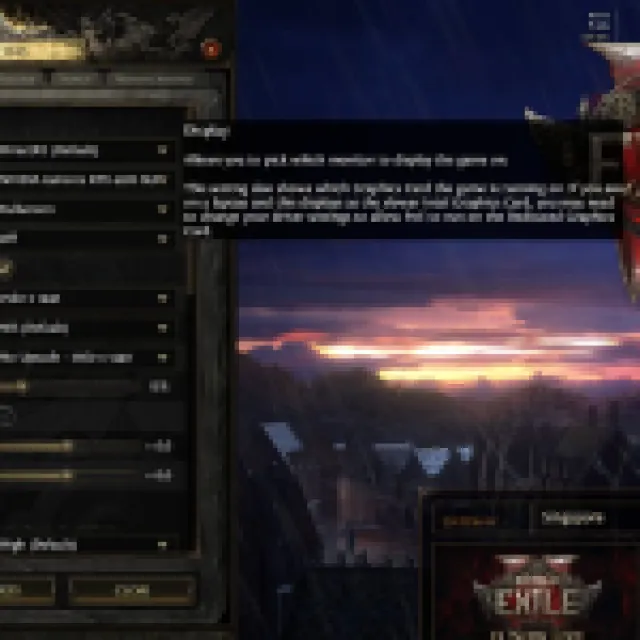
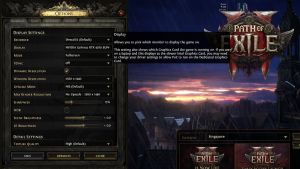
However, if you don’t see the dedicated GPU here, you need to force Path of Exile 2 externally to ensure that it uses the correct GPU. This can be done directly in Windows.
Switch Preferred GPU in Windows
To make sure Path of Exile 2 uses the correct GPU, follow the steps below:
- In Windows Search, type Graphics, and open Graphics Settings
- Under Custom options for apps, select Browse

- Head over to where Path of Exile 2 is installed, and select the PathOfExileSteam.exe executable file, which is around 65 MB in size.
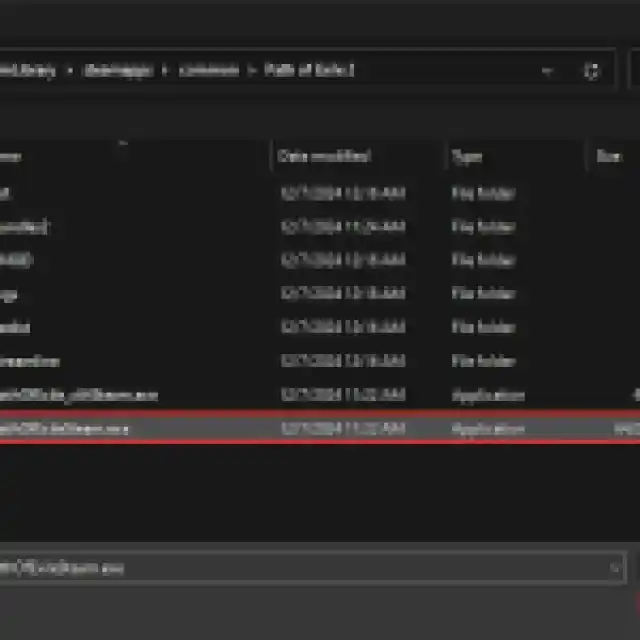
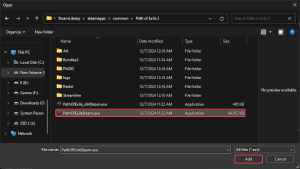
- Now select Options under the PathOfExileSteam.exe in the Graphics Settings menu of Windows
- Here, select “High performance” which should ideally display the correct dedicated GPU.
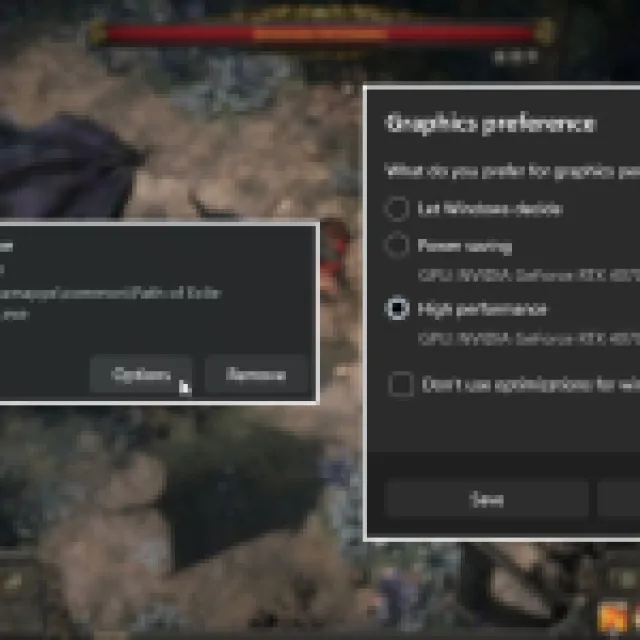
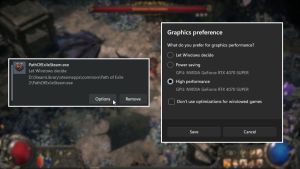
- After that, hit “Save”, and you’re done.
Now when you launch Path of Exile 2, the correct GPU will show up in the settings, and you’ll see improved performance and overall stability.
Update GPU Drivers
If you haven’t updated your GPU drivers in a while, it’s a great idea to do this. NVIDIA has already released game-ready drivers specifically for Path of Exile 2, while AMD has also released a new update.
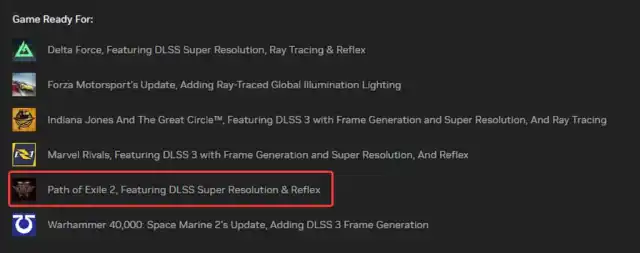
You can download the latest drives from the links below:
If you’re also running into any freezing or crashing in Path of Exile 2, we have a few more tips that can greatly improve the overall experience for you. After you’re in the game though, make sure to find out if you can increase your flask slots, and how to open the map in Path of Exile 2.


