
How To Delete Building Structures in RuneScape Dragonwilds
Why is it hidden away?


Building is a core pillar of any survival game, and RuneScape: Dragonwilds is no different. You’ll craft benches, weapons, lodges, and various other structures both at your base and out in the wild. Building, rotating, and placing the structures is pretty straightforward, but what about deleting them?
Here is how you can delete structures and get your resources back in RuneScape Dragonwilds.
Deleting Building Structures in RuneScape Dragonwilds
Placing a structure in RuneScape: Dragonwilds is pretty straightforward. The required resources will be used from your inventory automatically, but what if you aren’t satisfied with the way you placed them? You can always delete a structure and get the resources back in your inventory. It’s a painless process, and there is no wait time either.
- First, approach the structure you want to delete.
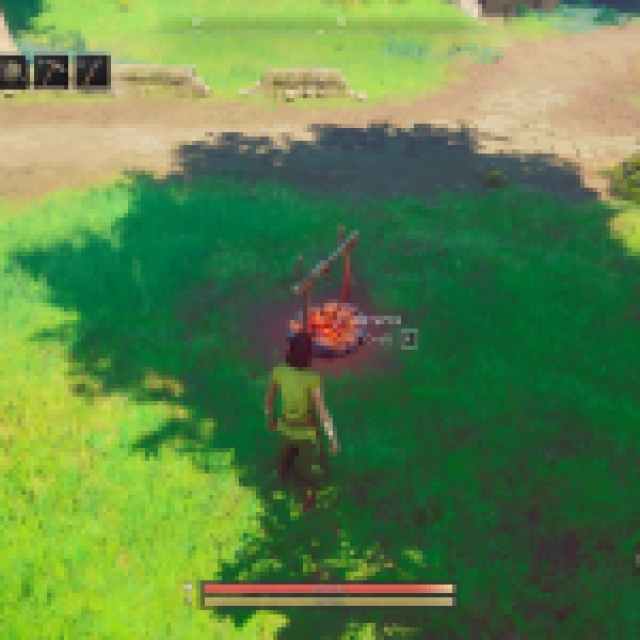

- Press B to enter Build Mode.
- After Build Mode is activated, you need to toggle Repair Mode by pressing T.

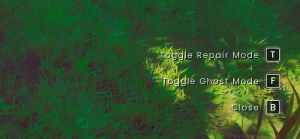
- Now, you can either repair the structure with Left Click or delete it entirely by pressing the middle mouse button.
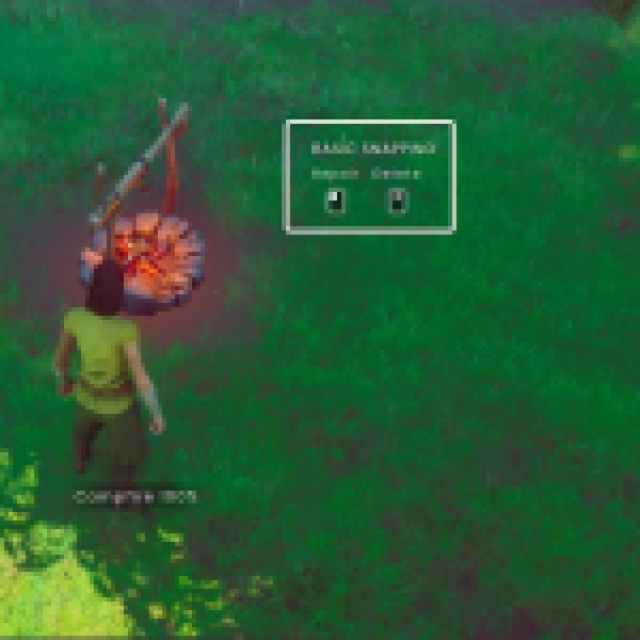

I’m not sure if you get all the resources back every time, but in my tests, I did. This feature is especially handy when you’re out in the wild and need to build temporary structures like campfires or benches. Once you’re done, you can recover some resources instead of leaving them behind.
One thing to note about the delete function is that if you remove a part of a structure that serves as the foundation for connected pieces, the entire structure will be deleted. For example, I used three stair segments to build a longer staircase.
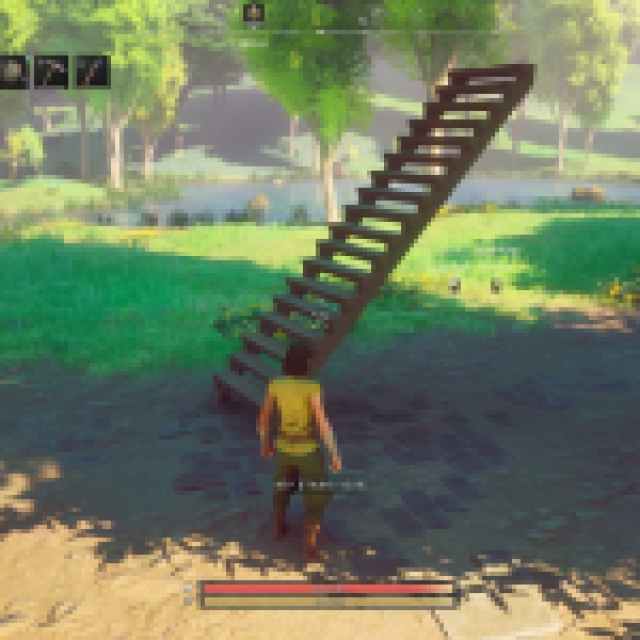
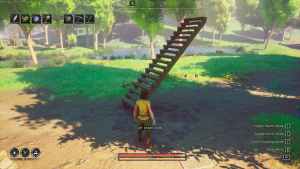
When I deleted the foundation stair segment, the entire structure collapsed and gave me my resources back. Some survival games let you glitch your way to elevated areas, but that’s not possible here.
It’s a bit odd that the delete function is tucked away in repair mode within the build mode, but it works well nonetheless. It takes a few steps to access it, which can be a bit tedious when you’re really deep into creating a larger structure, and I hope that a future update makes it more accessible in the build mode UI.


