
How To Switch to First-Person View in Roadcraft
Immersion++


Saber Interactive is back with RoadCraft, another off-roading adventure, this time with a construction theme involving heavy machinery. Players from previous titles like SnowRunner and Expeditions will mostly feel at home, but if you’re new to the series, there is a lot to go through.
If you want a more immersive view of the world, especially during traversal, you can switch to the first-person mode in RoadCraft, and here is how.
Switch to First-Person View in Roadcraft
If you want an interior view of the vehicle in RoadCraft, you can switch to the first-person perspective by pressing RS / R3 on your controller or C on your keyboard for the cockpit view.
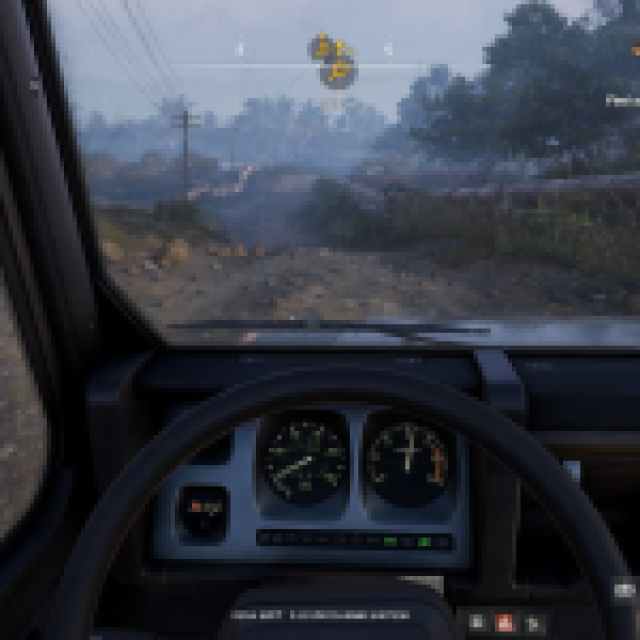
Personally, I find the first-person mode quite immersive for traversal. If you’re used to driving in real life, I can guarantee you’ll be a bit more accurate as well. It just goes to show how much care went into the vehicle simulation and corresponding physics of the environment and objects that you feel even more comfortable and entertained in first-person mode.
That said, when you’re operating heavy machinery, first-person mode isn’t exactly that intuitive in practice. This is because of the insane number of things to account for while operating these giant vehicles, their arms, blades, and various ropes. So, when you’re actually working, I think the third-person mode is the way to go.
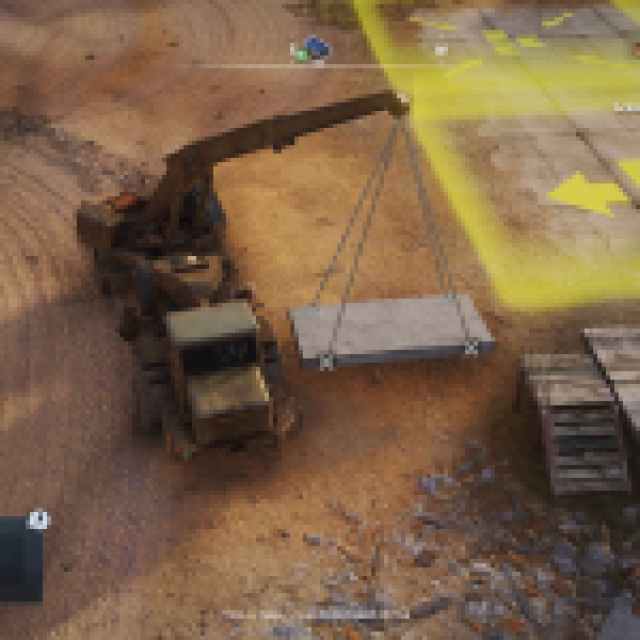
So, my recommendation is to use first-person mode during traversal, but the regular third-person mode during the construction part.
How To Enable Cinematic Camera Mode in RoadCraft
In addition to the first-person mode, there’s also a cinematic camera. To enable the cinematic camera in RoadCraft, hold RS / R3 on the controller or press V on your keyboard.
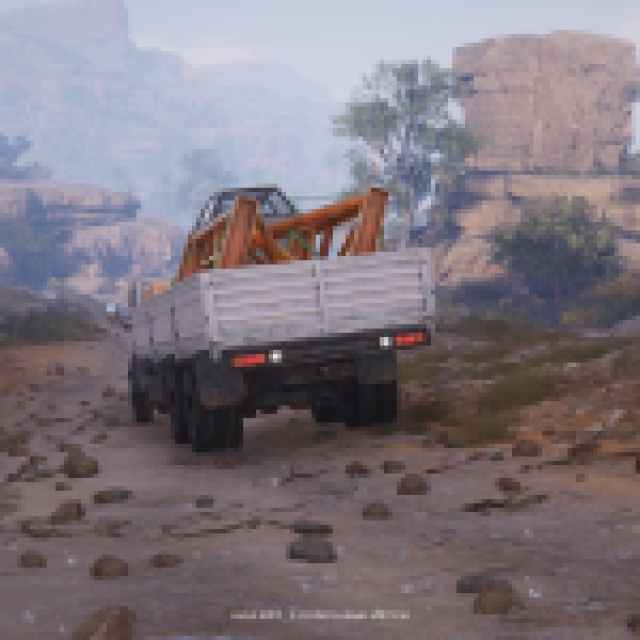
This is something you’ll want to enable while spectating your automated vehicles. It’s surprisingly immersive and reminds me of the cinematic camera in GTA V and Red Dead Redemption 2. Just like those games, it’s all about the journey as you watch your route either unfold perfectly or go completely off track.
You can also switch to cockpit view while spectating, which adds even more immersion. I’d grab a snack while watching your vehicles perfectly follow your designated route, even if it’s completely terrible in reality.
There’s a lot more to RoadCraft than meets the eye, and its seemingly endless depth is only possible thanks to the game’s excellent controls.


