
Workaround for Slay the Spire 2 Text Issue on PC
Not a W.

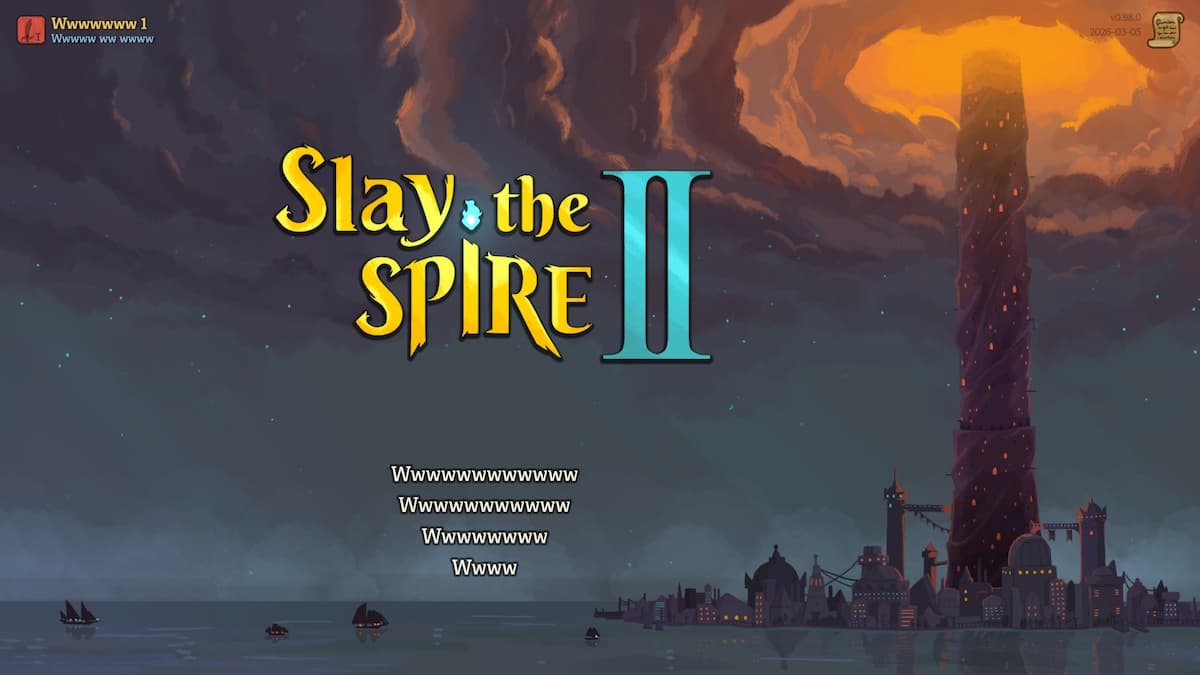
Slay the Spire 2 is out now in early access and is already one of the biggest releases of the year. It’s mostly smooth sailing, but there are a few bugs you can run into. If your text is replaced by a series of Ws, you’re not alone.
Until the developers patch it with a fix, here is a workaround for the Ws text issue in Slay the Spire 2.
Slay the Spire 2 W Text Issue Workaround
Update (March 6, 2026): This problem has been officially addressed by Mega Crit with the day 1 Hotfix.
Fixed unsupported Steam languages showing all text as W's instead of falling back to English
There are two things I recommend doing to fix this for now to fix the Ws text issue, both of which are related to the language.
Set the in-game language to English
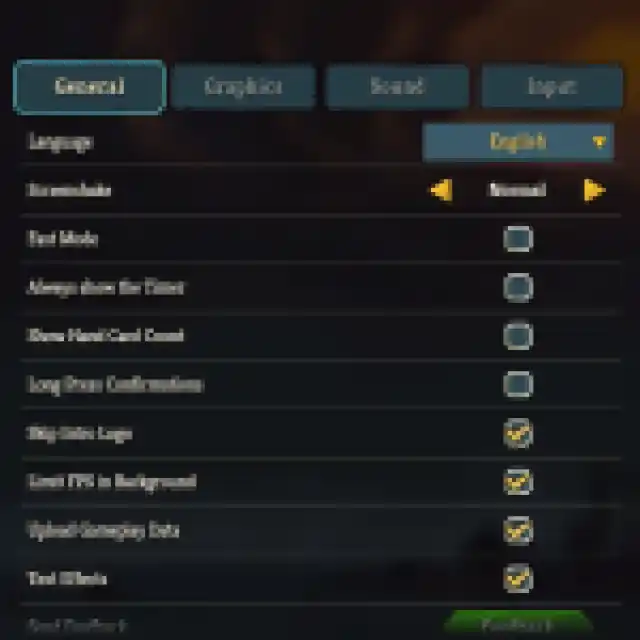
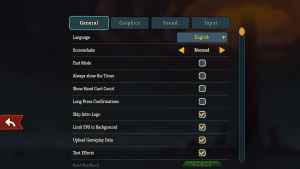
- In the main menu, click the third option, and you’ll see the language drop-down as the top setting.
- Select English from it, and the text should look normal now.
Set the Windows language to English
If the first suggestion didn’t work, you need to set your Windows language to English as well. Simply search language in Windows search and set it to English from the dedicated dropdown.
Multiple users on Steam and Reddit have confirmed that this fixes the issue for them.
Generic Troubleshooting
If you’re running into stability issues as well, I have a few more recommendations.
- Verify game files:
- Open Steam and navigate to your library
- Here, right-click on Slay the Spire 2 and select Properties
- In the Installed Files tab, click on Verify integrity of game files
- This should fix most issues because the game isn’t demanding at all.
- Update DirectX and Visual C++ Redistributables
- Switch to your dedicated GPU if you’re playing on a laptop
- Add the game’s folder to your antivirus list of exceptions or exclusions.
- Update your BIOS, especially if you’re using an Intel 13th or 14th-generation processor
- Make sure that the date and time on your Windows are correct.
- Update Windows to the latest version (1909 or higher).
- Make sure you actually meet the minimum system requirements.
I’m confident that the developers will patch this issue soon, as the game has native support for several languages, not just English.


