
PowerWash Simulator 2 Complete Controls for PC and Controller
Wash with care!

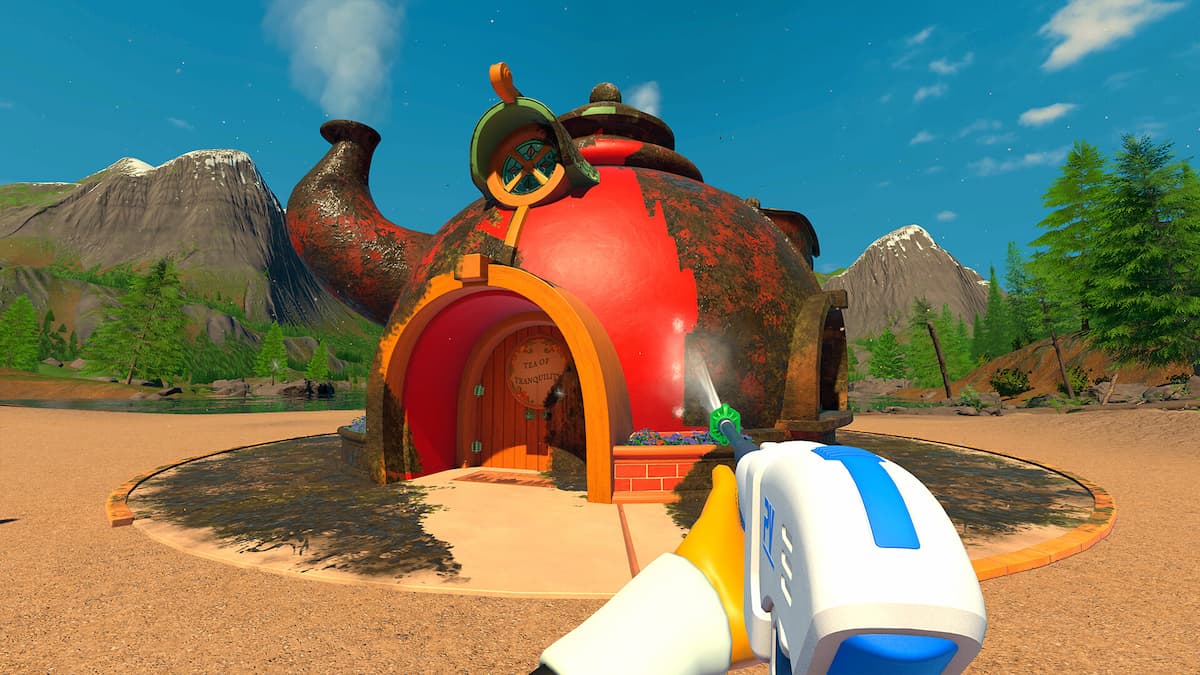
PowerWash Simulator 2 is a joy to play, whether you prefer playing with keyboard and mouse, or want to have laid laid-back experience on a controller. On PC, you can enjoy both input types, and the game has native support for multiple controller types.
If you need a reference for its modern and classic control schemes, here are the complete controls for PowerWash Simulator 2, whether you’re playing with a mouse and keyboard or an Xbox or PlayStation controller.
PowerWash Simulator 2 Complete Controls for Keyboard and Mouse
Here are the complete controls for PowerWash Simulator 2 if you’re playing the game on a keyboard and mouse.
| Action | Modern Preset Input | Classic Preset Input |
|---|---|---|
| Move Character | W , A, S, D | W, A, S, D |
| Use Washer (Hold) | Left Mouse Button | Left Mouse Button |
| Nozzles: Cycle / Radial (Hold) | Middle Mouse Button | – |
| Use Washer (Continuous) | Right Mouse Button | Right Mouse Button |
| Next Nozzle / Rotate Right | Scroll Wheel Up | Scroll Wheel Up |
| Previous Nozzle / Rotate Left | Scroll Wheel Down | Scroll Wheel Down |
| Camera Look | Mouse Movement | Mouse Movement |
| Washers: Cycle / Radial (Hold) | 1 | 1 |
| Nozzles: Cycle / Radial (Hold) | 2 | 2 |
| Extensions: Cycle / Radial (Hold) | 3 | 3 |
| Interact | E | F |
| Rotate Nozzle / Refill Soap | R | R |
| Open / Close Game Menu | Escape | Escape |
| Dirt Highlight | Q | Tab |
| Open Task List | Tab | E |
| Sprint | Left Shift | Left Shift |
| Toggle Stance | Left Ctrl | Left Ctrl |
| Toggle Free Aim Mode | C | C |
| Jump | Spacebar | Spacebar |
PowerWash Simulator 2 Complete Controls for Keyboard and Mouse
Here are the complete controls for PowerWash Simulator 2 if you’re playing on an Xbox or PlayStation controller.
| Action | Xbox (Modern) | PlayStation (Modern) |
|---|---|---|
| Move Character | Left Stick | Left Stick |
| Use Washer (Hold) | RT | R2 |
| Nozzles: Cycle / Radial (Hold) | D-Pad Up | D-Pad Up |
| Use Washer (Continuous) | RB | R1 |
| Next Nozzle / Rotate Right | D-Pad Right | D-Pad Right |
| Previous Nozzle / Rotate Left | D-Pad Left | D-Pad Left |
| Camera Look | Right Stick | Right Stick |
| Washers: Cycle / Radial (Hold) | Y | Triangle |
| Extensions: Cycle / Radial (Hold) | D-Pad Down | D-Pad Down |
| Interact | X | Square |
| Rotate Nozzle / Refill Soap | LB | L1 |
| Open / Close Game Menu | Menu Button | Options Button |
| Dirt Highlight | RS | R3 |
| Open Task List | View Button | Touchpad |
| Sprint | LS | L3 |
| Toggle Stance | B | Circle |
| Toggle Free Aim Mode | LT | L2 |
| Jump | A | X |
| Action | Xbox (Classic) | PlayStation (Classic) |
|---|---|---|
| Move Character | Left Stick | Left Stick |
| Use Washer (Hold) | RT | R2 |
| Nozzles: Cycle / Radial (Hold) | Y | Triangle |
| Use Washer (Continuous) | D-Pad Left | D-Pad Left |
| Next Nozzle / Rotate Right | RB | R1 |
| Previous Nozzle / Rotate Left | LB | L1 |
| Camera Look | Right Stick | Right Stick |
| Washers: Cycle / Radial (Hold) | B | Circle |
| Extensions: Cycle / Radial (Hold) | D-Pad Down | D-Pad Down |
| Interact | X | Square |
| Rotate Nozzle / Refill Soap | LB | L1 |
| Open / Close Game Menu | Menu Button | Options Button |
| Dirt Highlight | RS | R3 |
| Open Task List | View Button | Touchpad |
| Sprint | LS | L3 |
| Toggle Stance | B | Circle |
| Toggle Free Aim Mode | LT | L2 |
| Jump | A | X |
Can You Rebind Controls in PowerWash Simulator 2?
No, you can’t rebind controls in PowerWash Simulator 2. You’ll have to get used to either the modern or classic preset for both keyboard and mouse or controllers. It’s a bit of a letdown since there are plenty of functions, and it would’ve been nice to bind them to your liking.
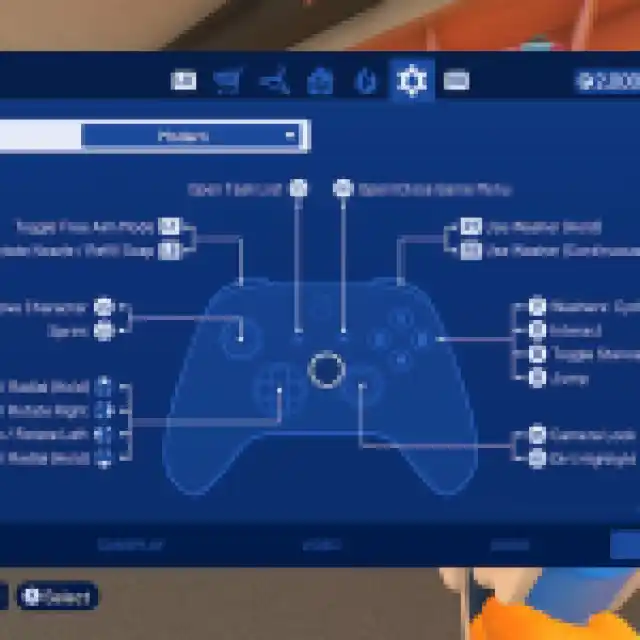

PowerWash Simulator 2 Controller Support on PC
On PC, PowerWash Simulator 2 has native support for Xbox and PlayStation controllers with appropriate button prompts for each controller type.
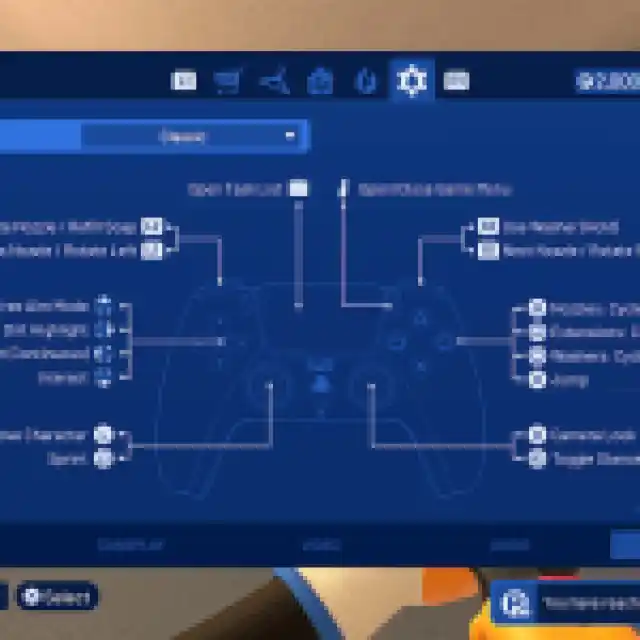
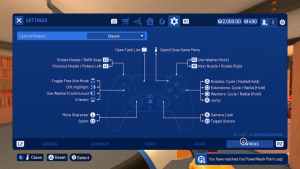
If you’re having any problem with your controllers not working properly, disable Steam Input for PowerWash Simulator 2.
- Make sure PowerWash Simulator 2 isn’t running.
- Open Steam and navigate to your library.
- Here, right-click on PowerWash Simulator 2 and select Properties.
- In the Controller tab, select the Disable Steam Input option under Override for PowerWash Simulator 2
My hope for future updates is that the developers consider adding button remapping. It’s the only thing holding back the controls customization in PowerWash Simulator 2.
If you’d like to see more helpful guides, news, or features from Prima Games, please consider adding us to your preferred sources.


