
How To Skip the Indiana Jones and the Great Circle Intro Videos
Save the time!

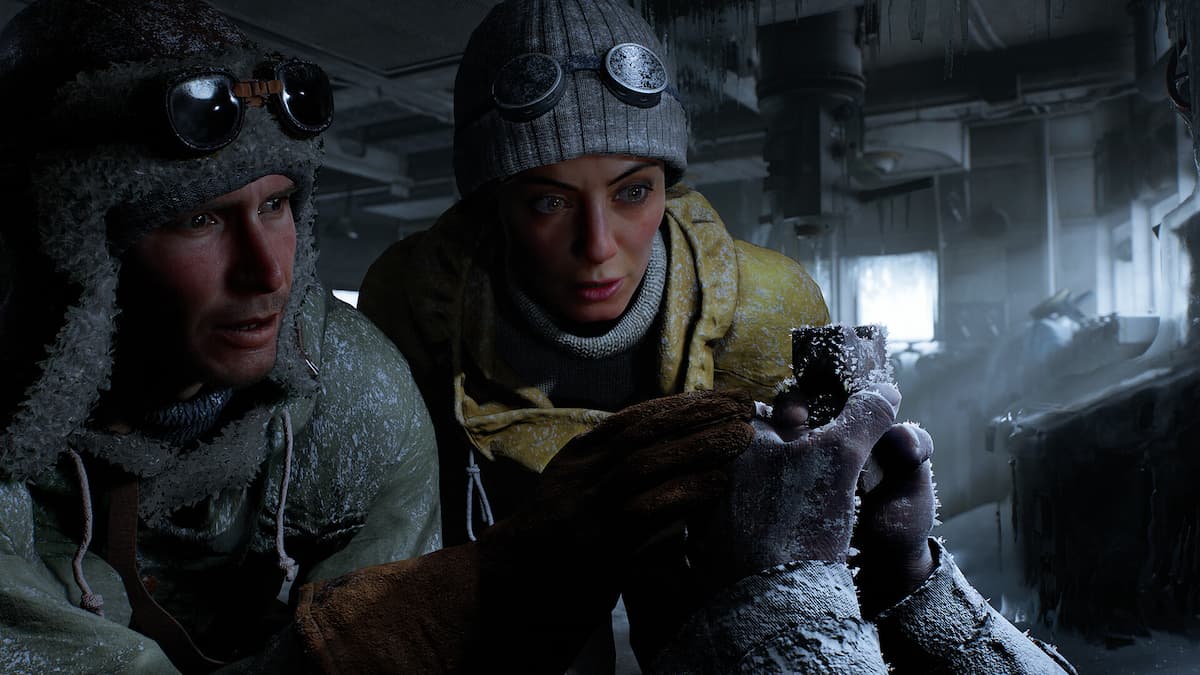
Indiana Jones and The Great Circle is out now on PC and consoles for Premium Edition owners. It’s a blast no matter which platform you’re playing it on, but the PC version in particular has some of the best visuals we’ve seen so far in 2024. The load times are exceptionally fast, and it takes mere seconds from the main menu to reach the action. However, if you want to start Indiana Jones and the Great Circle a bit faster, here is how you can skip the intro videos entirely.
Skip the Indiana Jones and the Great Circle Intro Videos
To skip the intro videos of Indiana Jones and the Great Circle on Steam, we just need to use a launch command.
- In the Steam library, right-click on Indiana Jones and the Great Circle and select Properties
- In the General tab, under LAUNCH COMMANDS, type the following:
+com_skipIntroVideo 1
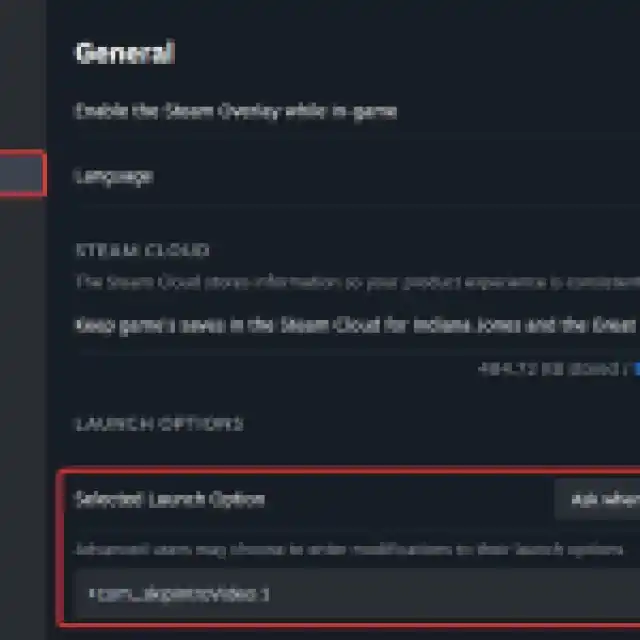
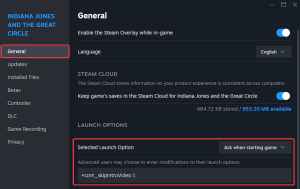
That’s all you need to do, and the next time you launch Indiana Jones and the Great Circle, you’ll skip through the opening logos and will be taken directly to the main menu.
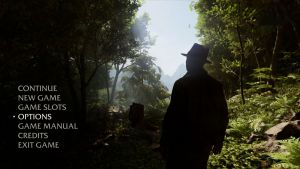
If for whatever reason you want to reactive the intro, simply remove the command line from the launch options of Indiana Jones and the Great Circle.
Xbox App Version
Since you can’t use launch commands with the Game Pass version, we’ll just delete the intro file from the directory. To do this, follow the steps below.
- Head over to where Indiana Jones and the Great Circle is installed on your PC, and navigate to the following folder:
\base\video\boot_sequence
- Here, delete the following video file:
boot_sequence_pc.bk2
This saves a lot of time, and we’re glad to see that an in-engine option is available. Keep in mind that the file could be potentially restored when there is a game update, and you’ll have to perform the steps again.
Players can also activate the in-game console to input different commands to modify the presentation. For instance, if you hit the ~ key, you can type r_antialiasing 0 to disable TAA (Temporal Anti-Aliasing).
If you’re also running into any crashing issues in Indiana Jones and the Great Circle, we have a few recommendations to address those.


