
How To Skip Dying Light The Beast Intro Videos on PC
Faster!

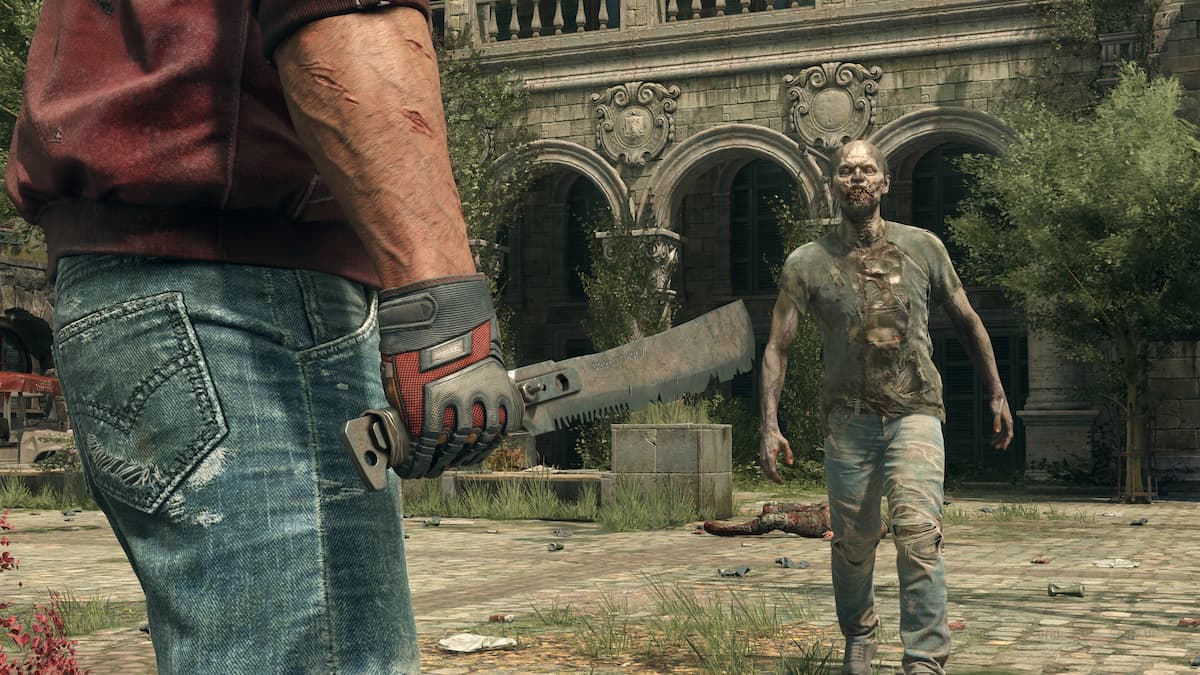
After a string of demanding and largely unoptimized Unreal Engine 5 releases, Techland has delivered Dying Light: The Beast, a high-quality title that runs well on PC and consoles. On PC, there is much to appreciate, especially smooth frametimes and a wide range of adjustable settings.
To further improve your PC experience, you can skip through the intro videos of Dying Light: The Beast and splash screens using a simple command.
Skip Dying Light The Beast Intro Videos
Just like Dying Light and Dying Light 2: Stay Human, you can use a console command to skip through the intro logos in Dying Light: The Beast and save a bit of time as you’re forced to stare at the developer and technology partner logos. Here is how this works:
- Make sure Dying Light: The Beast isn’t currently running.
- Open Steam and navigate to your library.
- Right-click on Dying Light: The Beast and select properties.
- In the General tab, enter the following command at the bottom under “LAUNCH OPTIONS“
-nologos- Here is how it should look:
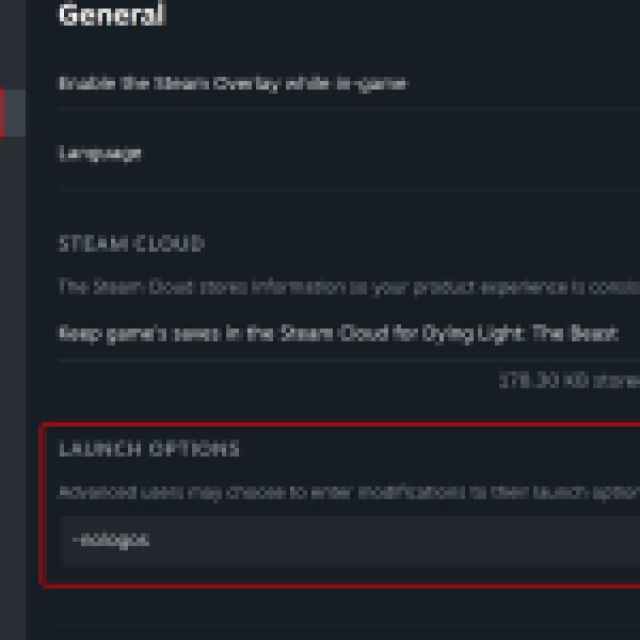
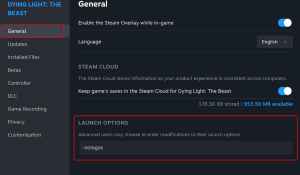
That’s all you need to do, and when you launch the game again you’ll head straight to the “Press any key” screen instead of having to sit through any intro videos, logos, or warnings.
If, for whatever reason, you want to look at the logos again, you can remove the command from above, but I wouldn’t advise it because there is no benefit to that, and this change is pretty helpful, especially if you want to get into the game fast.
That’s all there is to it, and I’m glad that the developers have left these commands for players to use without resorting to deleting video files themselves. Speaking of saving time, if you want to farm arrows without having to hunt for them in the game world, I have you covered.
Dying Light: The Beast is another impressive technical showing from Techland thanks to their in-house engine. It runs great on a wide variety of systems, and while it doesn’t have ray-tracing features in its current state, Techland has confirmed that those will be added post-launch.
If you’d like to see more helpful guides, news, or features from Prima Games, please consider adding us to your preferred sources.


