
How to Fix the Metaphor ReFantazio Ultrawide Issues on PC
Lyall is back!

Metaphor: ReFantazio is the latest JRPG from ATLUS and SEGA, celebrating the studio’s biggest PC launch so far, with over one million copies sold across all platforms. Technically speaking, it’s a bit of a mixed bag, and the PC version is especially buggy, lacking detailed graphics settings to adjust and no ultrawide support. Thankfully, as usual, an extensive mod from modder Lyall adds ultrawide support to Metaphor ReFantazio and much more.
Fixing the Metaphor ReFantazio Ultrawide Issues on PC
The patch created by Lyall adds ultrawide support to Metaphor ReFantazio while properly adjusting the FOV and correctly scaling the animated videos and UI for a nearly perfect ultrawide experience.
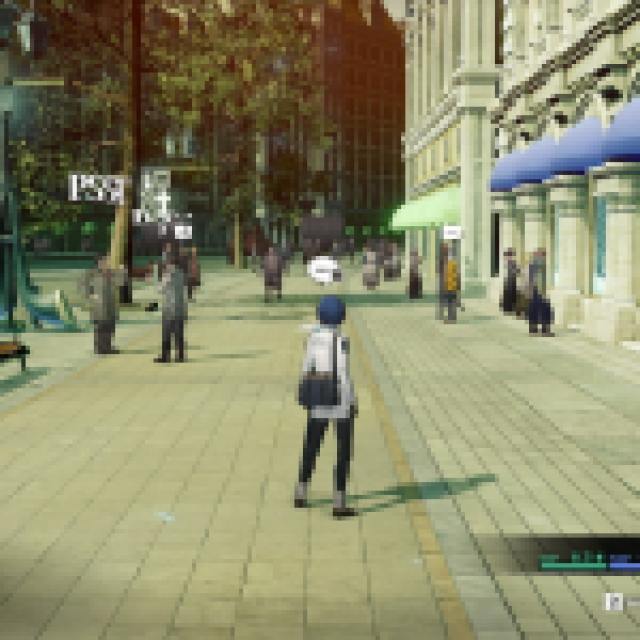
Here is how you can install it:
- Make sure Metaphor: ReFantazio isn’t running
- Head over to the following GitHub link and select the most recent update (0.8.0 as of writing)
- Download the patch file by clicking the MetaphorFix_v0.8.0.zip under assets
- Extract the zip file in the game’s installation folder. The default Steam address is the following:
steamapps\common\METAPHOR
For just the ultrawide fix, that’s all you need to do, and the next time you launch Metaphor ReFantazio, it will render in the proper ultrawide resolution of your choice.
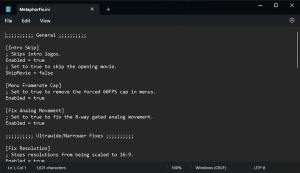
Lyall’s MetaphorFix Features
The ultrawide support isn’t the only thing this patch comes with. There are tons of features to improve the overall experience. Here is everything you can adjust using the MetaphorFix from Lyall:
General
- Intro skip.
- Disabled ALT+F4/exit handler.
- Remove the 60fps cap in menus.
- Fix 8-way analog movement.
- Custom resolution scale.
- Adjust the resolution of ambient occlusion.
- Adjust shadow resolution.
Ultrawide/narrower
- Support for any resolution/aspect ratio.
- Fix cropped FOV at <16:9.
- Correctly scaled movies.
- Fixes stretched HUD.
Graphics
- Disable dash blur + speed lines.
- Adjust ambient occlusion resolution.
- Adjust the level of detail distance.
- Disable black outlines.
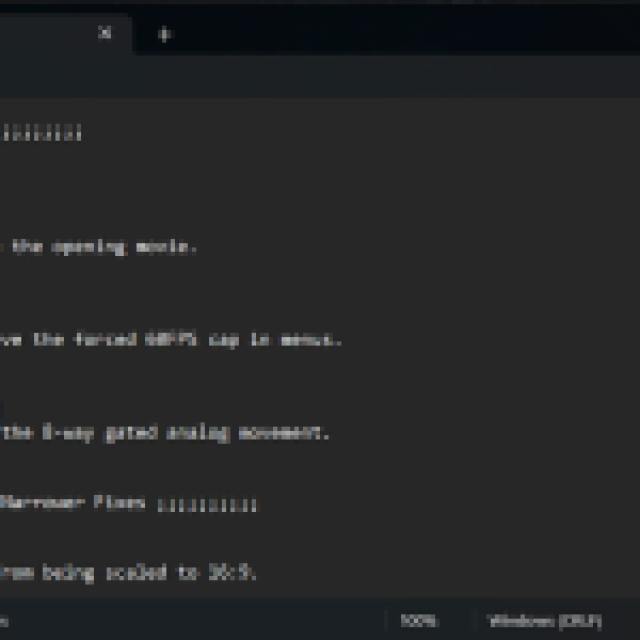
You can enable, and adjust these by editing the MetaphorFix.ini file included in the zip.
All credits go to Lyall for creating and testing the patch. Their work is incredibly useful, especially with recent releases like Thank Goodness You’re Here, Shin Megami Tensei V: Vengeance, and Ghost of Tsushima: Director’s Cut.
To further improve your experience, here is how you can reduce the aliasing in Metaphor ReFantazio, and move the demo save files to the main release if you played it on the Steam Deck.


