
How To Fix the Clair Obscur Expedition 33 Crash at Launch on PC
You're not going to believe this.

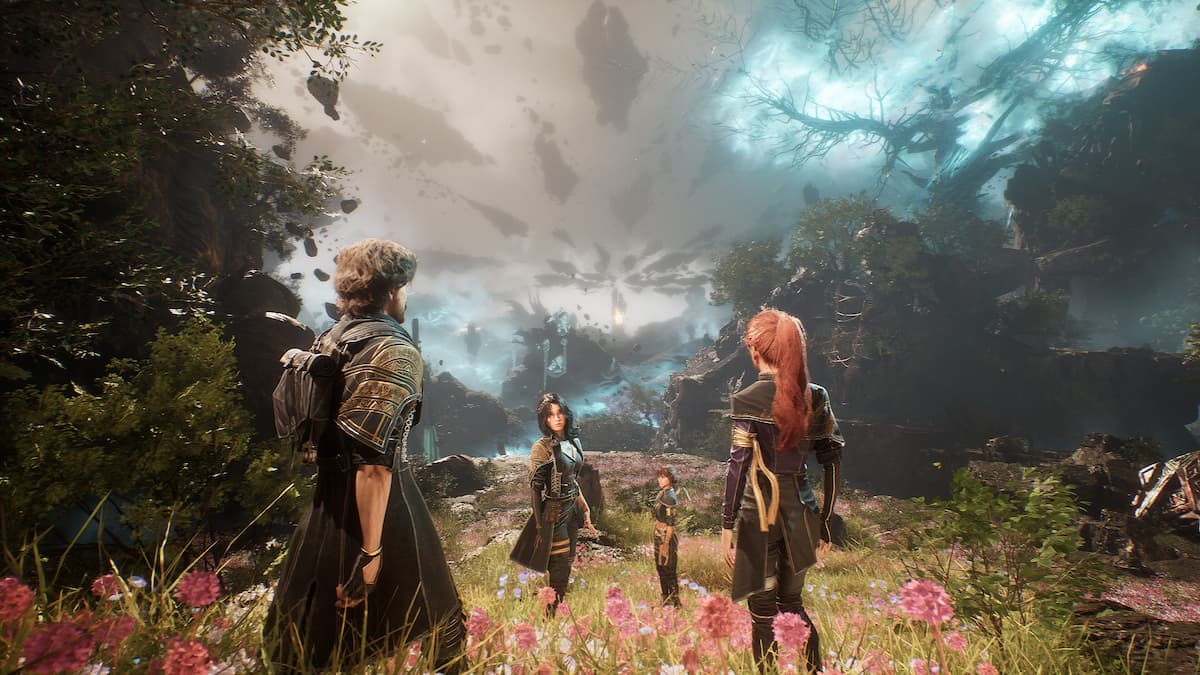
Clair Obscur: Expedition 33 is Sandfall Interactive’s debut title, and it is out now on PC and consoles. The Unreal Engine 5 release looks fantastic, and while the performance could be a bit better, there are still plenty of settings to adjust to improve your experience.
That said, if Clair Obscur Expedition 33 is crashing for you at launch or after the benchmark message, here is how you can fix that on PC.
Fix the Clair Obscur Expedition 33 Crash at Launch
A lot of Steam users are reporting that Clair Obscur: Expedition 33 crashes as soon as they launch the game, or after the initial benchmark prompt. Usually, I’d attribute this to broken files or missing redistributable on the user’s end, but apparently, it has something to do with the Steam Overlay.
Update: The developers have deployed a patch to specifically address this crash. You can now safely disable Steam Overlay if you want.
Enable Steam Overlay
For some reason, if you have Steam Overlay disabled (I don’t know why you would), then Clair Obscur: Expedition 33 crashes a few seconds into its launch. I’m not sure why this is happening, but there is likely a check that requires Steam Overlay to be enabled. Here is how you can enable that:
- Launch the client, and select Steam at the top left
- Now, click on Settings, and open the In Game tab
- Toggle the first option on so Steam Overlay is enabled on a global level
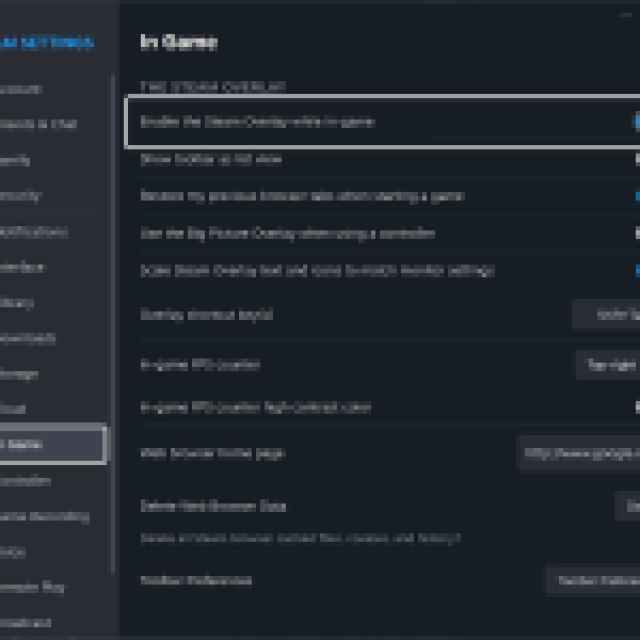

You can also enable it specifically for Clair Obscur: Expedition 33 if you don’t want to enable it at a global level.
- Simply right-click on the game in the Steam library and select Properties.
- Now, in the General tab, toggle the first option for Steam Overlay


The game should work fine after this. Again, I’m not sure why this works, but I’ve read the response of at least 50 people confirming on Steam forums that this was the culprit.
Verify Game Files
As an added measure, I recommend verifying the game files as well. This took a while for me to unpack, so it’s possible something went wrong during that process for you.
- Open Steam and navigate to your library
- Here, right-click on Clair Obscur: Expedition 33 and select Properties
- In the Installed Files tab, click on Verify integrity of game files
Generic Troubleshooting
Apart from that, you can try the following generic troubleshooting suggestions.
- Update DirectX and Visual C++ Redistributables
- Switch to your dedicated GPU if you’re playing on a laptop
- Add the game’s folder to your antivirus list of exceptions or exclusions.
- Update your BIOS, especially if you’re using an Intel 13th or 14th-generation processor
- Make sure that the date and time in your Windows are correct.
- Update Windows to the latest version (1909 or higher).
- Make sure you actually meet the minimum system requirements.
Clair Obscur: Expedition 33 is one of the highest-rated releases of 2025, and it’s shaping up to be a solid GOTY contender. The PC version needs a bit more work to be in its best possible state, especially when it comes to certain resolution issues, but it’s still better than a lot of Unreal Engine 5 releases.


