
How to Fix the 007 First Light Ultrawide Cutscenes on PC
Name's Bond, Ultrawide Bond.

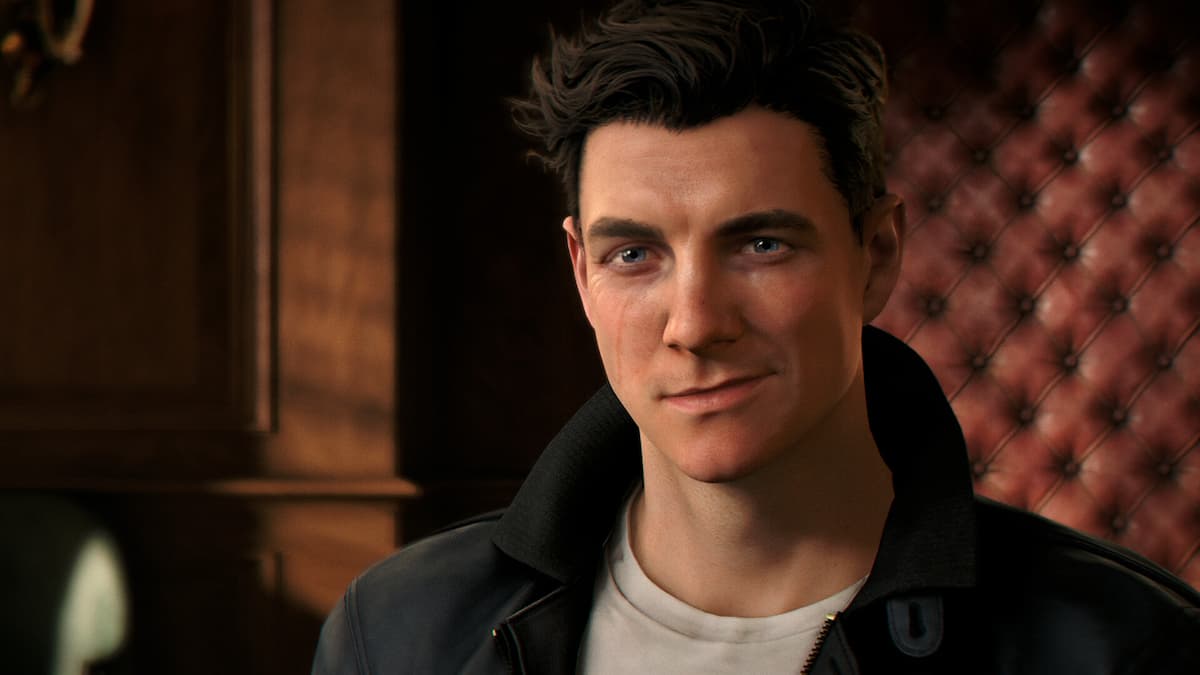
007 First Light is yet another excellent globetrotting adventure from IO Interactive and makes full use of their proprietary Glacier Engine. That said, there are some limitations, especially for ultrawide users, where cutscenes will have pillarboxing and letterboxing throughout. Here is how you can fix that using a mod.
Fix the 007 First Light Ultrawide Cutscenes
As mentioned, while 007 First Light supports ultrawide resolutions during gameplay, cutscenes are displayed with black bars on all four sides. Thankfully, a mod by Nexus Mods user MarvelousMod fixes this issue for 21:9 and 32:9 aspect ratios, covering most conventional ultrawide resolutions.
Here is how you can install the mod:
- First, make sure the game isn’t currently running.
- Next, open the following link and download the mod zip file. You will need a free Nexus Mods account.
- Now, head over to where 007 First Light is installed:
- Right-click on 007 First Light in the Steam library.
- Select Manage, followed by Browse local files.
- Open the Retail folder and extract the mod file here.
That’s all you need to do, and all in-game cutscenes will now display properly in ultrawide. Keep in mind that pre-rendered FMVs, which 007 First Light has a few, will still be rendered in their intended format since those are essentially video files.
Here is a screenshot of the mod in action, provided by the mod author:
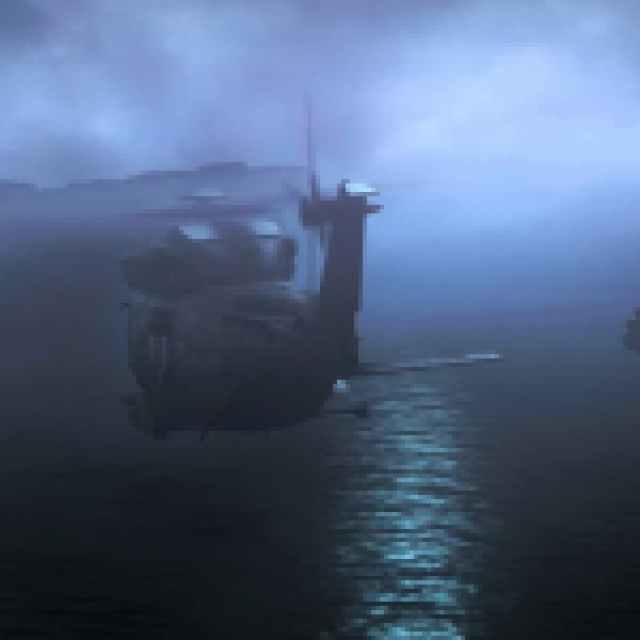
Since 007 First Light is a more cinematic title compared to their Hitman titles, there are plenty more cutscenes on average, and the default solution of black bars can be fairly distracting.
Essentially, the mod replaces the executable with a hex-edited version that accounts for the ultrawide implementation in the respective aspect ratio. It’s also possible that future game updates may require you to reapply the mod. Similarly, if you verify the game files for any reason, you’ll need to reinstall the mod afterward.
Finally, if you want to remove this mod, delete the FirstLight.exe file in the “Retail” folder, then verify the game files through Steam to redownload the default executable.
- Open Steam and navigate to your library
- Here, right-click on 007 First Light and select Properties
- In the Installed Files tab, click on Verify integrity of game files
I hope that IO Interactive considers extending the native ultrawide support to cutscenes in a patch, but for now, this mod or manually hex editing the executable is your best bet for a consistent ultrawide experience.


