
Highguard Complete Controls for PC and Controller
Press F to melee.

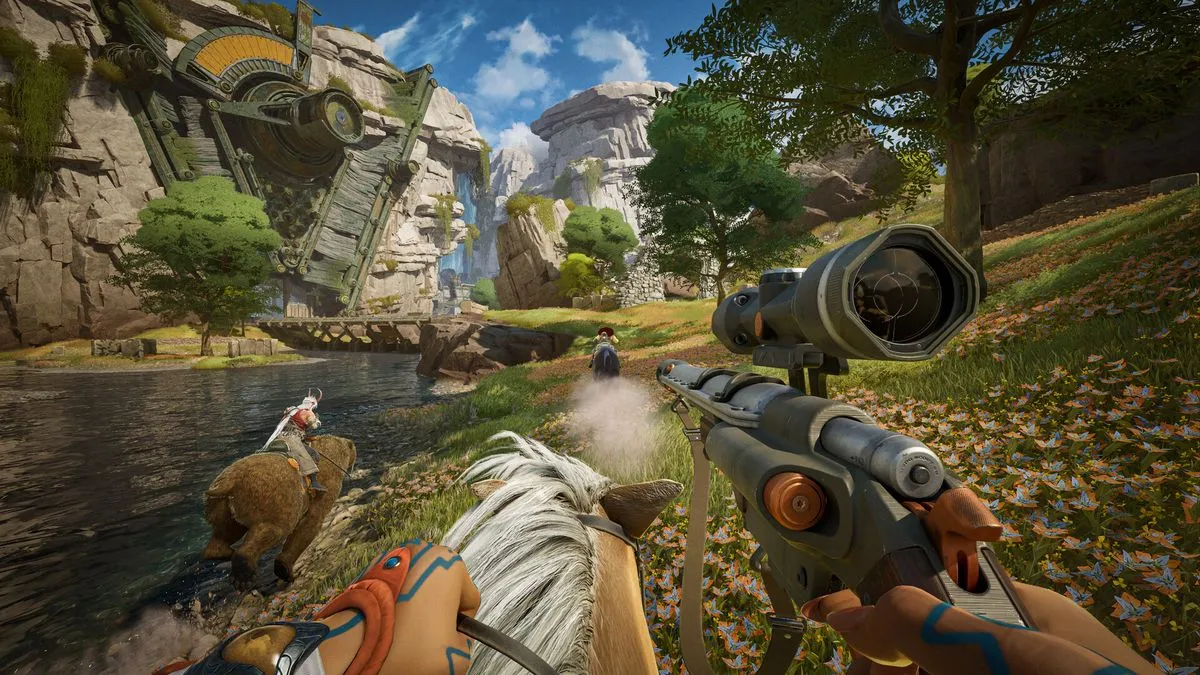
Image via Wildlight Entertainment Inc.
Highguard is out now on PC and console, and the reception has been a bit mixed so far. The PC version also has a few issues that need to be ironed out, but it does control well for the most part.
Recommended Videos
If you need a quick reference to its default scheme, here are the complete controls for Highguard, whether you’re playing on keyboard and mouse or a controller.
Highguard Complete Controls for Keyboard and Mouse
| Action | Input |
|---|---|
| Move Forward | W |
| Move Backward | S |
| Move Left | A |
| Move Right | D |
| Sprint | Shift |
| Jump | Space bar |
| Crouch | Ctrl |
| Change Scope | Shift |
| Attack | Left Mouse Button |
| Reload | R |
| Aim Down Sights | Right Mouse Button |
| Switch Weapon | Mouse Scroll |
| Primary Weapon | 1 |
| Secondary Weapon | 2 |
| Equip Grenade | G |
| Tactical Power | Q |
| Melee | F |
| Unlimited Power | 4 |
| Raid Tool | 3 |
| Use | E |
| Use (Alternate) | Alt |
| Teleport | B |
| Call Mount | X |
| Ping | Middle Mouse Button |
| Inspect Weapon | [ |
| Inventory | Tab |
| Emotes | C |
| Change Loadout | T |
| Push To Talk (Hold) | ` |
| Mute Microphone | L |
| Mpa Screen | M |
| Character Info | F1 |
Highguard Complete Controls for Controller
| Action | Xbox | PlayStation |
|---|---|---|
| Aim Down Sights | LT | L2 |
| Shoot / Throw | RT | R2 |
| Character Ability | LB | L1 |
| Ping | RB | R1 |
| Ping Wheel | Hold RB | Hold R1 |
| Ping Enemy | RB x2 | R1 x2 |
| Map Screen | View button | Touchpad |
| Inventory | Menu button | Options |
| Sprint | Left Stick Click (LS) | L3 |
| Toggle Scope (when ADS) | Right Stick Click (RS) | R3 |
| Melee / Harvest | Right Stick Click (RS) | R3 |
| Hold Aim Axe | Hold RS | Hold R3 |
| Teleport | Hold D-Pad Down | Hold-D Pad Down |
| Switch Weapon | Y | Triangle |
| Hold Raid Tool | Hold Y | Hold Triangle |
| Grenade | D-Pad Left | D-Pad Left |
| Crouch | B | Circle |
| Inspect | D-Pad Down | D-Pad Down |
| Emote Wheel | Hold D-Pad Down | Hold D-Pad Down |
| Random Emote | D-Pad Down x2 | D-Pad Down x2 |
| Reload | X | Square |
| Jump | A | X |
| Summon Mount | A x2 | X x2 |
Can You Rebind Controls in Highguard?
You can rebind the keyboard and mouse controls for Highguard and choose from several controller presets as well.
There are several individual settings you can adjust for both the mouse and the controller, including the basics like sensitivity and deadzones.


