
How To Fix the Little Nightmares 3 Ultrawide Issue on PC
Ultrawide nightmares!

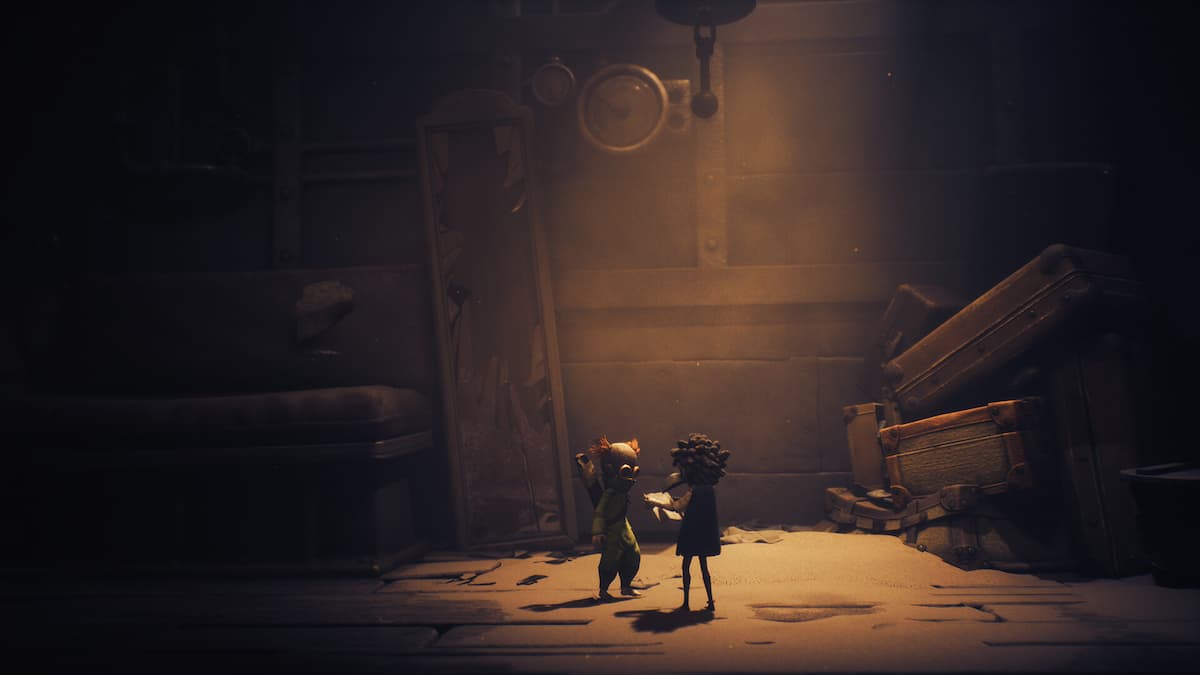
Little Nightmares 3 continues the series by introducing two new characters as they journey across the Nowhere for a way out. Supermassive Games has taken on this project this time around, and while the PC version is solid for the most part, it isn’t perfect, especially for ultrawide users.
Thankfully, it didn’t take long for ultrawide users to discover that the patch from modder Lyall for the previous release also works on Little Nightmares 3. Here is how you can use it as well.
Fix the Little Nightmares 3 Ultrawide Issue
Since Little Nightmares 2 Enhanced Edition is also developed on Unreal Engine 4, the ultrawide patch created for it by renowned modder Lyall works on Little Nightmares 2 as well. It removes the black bars from the presentation for a proper ultrawide experience.
Here is how you can install the patch:
- Make sure Little Nightmares 3 isn’t running.
- Head over to the following Codeberg link and download the latest patch file by clicking SUWSF zip under “Installation”.
- Head over to the following location within the Little Nightmares 3 installation folder and extract the zip file:
SMG031MP/Binaries/Win64
This should work for the Steam version at the very least, and when you relaunch Little Nightmares 3, it will run in proper ultrawide resolution. You must extract the patch in the Win64 folder and not the main game folder, as it won’t work otherwise.
All credits go to Lyall for creating and testing the patch. Their contributions are incredibly helpful for PC gamers, and you can learn about their work on their Patreon. There is a chance that Lyall will update this patch with new potential features to keep an eye on the releases page.
Unlike their more extensive patches, this one is only designed to remove pillarboxing and letterboxing from the presentation so your gameplay and cutscenes are displayed in ultrawide resolution. Since this is already working for most users, I doubt they’ll release a new patch specifically for Little Nightmares 3.
By default, the vignette on the sides is a bit strong in most scenes, which isn’t an issue in ultrawide either. Based on the results, I think this is the best way to play Little Nightmares 3 if you have an ultrawide monitor, because it’s very unlikely that the developers will patch this themselves.
If you’d like to see more helpful guides, news, or features from Prima Games, please consider adding us to your preferred sources.


