
Animal Crossing: New Leaf Guide Welcome to Town!
A Ride with Rover
Your first day in Animal Crossing: New Leaf is quite eventful. To help get you started, this chapter guides you through the game’s opening moments, from your train ride to town with Rover up to the point when your first home is finally built.
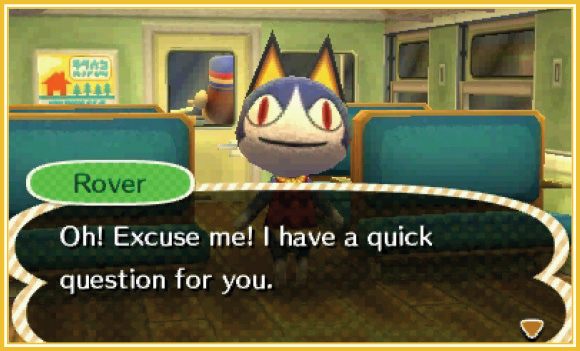
When choosing to start a new game, you begin on a train that takes you to town. The only other passenger is a friendly cat named Rover, who quickly introduces himself.
Setting the Clock
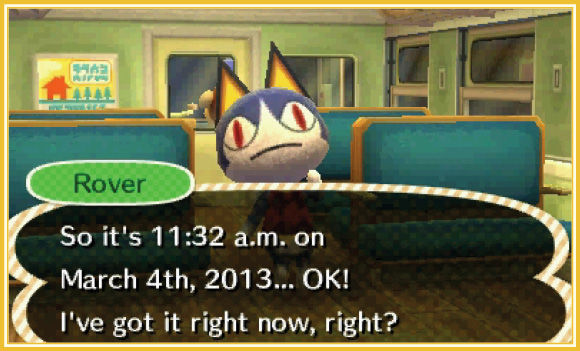
If this is your first time playing, Rover asks you to verify the time and date—his watch isn’t very reliable. We recommend setting the game to the current time and date—this gives you the ideal Animal Crossing experience!
Picking a Name
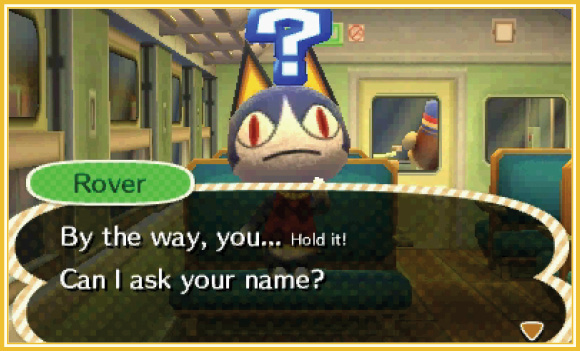
Next, Rover asks your name. Use the Touch Screen to type in any name you like. Be sure to pick a good one—you can’t change your name without starting a new game!
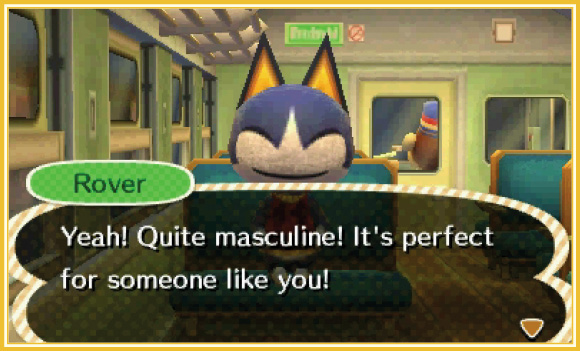
After telling Rover your name, you have the option to say that it’s either “cool” or “cute.” Choosing “cool” indicates that you wish to play a male character; selecting “cute” sets you up as female.
Naming Your Town
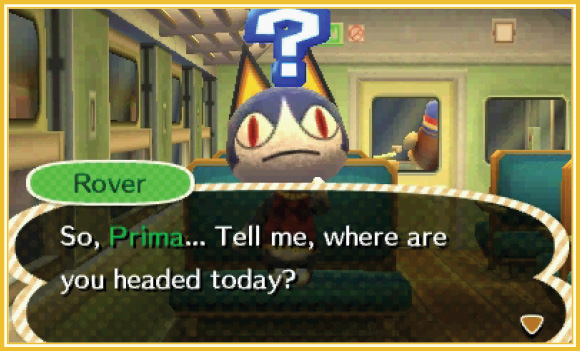
Next, Rover asks you where you’re headed. This is the part where you get to name your town. Again, try to pick a good one, for there’s no going back after you confirm your town’s name with Rover.
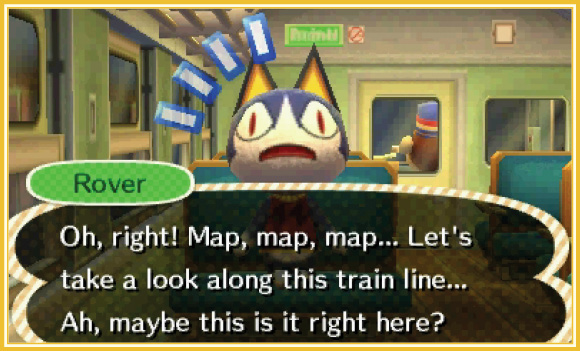
After choosing a town name, Rover shows you a map of what he thinks must be your town. Take a gander and decide if you like the town’s layout. Consider where the town’s bridge is in relation to points of interest like the plaza, the town hall, and the Re-Tail recycle shop. You’ll be visiting these places a lot (especially Re-Tail), so imagine what it will be like traveling between them. If you like the layout, tap the button on the right. If you’d rather see a different layout, tap the button on the left. Don’t be afraid to examine a few different options!
Questions Three
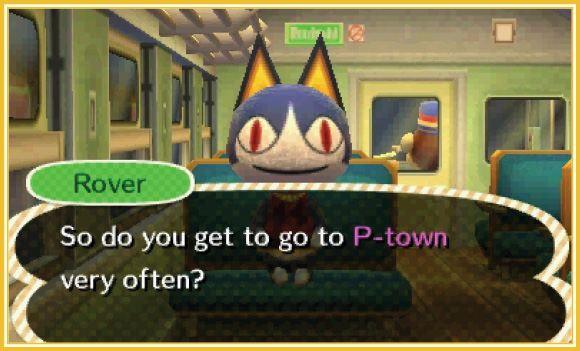
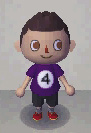
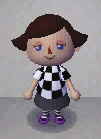
Now that you’ve named your character and your town, Rover asks you a series of three questions. These questions seem innocent enough, but in fact, your answers will determine your character’s starting appearance! Use the following table to determine how you’d like to look, then select those answers.
Starting Appearances (Male)
| Answer 1 | Answer 2 | Answer 3 | Result |
|---|---|---|---|
| I’ve never been there. | I’m moving. | I’ll get a place there. |
 |
| I’ve never been there. | I’m moving. | I’m sure I’ll be fine. |
 |
| I’ve never been there. | Can’t say! | You guessed it! |
 |
| I’ve never been there. | Can’t say! | How’d you know? |
 |
| I don’t remember. | I’m moving. | Yes, probably. |
 |
| I don’t remember. | I’m moving. | No, that’s not it at all. |
 |
| I don’t remember. | I don’t know. | Yeah, I think I will. |
 |
| I don’t remember. | I don’t know. | I’ll let fate decide… |
 |
| It’s a secret! | Duh, it’s a SECRET! | You got it! |
 |
| It’s a secret! | Duh, it’s a SECRET! | Pretty sharp. |
 |
| It’s a secret! | I’m moving there. | Yup! Wocka wocka! |
 |
| It’s a secret! | I’m moving there. | No, I’m serious, yo. |
 |
Starting Appearances (Female)
| Answer 1 | Answer 2 | Answer 3 | Result |
|---|---|---|---|
| I’ve never been there. | I’m moving. | I’ll get a place there. |
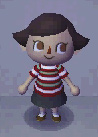 |
| I’ve never been there. | I’m moving. | I’m sure I’ll be fine. |
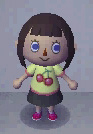 |
| I’ve never been there. | Can’t say! | You guessed it! |
 |
| I’ve never been there. | Can’t say! | How’d you know? |
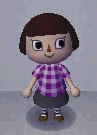 |
| I don’t remember. | I’m moving. | Yes, probably. |
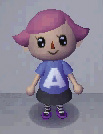 |
| I don’t remember. | I’m moving. | No, that’s not it at all. |
 |
| I don’t remember. | I don’t know. | Yeah, I think I will. |
 |
| I don’t remember. | I don’t know. | I’ll let fate decide… |
 |
| It’s a secret! | Duh, it’s a SECRET! | You got it! |
 |
| It’s a secret! | Duh, it’s a SECRET! | Pretty sharp. |
 |
| It’s a secret! | I’m moving there. | Yup! Wocka wocka! |
 |
| It’s a secret! | I’m moving there. | No, I’m serious, yo. |
 |