
Animal Crossing: New Leaf Guide How to Play
Map and Menus
The Touch Screen shows a handy map of your current area, and is also used to display menus whenever necessary. Here we review the most common Touch Screen maps and menus.
Town Map
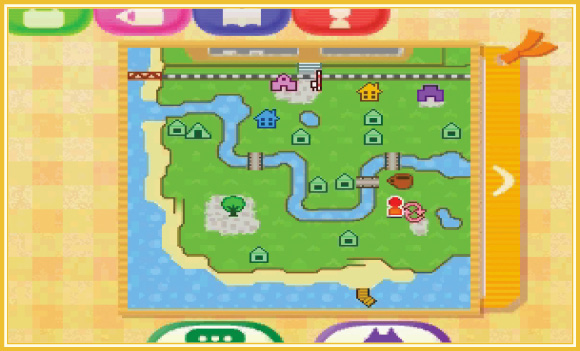
Whenever you’re running around town, the Touch Screen shows you the entire town map. This helps you quickly see your location, along with the locations of important town landmarks, such as the train station, the town hall, the plaza, and the homes of all townsfolk (including your home).
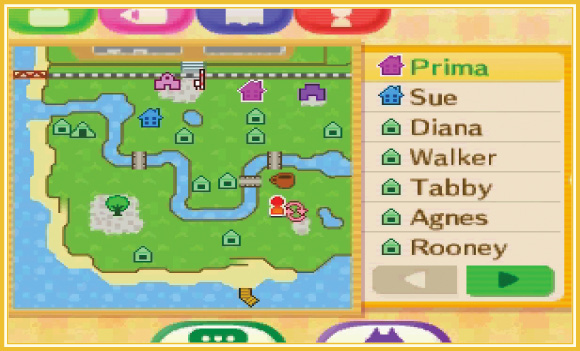
Tap any home or landmark on the town map to view its name. Tap the left side of the map screen to extend a sidebar list that lists all of the landmarks by name. Tap any name in the sidebar list to make its map icon blink. Now you can easily see where to go!
Pockets Menu
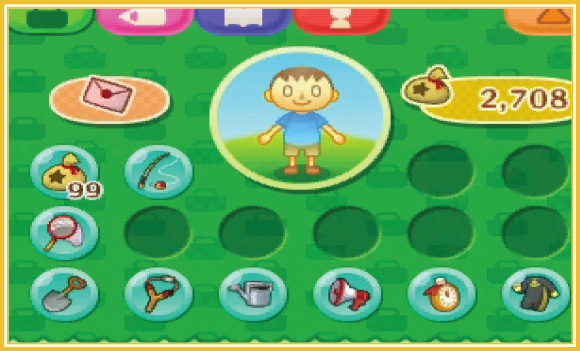
Everything that you carry is stored within your pockets. You can hold up to 16 items in your pockets, not counting letters and Bells—these are stored in your mailbag and wallet, respectively. Tap any item in your pockets to view its name and call up a list of commands (eat, drop, plant, etc.). You can also use the Circle Pad to move a cursor around the pockets menu and view each item’s name without selecting them. Press  while highlighting an item with the Circle Pad to view its command list.
Reading Letters
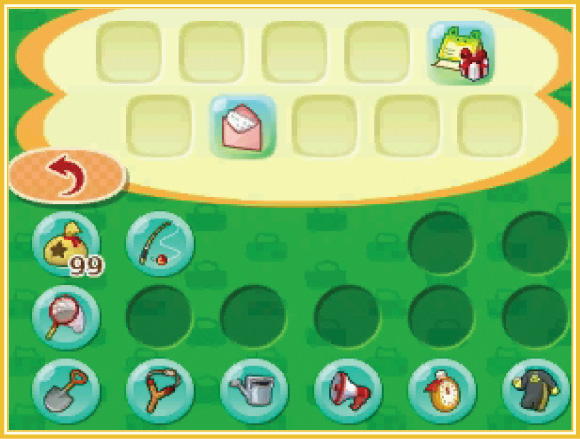
Tap the letter icon in the top-left corner of the pockets menu to open your mailbag. Here you may review all of the letters you’re carrying—just tap one to read it. You can carry up to 10 letters in your mailbag, and many more can be stored at the post office on Main Street. See the “Shops and Such” chapter for details!
Changing Clothes
The pockets menu is also used to change your clothing and equipment. Simply tap and drag any item onto the dummy in the center of the screen to put it on (if possible). Alternatively, you may select a clothing item or tool and then choose “wear” or “equip” from the item’s command list. If you wish to take something off, simply tap the dummy and then choose one of the “remove” or “put away” options (remove socks, put away shovel, etc.).
Bell Wallet
Bells are the main form of currency in Animal Crossing. Up to 99,999 Bells can be kept and carried in your wallet—your current stash is shown in the upper-right corner of the pockets menu. If you happen across more Bells than your wallet can support, they’ll be placed in a Bell bag in your pockets. It’s therefore possible to carry around many more Bells than the 99,999 wallet limit.
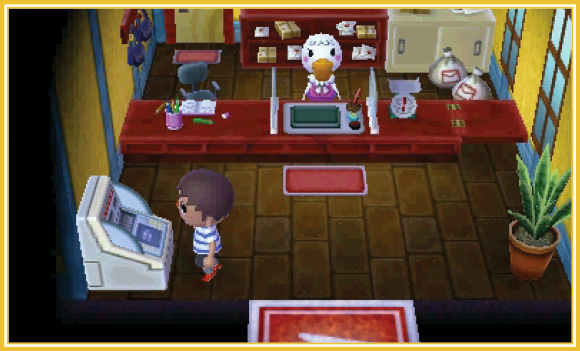
Tap your wallet to call up a list of options that let you move Bells from your wallet to your pockets. This is handy if you wish to give some of your Bells to another player, for example. You can also use the ABD machine at the post office to store excess Bells in a savings account. This is wise, because each month you’ll earn a little interest on the Bells you’ve saved!
Design Menu
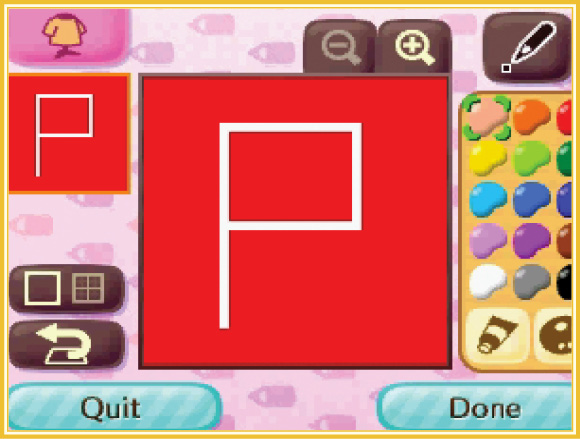
The design menu lets you stir your creative juices and design your own fabulous patterns. An impressive array of tools and color options lets you create practically any design you can dream up. Once you’ve created a basic design, zoom in and use the grid overlay for fine-tuning and detail work.
Setting Designs
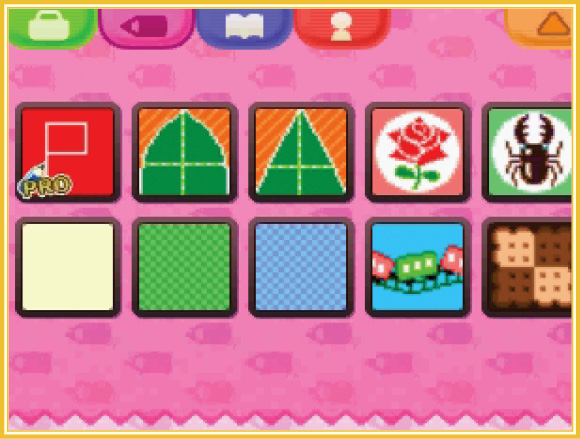
You can save up to 10 designs in your design menu. Once saved, a design can be used at anytime. You may wear your designs as clothing, set them as your town flag (if you’re the mayor), or spread them on walls and floors inside your home. You can even spread your designs outdoors to make roads or sidewalks!
Pro Designs
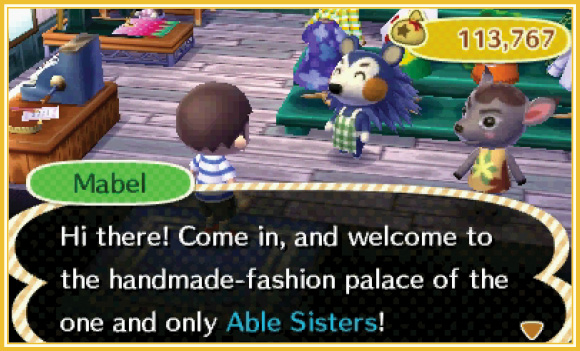
Pro designs let you add more depth and detail to designs you intend to wear as clothing. With pro designs, you can make unique patterns for the front, back, and sleeves of a shirt. These special designs can only be crafted at the Able Sisters’ shop on Main Street. See the “Shops and Such” chapter for details!
Encyclopedia
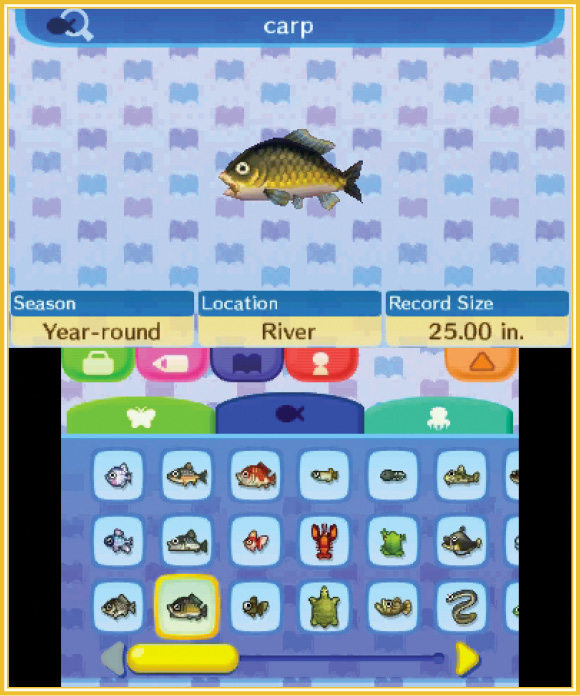
Every critter you catch while exploring the great outdoors is recorded in your encyclopedia. Here you may review your best specimens in three distinct categories: insects (anything you catch with a net), fish (anything you catch with a fishing rod), and deep-sea catches (anything you discover while diving with a wet suit). Information for each catch is shown here, including the season in which the specimen appears, the time of day it appears (if applicable), the specimen’s location (if applicable), and the largest size of the specimen you’ve caught so far.
Player Menu
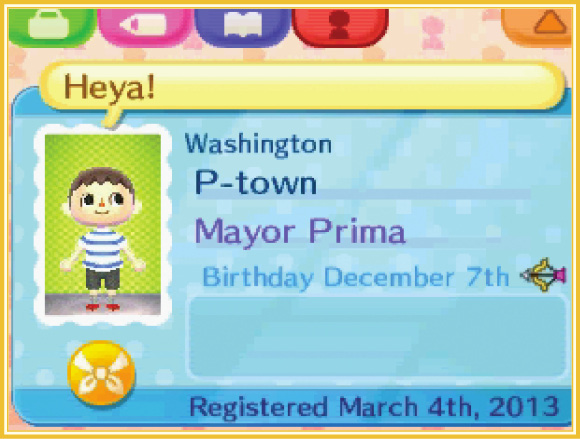
This final menu displays your Town Pass Card (TPC). This important document shows information pertaining to your character, such as your name, hometown, and the birthday you set during the opening moments of the game. You can also give yourself a special catchphrase and a portrait photo, but you’ll need to visit the photo booth on Main Street for the latter. Lastly, once you unlock the Dream Suite, your Dream Address will appear here as well. See the “Shops and Such” chapter for more info.
Badges
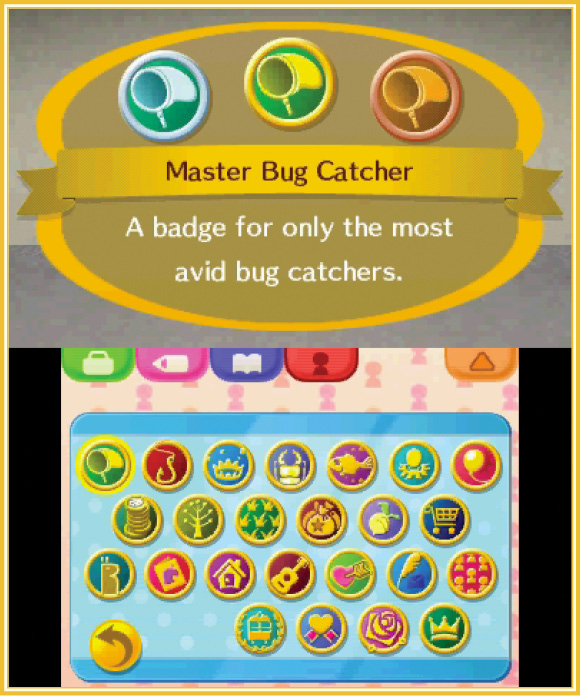
Tap the orange button below your TPC portrait to call up your list of badges. These special awards are bestowed to you by Phineas whenever you accomplish a worthy milestone. There are bronze, silver, and gold badges to earn in each of the 24 badge categories. See Phineas’s section in the “Friendly Faces” chapter for details!