
Where to Find the Three Key Items in the Fire Lookout in Outbound
They were right there all along.


When you progress beyond the tutorial objectives in Outbound, you’ll eventually get quests that take you to Landmarks, specifically the Fire Lookout.
During the quest, you’ll encounter an objective that requires you to find three key items to activate the download in the Fire Lookout. There are no clues or markers for these items, and here are all the locations for these items.
How to Get the Three Key Items in the Fire Lookout Landmark in Outbound
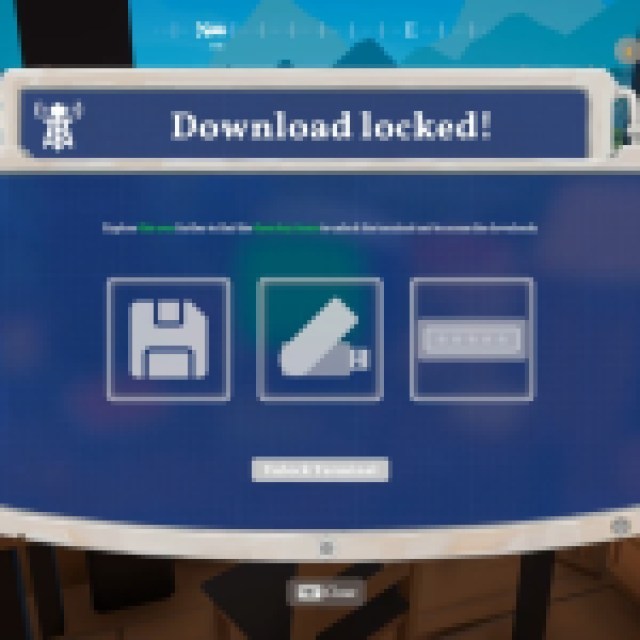
When reaching the Fire Lookout, you’ll find a computer inside. It requires you to find the Terminal Executable, Signal Decryptor, and the Password Databank. All of these are around the area, and here’s how to find each one.
Terminal Executable (Floppy Disk)
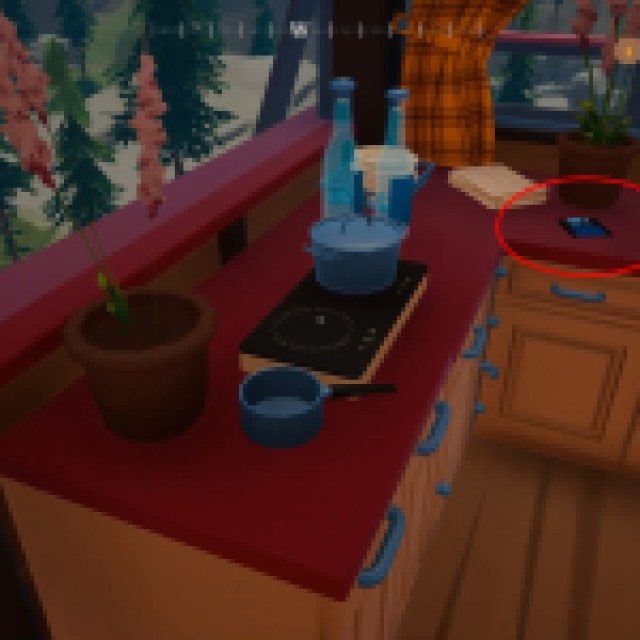
In the same room as the computer, if you look around the kitchen islands, there’s a floppy disk on the counter next to the cup and the flower pot.
Signal Decryptor (Flash Drive)
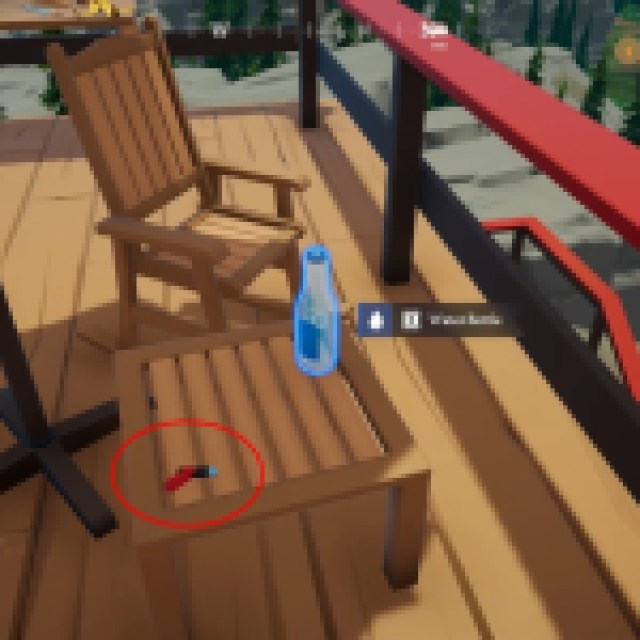
Next, you’ll have to go out and look for the staircase leading up to the roof of the Fire Lookout. You’ll immediately find a chair and a counter with a Water Bottle and the Signal Decryptor that looks like a USB flash drive on the side of the stool.
Password Databank (Memory Drive)
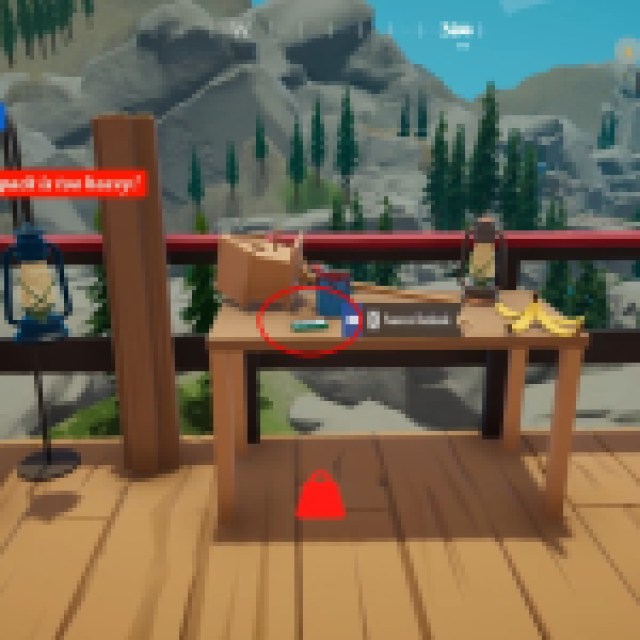
Next, if you explore the rooftop even more, you’ll also find a table with a lamp, some litter (banana), and the Password Databank that looks like an external hard drive. Once you get all these items, go back to the computer to start the download and progress through the next quests or objectives.
This should mark other Landmarks you’ll need to visit next, but before exploring further, you should gather more resources like Scrap Metals and Everwood to quickly build up your van.


