
How To Skip the Nioh 3 Intro Videos on PC
Lyall to the rescue!


Nioh 3 is one of the best releases of the year, and despite a few technical shortcomings in the PC version, it’s Team Ninja’s best port to date. With a plethora of settings to adjust, you can customize several aspects of your Nioh experience.
Though if you want to jump into Nioh 3 a bit faster at launch, here is how you can skip the intro logos and videos thanks to Lyall’s patch, which adds a few other neat features as well.
Skip the Nioh 3 Intro Videos on PC
The Nioh3Fix has several features that you can enable, but it skips the intro logos and videos in Nioh 3 by default. Here is how you can install this patch:
- Make sure Nioh 3 isn’t running.
- Head over to the following Codeberg link and download the latest patch (0.0.3 as of writing) file by clicking Nioh3Fix_0.0.3.zip under “Downloads”.
- Head over to where Nioh 3 is installed on your PC and extract the zip file
- You can locate the installation folder through Steam.
- Head into your library, right-click on Nioh 3.
- Select Manage, followed by Browse local files.
steamapps\common\Nioh3
That’s all you need to do, and the next time you launch Nioh 3, you will skip straight to the shader compilation screen followed by the main menu, saving you a few precious seconds.
Nioh3Fix Other Features
Outside of skipping the intro videos, Nioh3Fix has a bunch of extra optional features:
- Custom resolutions: You can use custom resolution values to render Nioh 3.
- Adjust LOD distance: Adjust “Multiplier” to increase the draw distance of level geometry.
- (Experimental) Adjust framerate cap.
- Menu Frame generation: Enables frame generation in the menus.
- Support for <16:9 resolutions with corrected HUD issues.
- Expanded support for ultrawide resolutions.
- Fix cropped pre-rendered movies (ultrawide).
- Fix vert- FOV in cutscenes (ultrawide).
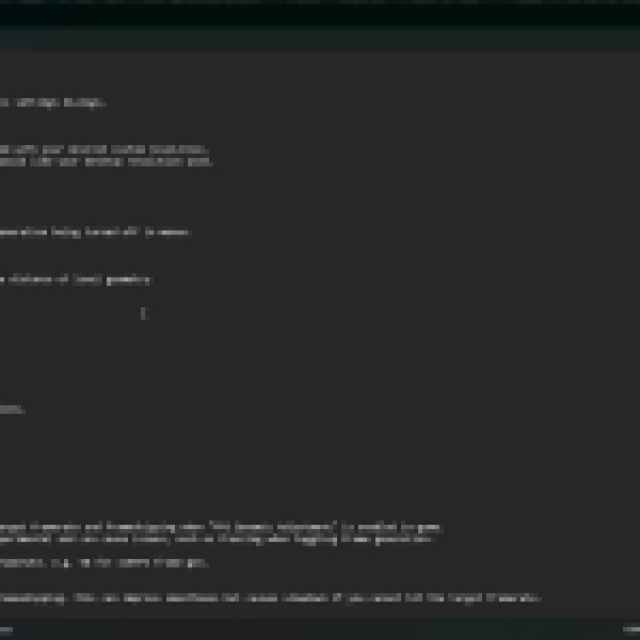
You can enable these by editing the Nioh3Fix.ini file in a text editor like Notepad. It is part of the same zip file as the patch.
All credits go to Lyall for creating and testing the patch. Their contributions are incredibly helpful for PC gamers, and you can learn about their work on their Patreon. There is a chance that Lyall will update this patch with new potential features to keep an eye on the releases page.
You can further improve your Nioh 3 experience on PC by using a workaround for its camera stutter issue, a technical problem that has plagued the Katana Engine for a while. Team Ninja has released a few patches since the release, but those don’t address some of the lingering technical issues. That said, Nioh 3 is in a pretty good state otherwise and runs much better than their previous releases, like Wo Long: Fallen Dynasty and Rise of the Ronin.


