
How To Fix the Terminator 2D No Fate Ultrawide Issue on PC
Hasta la vista, baby.

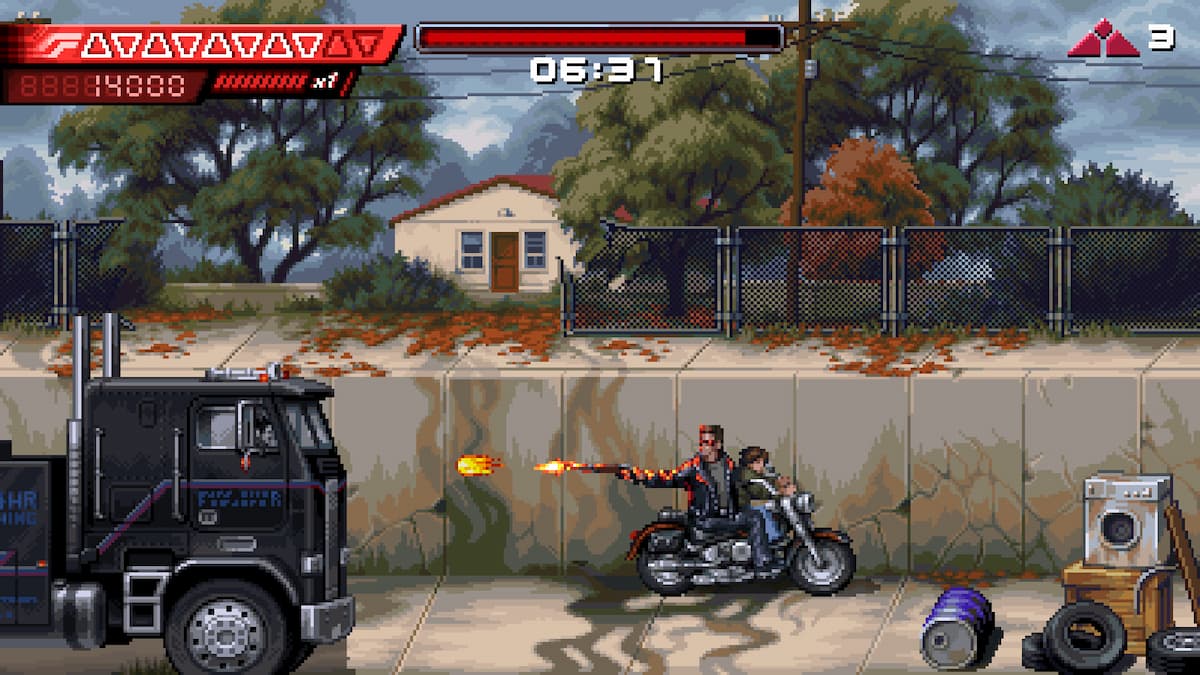
Terminator 2D: No Fate is one of the most gorgeous pixel-art titles of the year and possibly the best adaptation of Terminator 2: Judgement Day. Following the events of the film, this brief but perfectly-paced action adventure looks great no matter where you play it.
That said, if you have an ultrawide monitor, the game doesn’t have proper support for it by default, and you’ll have to deal with black bars at the sides. Thankfully, Rose from the widescreen community on PC has already released a patch that removes pillarboxing from the presentation.
Fix the Terminator 2D No Fate Ultrawide Issue on PC
This patch from Rose does exactly what it states and enables ultrawide and wider support while removing vertical black bars from the presentation. It’s very easy to use, and here’s how you can install it.
- Make sure Terminator 2D: No Fate isn’t running.
- Head over to the following GitHub link and download the latest patch file by clicking Terminator.2D.ultrawide.v0.1.zip under Assets.
- Head over to where the game is installed and unpack the zip file.
- After that, launch Terminator 2D: No Fate. It will take a bit longer than usual while the mod is installed, but everything should work normally after that with black bars removed from the presentation.
Here is a screenshot provided by Rose showcasing the patch in action.
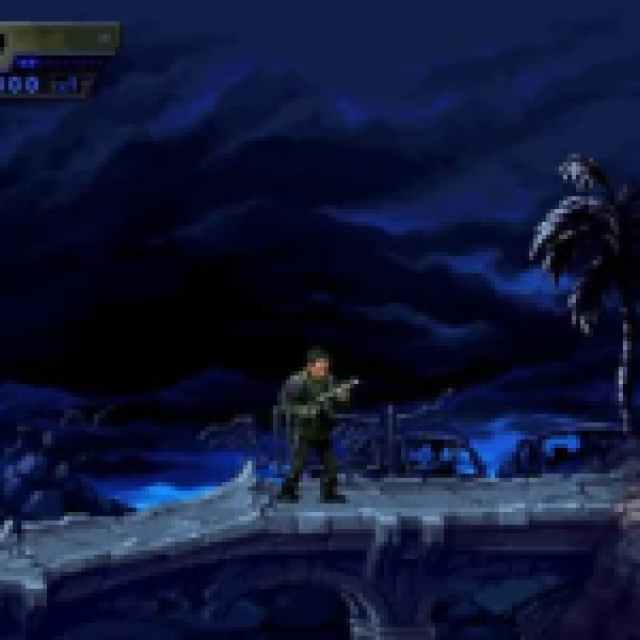
All credits go to Rose for creating and testing the patch at 2560×1080 and 5120×1440. You can learn about their work on their Patreon.
There are currently a few known issues associated with this patch that you should be aware of:
- Various UI imperfections.
- The objects and enemy culling zone are narrower than the screen size.
- The optional CRT filter causes more distortion than in 16:9.
Keep an eye on its GitHub page, and there’s a good chance Rose will update it. If you want to remove the mod for any reason, you can easily get rid of it by deleting the files that came with it, though I recommend playing with it for a consistent ultrawide experience.
I hope that the developers consider adding ultrawide support officially, but for now, there is no indication that they will. You never know.


