
Moonlighter 2 Shop Strategy Guide – Pricing, Furniture and Perks Explained
Your first steps to running a successful business!


Moonlighter 2 has two main parts you will spend time in: combat dungeons, where you fight enemies and gather relics and materials; and the shop, where you sell relics to earn gold. That gold is then used for a variety of purchases and upgrades at the HUB.
Running the shop can feel a bit daunting at first, especially with all the different pricing considerations, showcases, furniture boosts, and customer reactions. To make sure you get the most out of each sale and know what to keep in mind during a shift, here is the complete shop guide for Moonlighter 2 with tips and strategies.
Setting Relic Prices
When you acquire any relic during a run, its price is unknown and must be set manually. Customer reactions determine pricing, and there is an ideal price that neither undervalues nor overvalues it. To figure this out, you need to see how customers react to a Relic placed in a showcase.
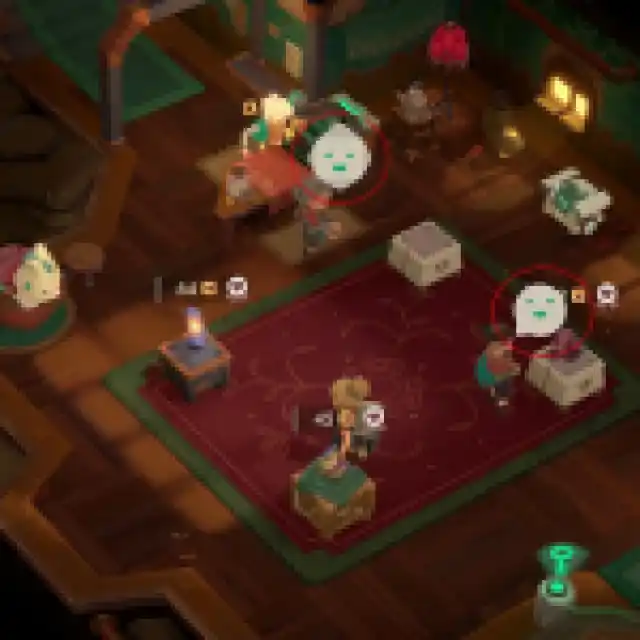
They can have four possible reactions to the price you’ve set while inspecting relics:
| Customer Reaction | In-Game Reaction | Effect |
|---|---|---|
| Cheap |  | Customers will buy Relics at prices below their ideal price and often leave tips. This also contributes to the Perk meter. |
| Perfect |  | Customers will buy Relics when these are priced appropriately and might leave a tip. This also contributes to the Perk meter. |
| Expensive |  | Higher than ideal, but some customers might still buy it. This doesn’t contribute to the Perk meter. |
| Overpriced |  | Way higher than ideal, no one will buy the item at this price. |
So, what do you do with this information? Let’s say you have a Common Relic that you priced at 20, and customers found it cheap. You should raise the price a bit, for example, to 40, and gauge their reaction.
If they think it is perfect, you can fine-tune the value to around 41 or 42 to see if it raises an eyebrow next time. If that makes them think it is expensive, you can stick to 40 as the ideal value. If it goes into the overpriced category, simply bring it back down to the perfect value. You can adjust all of this during a shift. Someone else will buy it!
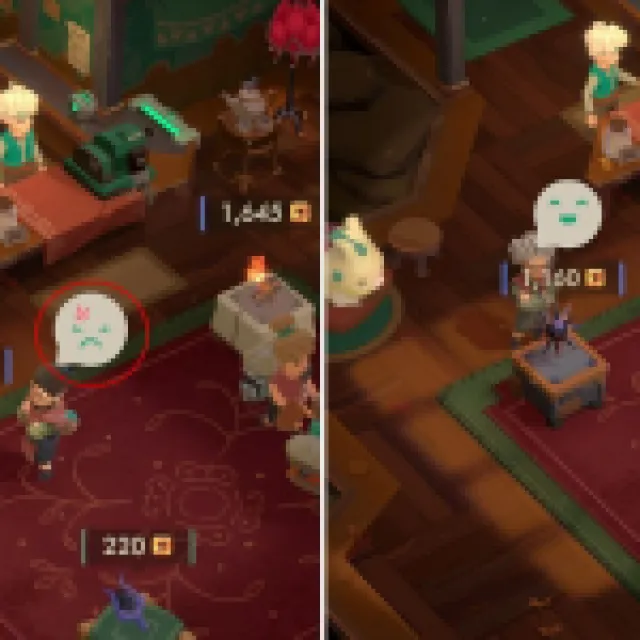

All of these values are updated dynamically for a relic in their entry, so you do not have to worry about setting them again. The game will automatically set the perfect value once you have discovered it.
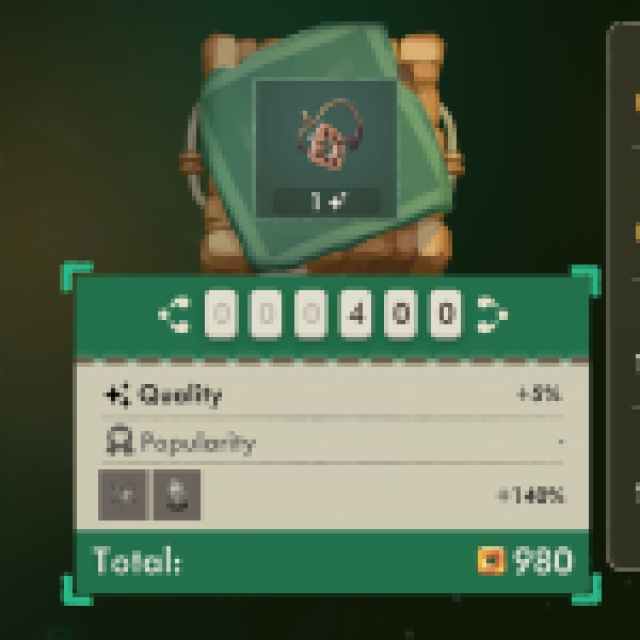
It’s ideal for something to be cheap or perfect rather than expensive because whenever you sell a Relic and the customer is happy, the Perk meter fills up.
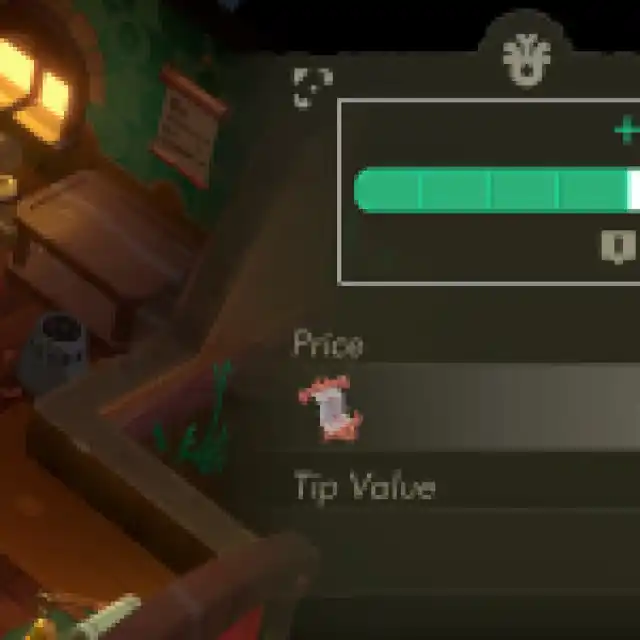

Once you have a few points, you can use those to unlock perks during a shift to maximize profits.
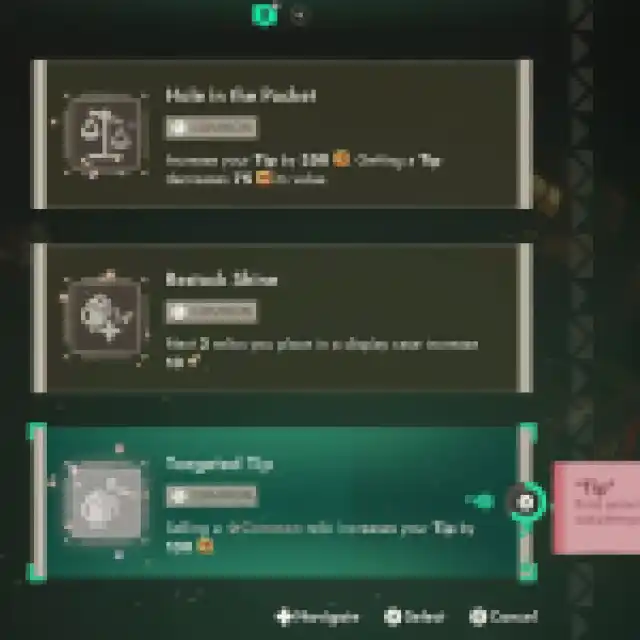
While it can be tempting to sell relics at an expensive value, it is better to sell them at the perfect value to get those perk benefits at least during the start of the shift. That said, if you have already unlocked the available perks during a shift, it is not unwise to raise the price to something expensive to make some extra cash.
Figuring Out the Price Range for Relics
In the pause menu, you can find a Codex that keeps a record of all the relics you have discovered, along with their prices based on reactions so far. The important thing to note is that the relics are ordered, meaning the list starts from the cheapest to the most expensive (as well as the rarest). This is helpful because if you do not know the price of a relic you recently acquired, you can check its position in the Codex to get an idea of its general range.
For example, I acquired the Mother Figure Relic during a run, but I don’t know its price yet. Now, if I’m early on, I’ll just set a random price and take it from there based on customer reactions. However, since I’ve already found several relics from this region, I can just look up its position in the Codex.
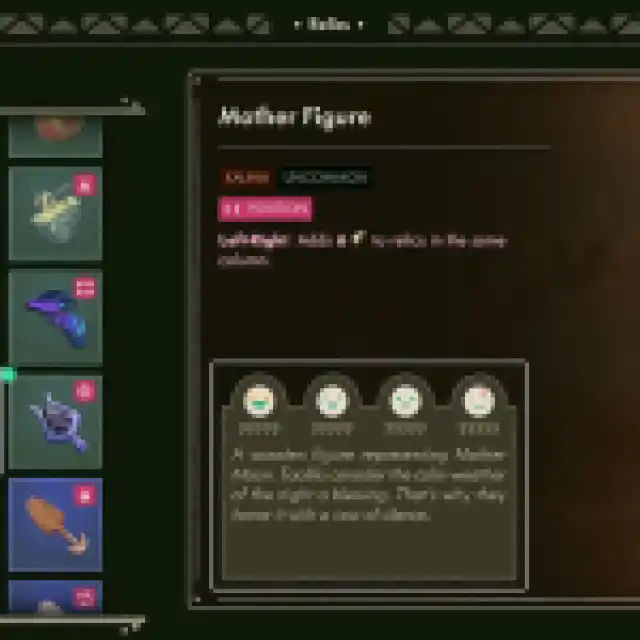
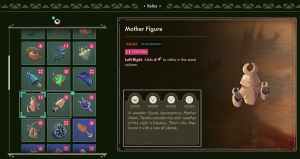
It’s placed left to the Heretic Dagger, which I know has an ideal price of 400.
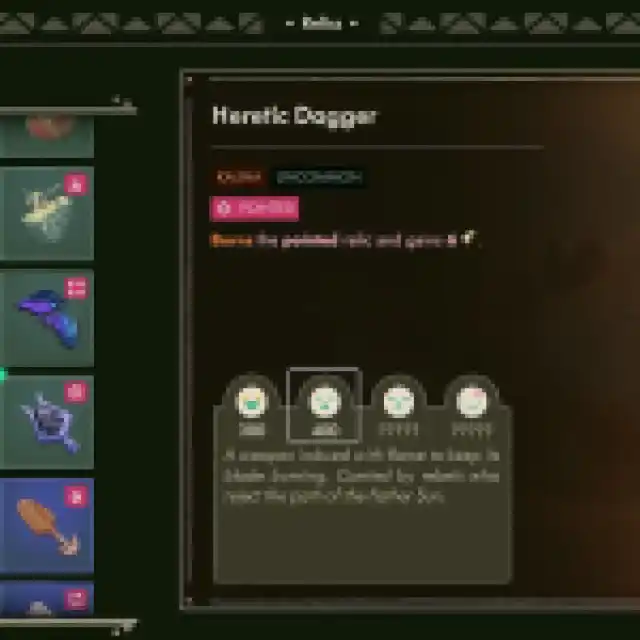

It would be even easier to find its price if I knew the price of the relic before the Mother Figure, but for now, I know it is lower than 400. To avoid a “cheap” reaction, I will set the value to 300 or 350 for Mother Figure when placing it in a showcase.
This technique saves time when figuring out the value of rarer relics, as there is a good chance you are undervaluing them early on, making some customers’ day since they do not have to pay much.
Quality and Why It’s Important
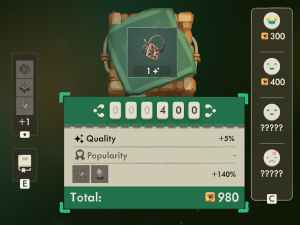
Each Relic has a Quality value right below it, which acts as a multiplier of sorts to boost its overall value. It’s important to remember that the base value of the Relic is what you need to consider when it comes to customer reactions and not the final value, which takes quality and boost into account. Everything you earn over the base value is essentially a bonus. The higher the quality of the Relic, the bigger the sale.
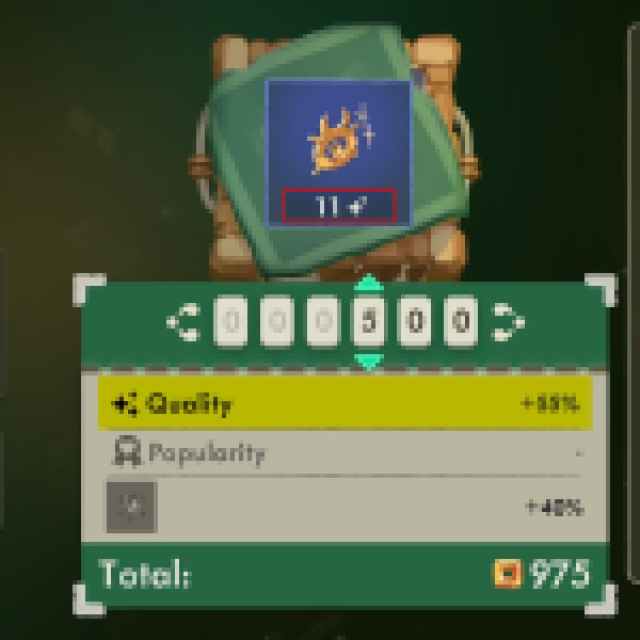

So, if during a run, you have the opportunity to boost the Quality value using properties of different Relics (usually rare/uncommon ones), I highly recommend doing that. Quality directly contributes to the total price, so it’s definitely worth keeping an eye on.
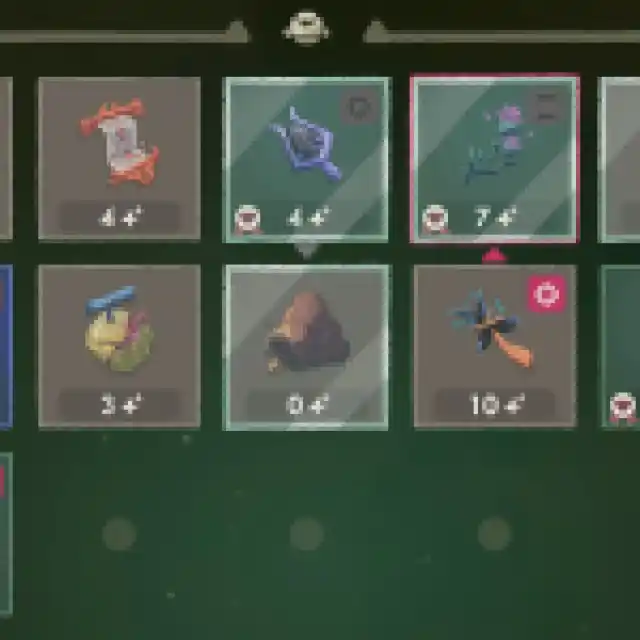

The quality value also contributes to your decision of whether to keep a relic in your backup or burn/discard it if needed, because after a while, if you’re making less than a hundred gold coins from a relic, it’s not really worth bringing back.
What Does Furniture Do?
Furniture plays a key role in giving boosts to different aspects of your shop. You can purchase furniture from The Countess at her Homeware store and buy both Showcases and Furniture. Showcases are where you place Relics and Furniture items are placed around these to boost sale value.
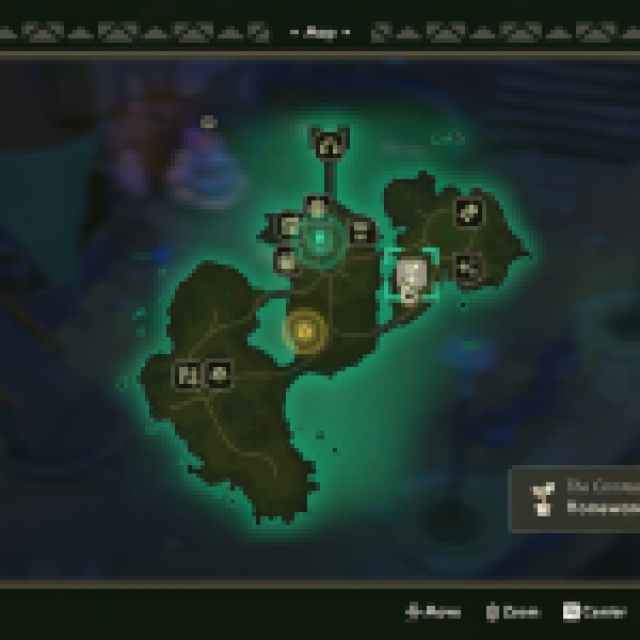

At the start, you only have access to four showcases, but plenty of space for furniture items. That said, buying better versions of showcases means you can boost the sale thanks to their modifiers. For instance, the Sun Display Case will give you a 200 gold tip if you place an uncommon relic on it.


Furniture items, on the other hand, give passive boosts throughout the shop and are not limited to a showcase unless specified. Depending on where you are in the game, knowing which piece of furniture to display can lead to a lot of profit.
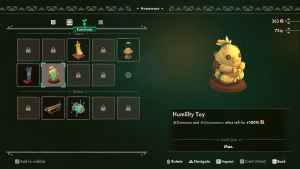
For example, if you are just starting, you will mostly receive common and uncommon relics, so the Humility Toy is the perfect piece of furniture to place in the shop because it boosts sales for common and uncommon relics by 100 percent.
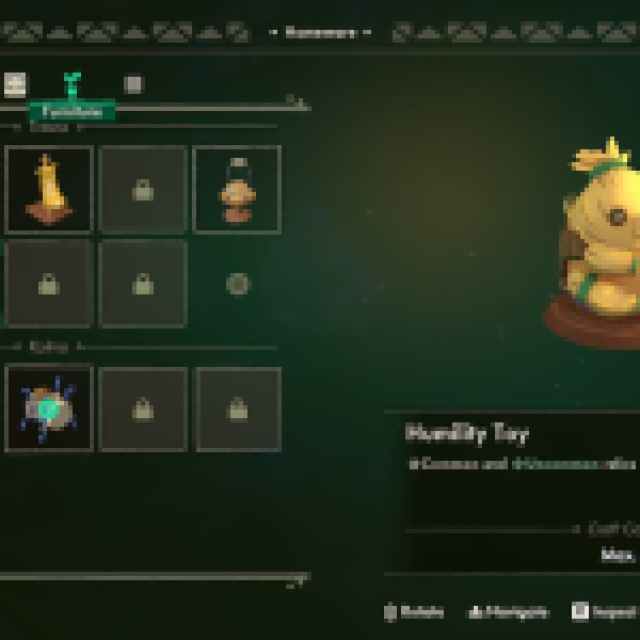
You can move around the furniture in Moonlighter 2 by interacting with K33P3R.
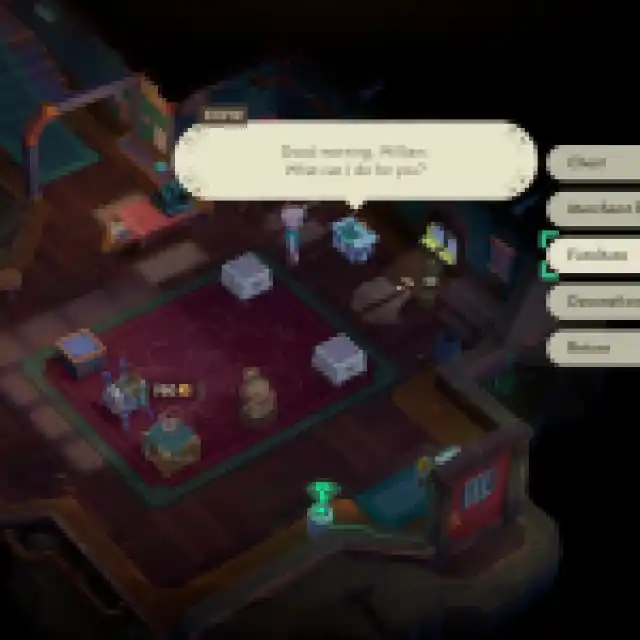
A good strategy to get the most out of your furniture is to swap out pieces before a shift starts based on your run, dungeon, or current relic stock.
Unlike furniture, though, decorations in Moonlighter 2 only serve a cosmetic purpose to make your shop your own. These don’t provide any mechanical benefits.
Keep an Eye on the Calendar
If you go to the Codex screen again (which you can quickly bring up by pressing RS/R3), you will see a six-day calendar that shows what to expect in the coming days.
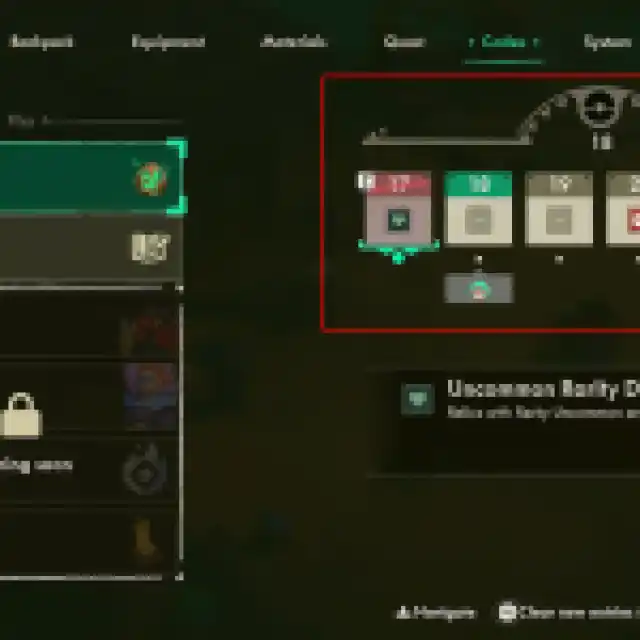

These dedicated days boost the popularity of different relics based on certain factors. For example, one special day might boost the popularity of uncommon relics, while another might boost relics from Kalina. Popularity is another stat that acts as a multiplier and adds to the overall price. Popular relics are marked with a heart badge next to them.
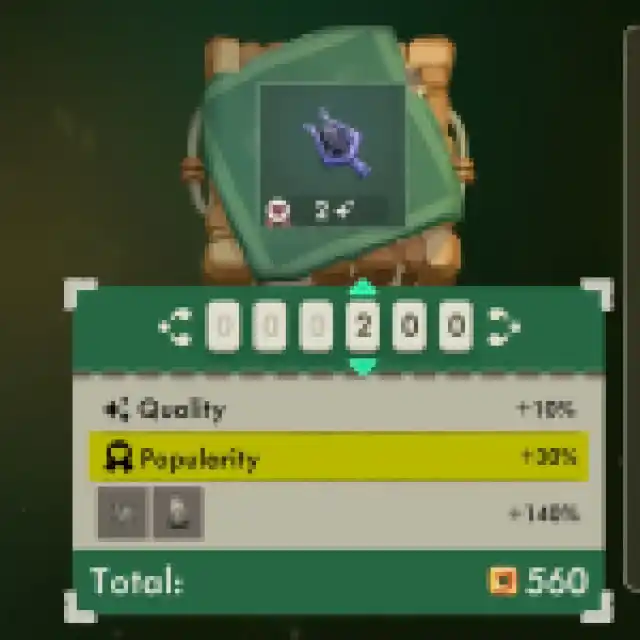

So, a simple, uncommon relic got a 30% boost from popularity alone.
General Tips and Facts
- Make sure to spend some gold coins to upgrade the shop’s perk mechanics and unlock tippers. This can be done by interacting with K33P3R.
- You can store items for special customers (like NPCs) in K33P3R’s chest until you’re sure they’ll visit the shop on a certain day.
- Early on, you can’t have more than four active showcases, but you can swap them for ones with better bonuses by buying new ones from The Countess.
- Don’t worry about selling relics for cheap when you’re figuring out their price. This is a roguelite, and you’ll get the same ones over and over again.
- Tippers tend to leave bonuses when the relic is cheap.
- You can eventually upgrade the shop and add more showcases and furniture slots!
Moonlighter 2 is currently available in early access, so consider this guide a work in progress. More information will be added to it or adjusted based on development and updates.
If you’d like to see more helpful guides, news, or features from Prima Games, please consider adding us to your preferred sources.


