
How to Remove the 30 FPS Cap in Silent Hill f Cutscenes on PC
Smooth.


Silent Hill f marks a long-awaited return for the series, not as a remake or remaster but as a fresh entry that stays faithful to its psychological horror roots. KONAMI’s renewed focus on reviving its classic franchises is paying off, though PC cutscenes are unfortunately locked at 30 FPS.
However, thanks to the excellent PC modding community, there’s already a patch from Lyall that removes the 30 FPS cap from Silent Hill f and does much more on top of that.
Remove the 30 FPS Cap in Silent Hill f Cutscenes
The patch from Lyall called SHfFix aims to improve the PC experience in several ways, including the removal of a 30 FPS cap in its cutscenes. This ensures a consistent experience whether you’re in gameplay or watching a cutscene with no sudden frame drops.
Here is how you can install it:
- Make sure Silent Hill f isn’t running.
- Head over to the following Codeberg link and download the latest patch file by clicking SHfFix_0.0.1.zip under Downloads.
- Head over to the following location within the Silent Hill f installation folder and extract the zip file:
SILENT HILL f\SHf\Binaries\Win64
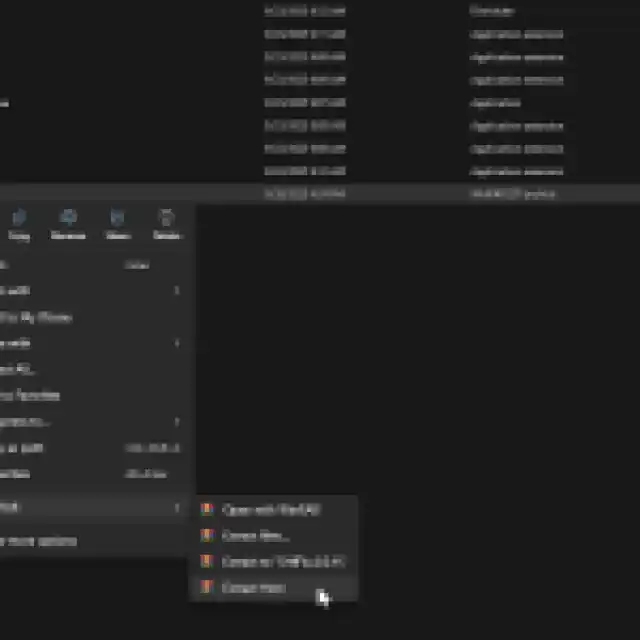
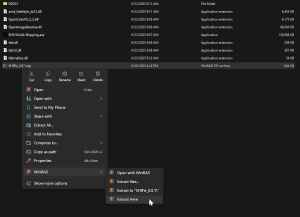
That’s all you need to do, and the next time you launch Silent Hill f, the fix will be applied and all in-engine cutscenes will run without the 30 FPS framerate cap.
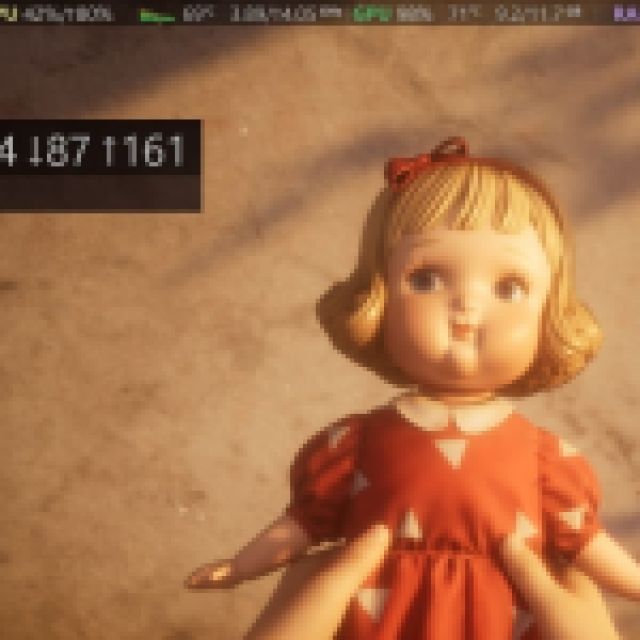
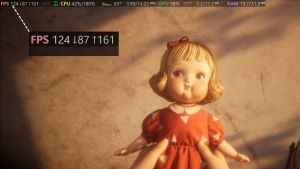
Here is a screenshot of the opening cutscene with the patch applied and Steam performance monitor active. As you can see, it’s running well above 30 FPS, and I haven’t run into any issues with it so far.
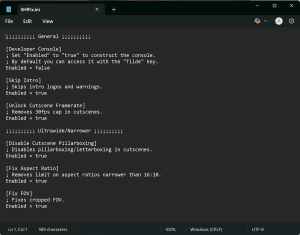
Apart from the cutscene removal, the patch also comes with the following features:
- Enable the console.
- Skip intro logos and warnings.
- Remove the 30fps cap in cutscenes.
- Disable letterboxing/pillarboxing in cutscenes.
- Add support for narrower than 16:10 resolutions.
- Fix cropped FOV.
You can enable and disable any of these features by editing the SHfFix.ini configuration file using any text editor like Notepad or Notepad++.
All credits go to Lyall for creating and testing the patch. Their contributions are incredibly helpful for PC gamers, and you can learn about their work on their Patreon. Make sure to check out the release page for the Silent Hill f fix from time to time to see if there are any new features added to the patch.
If you want to remove the patch for any reason, just delete the files that came with the zip file or turn off any individual features from the configuration file.
I’m unsure why this game has a 30 FPS cap in the cutscenes in the first place when all the cinematics are in-game anyway. I hope that the developers consider removing the cap on their own in Silent Hill f but for now, this is your best bet.
If you’d like to see more helpful guides, news, or features from Prima Games, please consider adding us to your preferred sources (available to users in the US or India).


