
How To Fix the Silent Hill f Ultrawide Issues on PC
Ultrawide f.


KONAMI isn’t slowing down with its revival of classic franchises, especially Silent Hill and Metal Gear Solid. Silent Hill f is an original entry in the series, this time set in the spooky streets of 1960s Japan. Like Silent Hill 2 Remake, it’s also built on UE5 with similar problems.
On PC, Silent Hill f has support for ultrawide monitors and resolutions, but the implementation is limited to gameplay, the FOV isn’t perfectly tuned for the aspect ratio, and cutscenes have black bars. To fix all these problems, Lyall from the modding community has released a dedicated patch that improves the ultrawide experience substantially.
Fix the Silent Hill f Ultrawide Issues
The patch from Lyall called SHfFix improves the general PC experience while also addressing the ultrawide issues players can run into.
Here is how you can install it:
- Make sure Silent Hill f isn’t running.
- Head over to the following Codeberg link and download the latest patch file by clicking SHfFix_0.0.1.zip under Downloads.
- Head over to the following location within the Silent Hill f installation folder and extract the zip file:
SILENT HILL f\SHf\Binaries\Win64
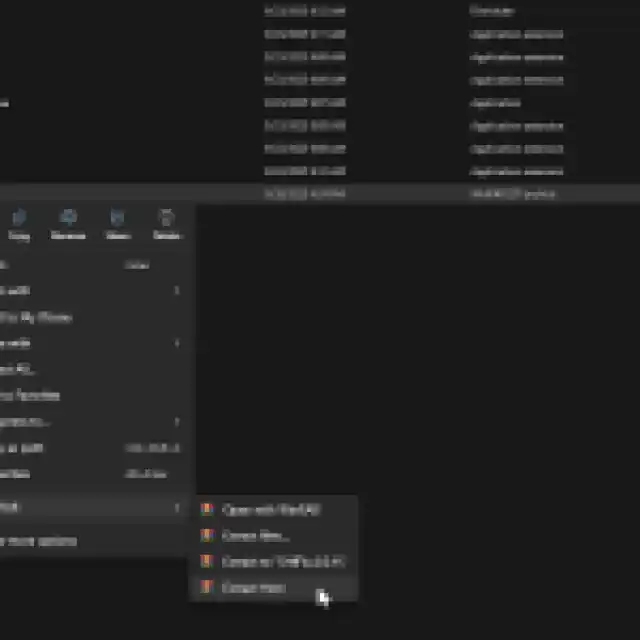
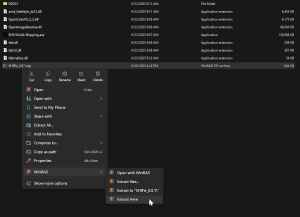
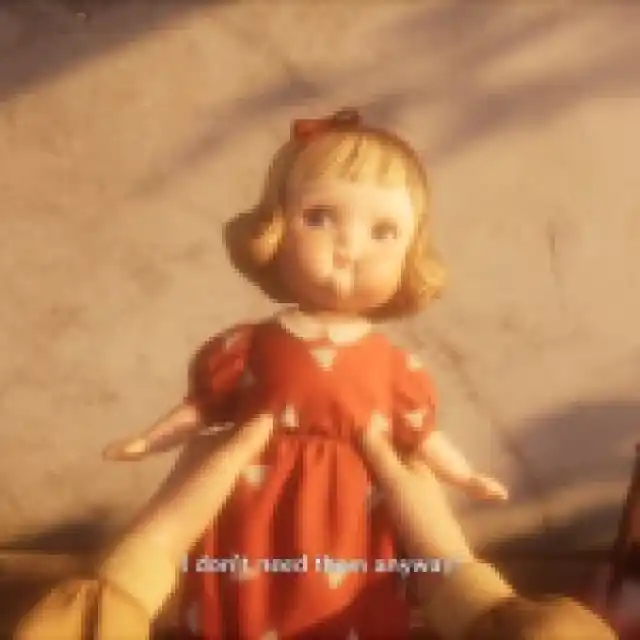
That’s all you need to do, and the next time you launch Silent Hill f, black bars (letterboxing and pillarboxing) will be removed from the game’s cutscenes. Here is a screenshot of the patch in action, provided by Lyall, with a cutscene running at 32:9.

Here are all the features of the excellent patch:
- Enable the console.
- Skip intro logos and warnings.
- Remove the 30fps cap in cutscenes.
- Disable letterboxing/pillarboxing in cutscenes.
- Add support for narrower than 16:10 resolutions.
- Fix cropped FOV.
You can enable and disable any of these features by editing the SHfFix.ini configuration file using any text editor like Notepad or Notepad++.
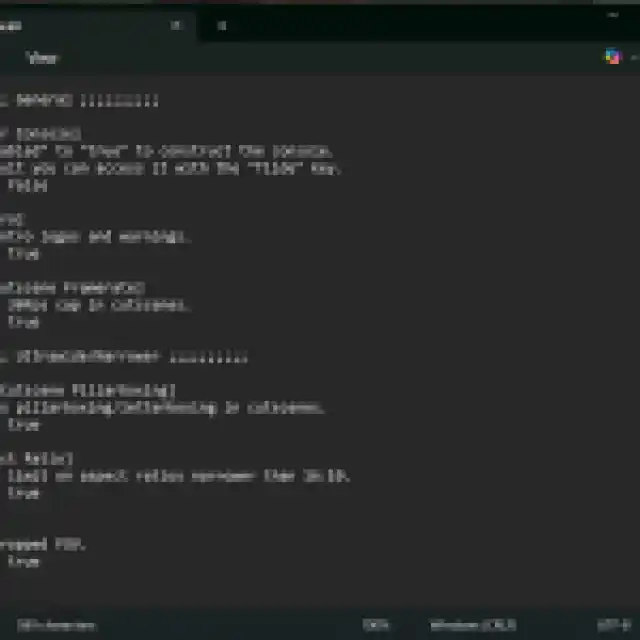
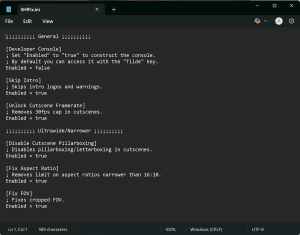
If, for whatever reason, you want to disable the entire patch or any specific feature, you can either delete the patch files or set the feature’s value to false in the configuration file.
All credits go to Lyall for creating and testing the patch. Their contributions are incredibly helpful for PC gamers, and you can learn about their work on their Patreon. There is a chance that Lyall will update this patch with new potential features to keep an eye on the releases page.
While it’s nice to see that developers are at least considering support for ultrawide resolutions in the PC release, there’s still a long way to go before the implementation is truly perfect. I don’t expect the studio to address these problems in an update, which is why it’s great that modders like Lyall are around to fix them.
If you’d like to see more helpful guides, news, or features from Prima Games, please consider adding us to your preferred sources.


