
How to Customize Your Avatar in 2XKO
Prepare for those 2XKO skins.

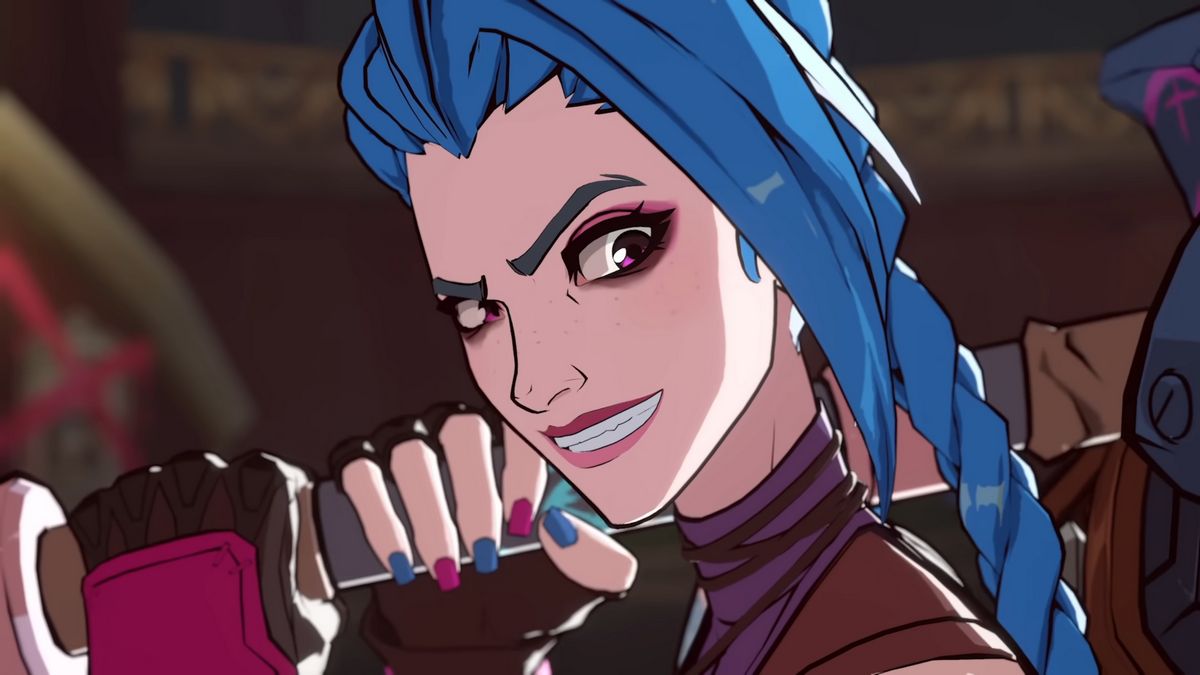
Riot Games 2XKO explores a fun take on matchmaking lobbies, giving players an avatar to customize while interacting with other players for a match.
This has been a staple for the new generation of fighting games, and everyone wants to customize their avatars. Here’s a quick explainer on how to do that in 2XKO.
How to Change Your Avatar in 2XKO
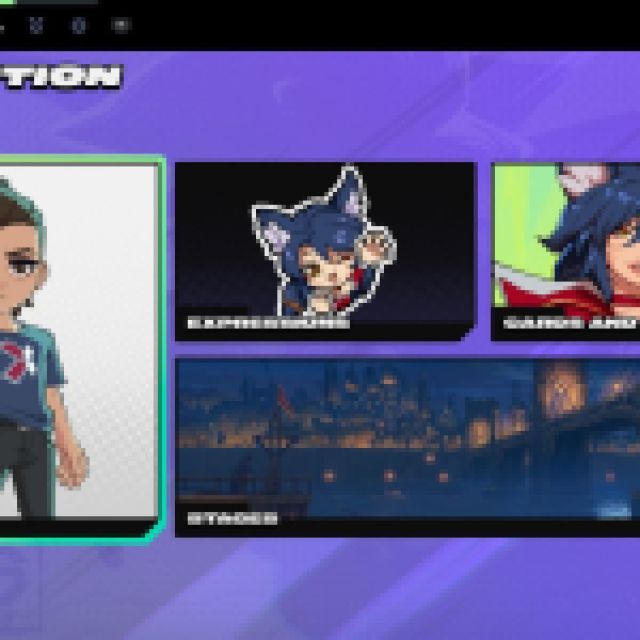

To change your avatar, you must be in the main menu and cycle through the tabs or categories, as seen in the top panel in the image above. Go to the “Collection” or the backpack icon.
In this page, you’ll see the Avatar, Expressions, Cards, Titles, and Stages collections. Select “Avatar” and you can freely customize your Avatar’s appearance, clothes, and accessories.
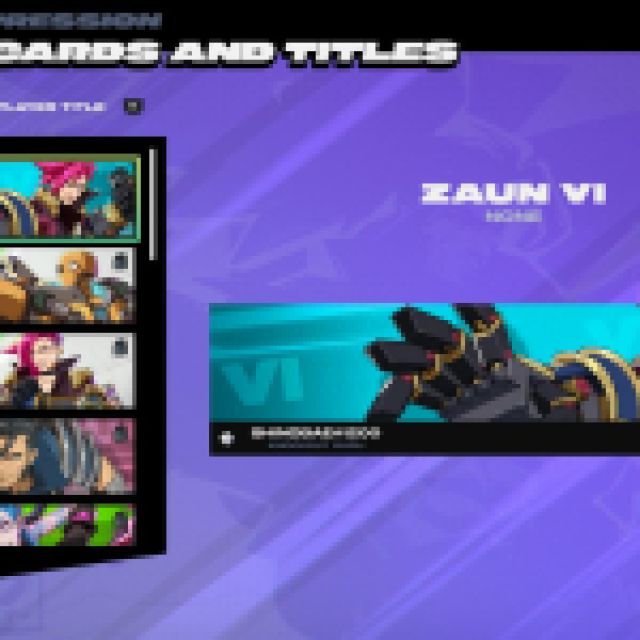

However, you still need to own the cosmetics. For expressions, these may differ per character, so you’ll have to change them one by one. Cards and titles are unlocked and shown when you are playing, loading, or being interacted with by another player in the lobby.


The matchmaking lobby is a cool place to hang out and even spectate other players. Everyone will see your avatar, so flex those cosmetics and be the star of the lobby.
If you are curious about those avatars with a flaming aura that glows orange, red, or even blue, those aren’t cosmetics. These are players with active win streaks in the lobby, with blue being the highest with 10 or more active win streaks.
If you’d like to see more helpful guides, news, or features from Prima Games, please consider adding us to your preferred sources (available to users in the US or India).


