
Cronos The New Dawn Complete Controls for PC and Controller
Press Space to stomp!

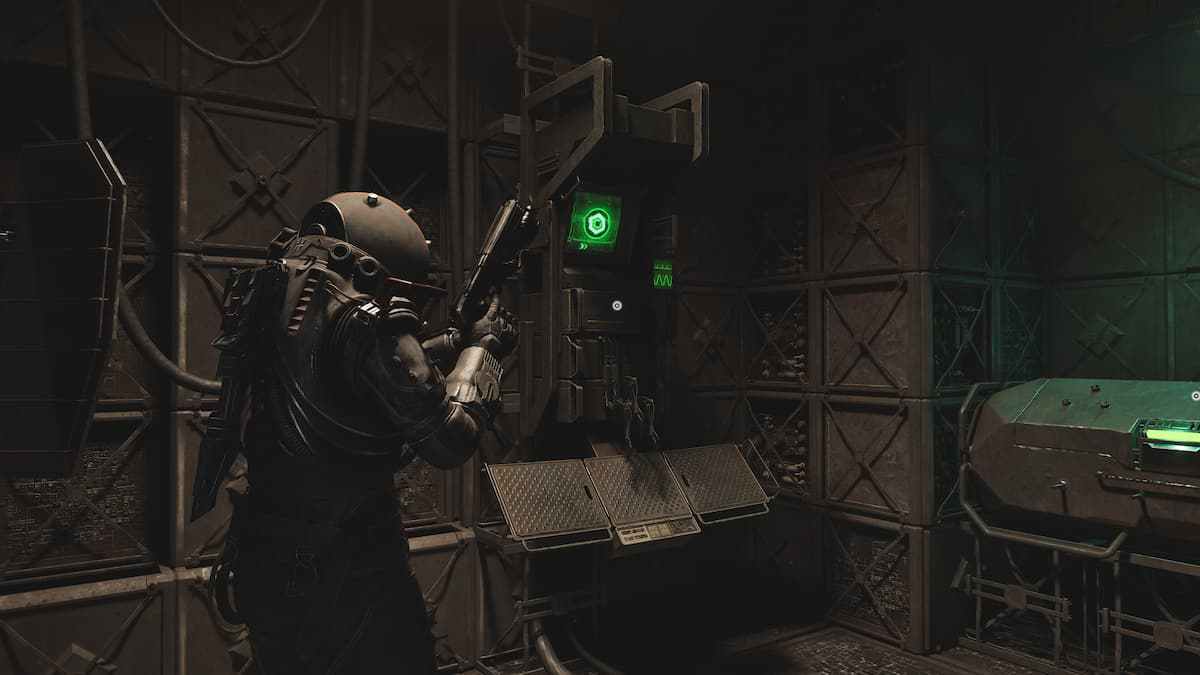
Cronos: The New Dawn, the latest survival horror title from Bloober Team, is now available on PC, Xbox Series S, Xbox Series X, and PS5. It is a combat-heavy game that borrows from contemporaries but also introduces enough unique actions and mechanics to stand out.
If you need a reference to its default scheme, here are the complete controls for Cronos: The New Dawn, whether you’re playing on keyboard and mouse or a controller.
Cronos The New Dawn Complete Controls for Keyboard and Mouse
Here are the complete controls for Cronos: The New Dawn if you’re playing on keyboard and mouse.
| Action | Input |
|---|---|
| Move Forward | W |
| Move Backward | S |
| Move Left | A |
| Move Right | D |
| Run | Left Shift |
| Camera Rotation Rate | Mouse |
| Interact | E |
| Inventory | Tab |
| Pause Menu | Esc |
| Compass | C |
| Swap Tool | X |
| Use Tool | Left Mouse Button + Left Ctrl |
| Change Weapons | 1 / 2 / 3 / 4 |
| Quick Fabricate Ammo (Hold) | 1 / 2 / 3 / 4 |
| Aim (Hold) | Right Mouse Button |
| Shoot | Right Mouse Button + Left Mouse Button |
| Punch | Left Mouse Button |
| Stomp | Space |
| Torch | Middle Mouse Button |
| Pyre (Hold) | Middle Mouse Button |
| Reload | R |
| Quick Heal | Q |
Cronos The New Dawn Complete Controls for Controller
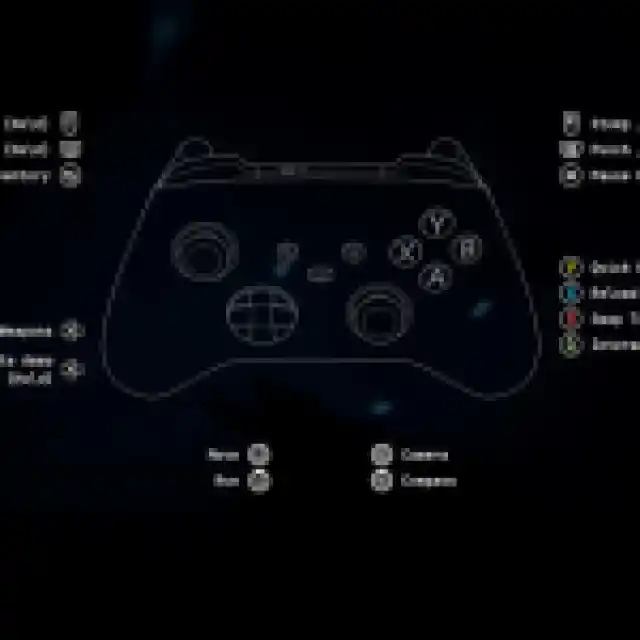
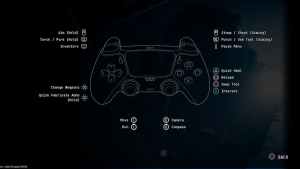
Here are the complete controls for Cronos: The New Dawn if you’re playing an Xbox or PlayStation controller.
| Action | Xbox Input | PlayStation Input |
|---|---|---|
| Move | Left Stick | Left Stick |
| Run | LS | L3 |
| Camera | Right Stick | Right Stick |
| Compass | RS | R3 |
| Aim (Hold) | LT | L2 |
| Torch / Pyre (Hold) | LB | L1 |
| Stomp / Shoot (Aiming) | RT | R2 |
| Punch / Use Tool (Aiming) | RB | R1 |
| Quick Heal | Y | Triangle |
| Reload | X | Square |
| Swap Tool | B | Circle |
| Interact | A | X |
| Inventory | View Button | Touchpad |
| Pause Menu | Menu Button | Options |
| Change Weapons | D-Pad | D-Pad |
| Quick Fabricate Ammo (Hold) | D-Pad (Hold) | D-Pad (Hold) |
| Back | B | Circle |

Can you Remap Controls in Cronos: The New Dawn?
Yes, you can fully remap controls in Cronos: The New Dawn, no matter the input type. The game gives you complete control over keyboard and mouse and controller inputs with a dedicated section in the controls menu.

Cronos: The New Dawn Supported Controllers on PC
Cronos: The New Dawn has native support for Xbox and PlayStation controllers on PC. I tested the Xbox Series controller as well as the DualShock 4, and both worked perfectly as you would expect with Steam Input disabled.

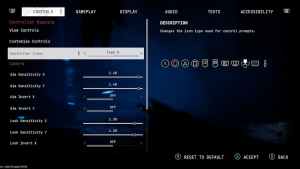
Additionally, the game lets you swap between button prompt types regardless of the controller plugged in. I didn’t have a DualSense on hand, but I won’t be surprised if it has support for its adaptive triggers and haptic feedback as well.
I’m very happy with the flexibility offered in Cronos: The New Dawn when it comes to customizing the controls experience. You can adjust sensitivity as well for both input types, invert controls, and access aim assist as well.
If you’d like to see more helpful guides, news, or features from Prima Games, please consider adding us to your preferred sources (available to users in the US or India). This new feature will enable you to see more of us in your search results and news feeds, and will greatly help us navigate these difficult times in gaming media. We thank you, dear readers!


