
Cronos The New Dawn Save File Location for PC
Save often.


After the success of Silent Hill 2: Remake, Bloober Team is back with another survival-horror title, this time an original game, Cronos: The New Dawn. It’s a lot of fun combining elements from a plethora of survival horror titles, built with Unreal Engine 5.
If you’re looking for your local progress data to back up or move around, here is the save file location for Cronos: The New Dawn.
Cronos The New Dawn Save File Location
| Client | Steam |
|---|---|
| Steam | C:\Users\[Windows Username]\AppData\Local\Cronos\Saved\SaveGames |
| Epic Games Store | C:\Users\[Windows Username]\AppData\Local\Cronos\Saved\SaveGames |
Like many other Unreal Engine 5 titles, you’ll find the dedicated folder for Cronos: The New Dawn in the local folder of AppData (you will need to make sure that folders aren’t hidden in Windows). There’s no weird codename or anything, and I recommend backing up the entire Cronos folder for future use.
If you’re playing through Steam, you will see another folder inside SaveGames with your unique Steam ID. I’m sure there is something similar for the Epic Games Store version. This contains all the necessary player data, including the save data for individual slots and various user settings.
You can access the same location by entering the following address in Windows Run or Explorer:
%LOCALAPPDATA%\Cronos\Saved\SaveGames\
Cronos The New Dawn Save Slots
From what I understand, you can technically have more than one active playthrough, but it’s not a separate slot immediately available in the main menu, like “Slot 1” and “Slot 2”. The game has an autosave and a manual save, which you can create every time you’re in a safe area, sort of like Dead Space.
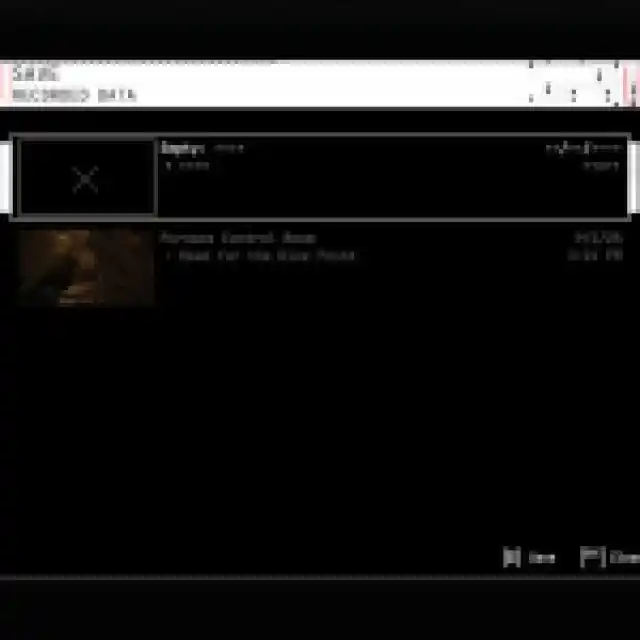
So, to truly begin a new playthrough, you need to reach the first safe area and create a new manual save. After that, the autosave will switch to whatever the active manual save is.
On Steam, Cronos: The New Dawn has support for Steam Cloud, which means you can access your progress on different devices as long as you are signed into your Steam account. It also has native controller support, achievements, and family sharing support.
I would really like it if the developers consider adding separate dedicated save slots, which players can create in the main menu, just so there isn’t any confusion about the active profile.
If you’d like to see more helpful guides, news, or features from Prima Games, please consider adding us to your preferred sources (available to users in the US or India). This new feature will enable you to see more of us in your search results and news feeds, and will greatly help us navigate these difficult times in gaming media. We thank you, dear readers!


