
How To Get the Wildgate Twitch Drops
Get 'em while they're hot!


Wildgate, the PvP multiplayer shooter from Moonshot Games and Dreamhaven, is available now on PC and consoles. To celebrate its launch, Dreamhaven has partnered up with Twitch for multiple drop campaigns for the first two weeks of release, giving players a chance to earn exclusive cosmetics and sprays.
Here is how you can take part in these Twitch campaigns for Wildgate and earn some valuable goodies to redeem in the game.
Wildgate Twitch Drops
There are two campaigns planned for Wildgate, and currently, the “Week One” campaign is active. This includes the following rewards:
| Item | Item Image | Total watched minutes required |
|---|---|---|
| Pixel Sammo Spray |  | 60 Minutes (1 Hour) |
| Pixel Kae Spray |  | 120 Minutes (2 Hours) |
| Lightning Void Hunter Ship Style | 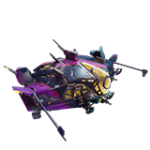 | 240 Minutes (4 Hours) |


After this campaign is over, the next campaign, called “Week Two,” will start exactly a week later.


Wildgate Twitch Drops Schedule
As mentioned, there are two campaigns for this celebration. Each campaign is available for an entire week with the following schedules:
| Wildgate Twitch Campaign | Schedule |
|---|---|
| Week One | July 22, 2025 to July 30, 2025 |
| Week Two | July 30, 2025 to August 08, 2025 |
How to Claim Twitch Drops for Wildgate
To earn and claim these drops, you need to first connect your Dreamhaven account with Twitch.
- To create a Dreamhaven account, either open the social panel followed by account settings within the game, or visit the following website to log in with your platform’s account (Steam, PNS, Xbox) and link both accounts.
- After that, you can link your Dreamhaven account with Twitch by clicking the “Link an account +” button in the Linked Accounts tab of your account.
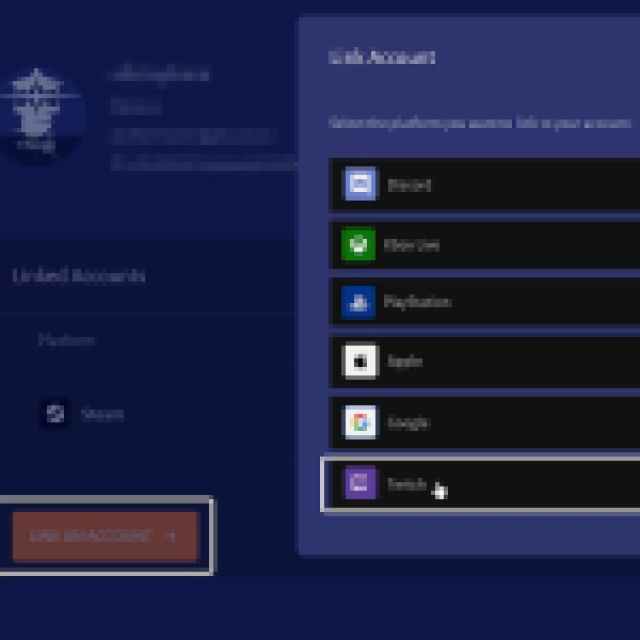

- Now, just to recap. You need to link your platform’s account with the Dreamhaven account, and then the Dreamhaven account with Twitch.
- After all three accounts are connected, you’re good to go. In my case, I’m playing on PC via Steam, so my Steam and Twitch accounts will show up in the linked accounts section of the Dreamhaven website.
- With the account linking out of the way, head over to any Wildgate stream with drops enabled and watch the Stream (or put it on in the background) for the specified time, a total of 240 minutes if you want everything.
- You can keep track of the drop progress in your Twitch inventory. If the progress bar doesn’t update automatically, refresh the page.
- Once you have watched the specified time, you’ll see the Claim Now button on the same page, over the items one by one.
- After you claim the items, they will show up in your in-game rewards tab. If it doesn’t show right away, give it a bit or log in again.
Wildgate Account Linking Reward
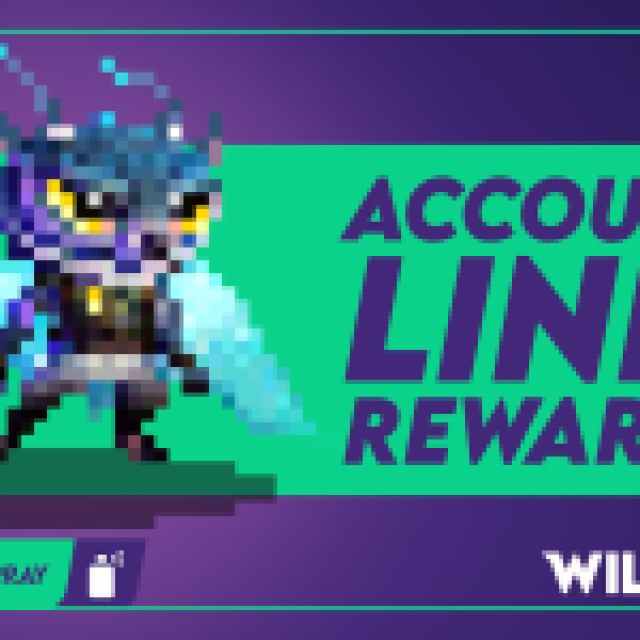
Upon linking Wildgate to the Dreamhaven account, you will receive the Pixel Mophs Spray.

Wildgate Login Reward
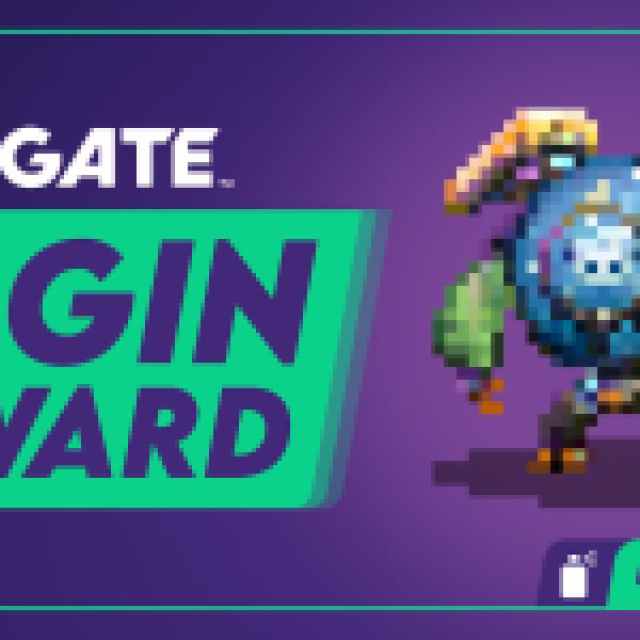
If you log into Wildgate anytime between July 22 at 9 AM PT and August 5 at 9 AM PT, you will earn the Pixel Sal Spray.

There is a lot you can get in Wildgate without spending any money, and the Twitch drops, login, and account linking rewards should get you started!


