
How to Reset Your Account in Escape from Tarkov
A wipe on your own terms.

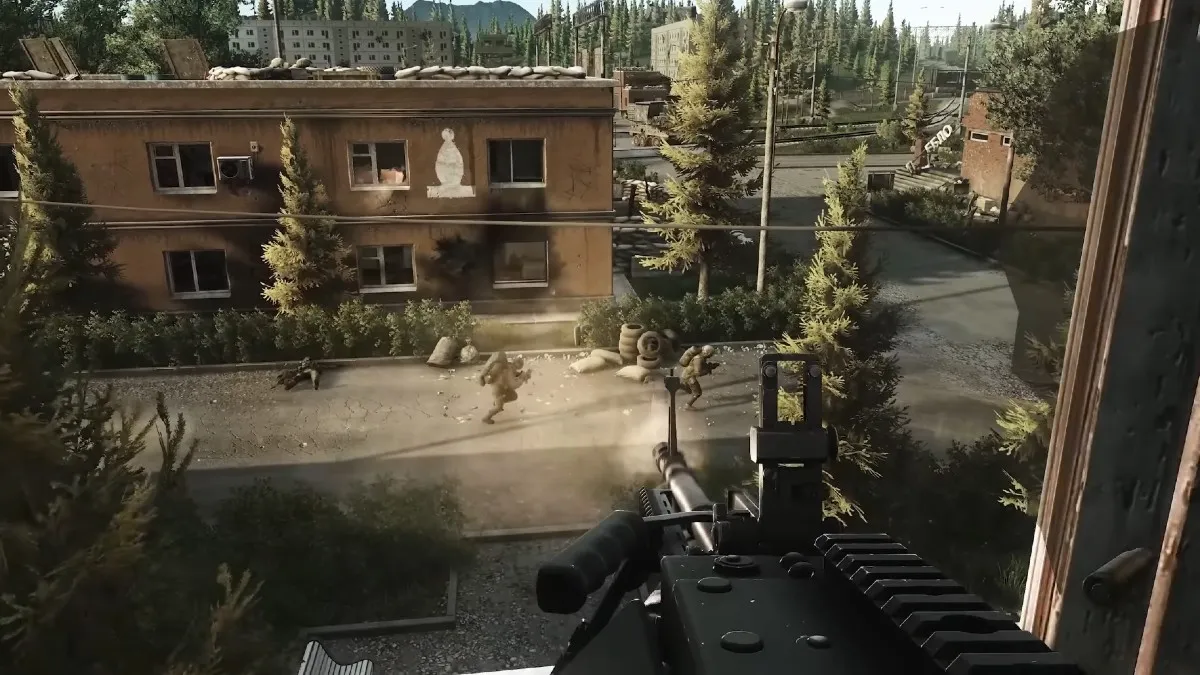
Resetting your account in Escape from Tarkov is a last resort type of thing when you just run out of weapons and resources. Since all accounts start with several loadouts and resources, players just reset their accounts when they have a bad start to the wipe.
Here’s how you can reset your account in Escape from Tarkov and all the mechanics revolving around a full account reset.
How to Reset Your Escape from Tarkov Account
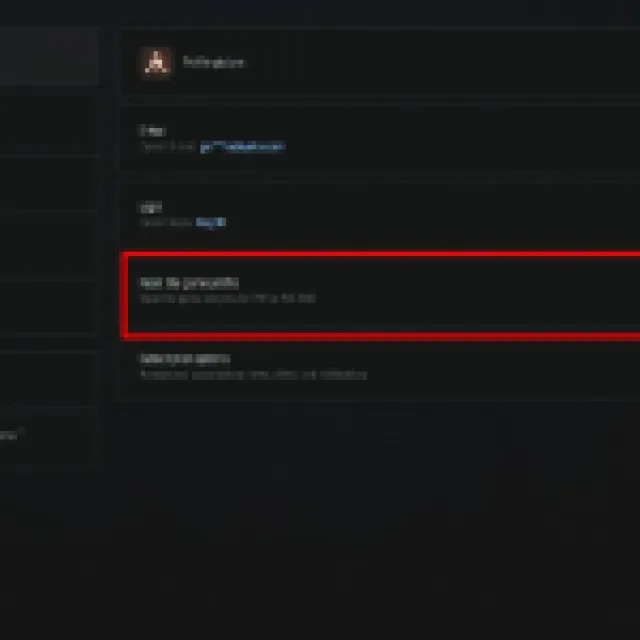

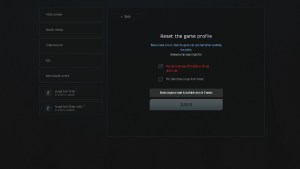
To reset your Escape from Tarkov, the only way to do it is through the official Escape from Tarkov website. You cannot reset your account while inside the game.
Go to the website and log in. Make sure your BattleState Games Launcher or EFT Launcher is closed before doing this. Once you are logged in, click your profile in the upper-right corner of the page and select the “Profile” button.
This should take you to your profile settings page. Go to the profile overview category and look for the “Reset the game profile.” There should be a “Reset” button, and when you click it, a warning prompt will appear before the account is actually reset.
There is a 3-week reset cooldown on a new character. So, if you just made a new character, you’ll have to wait for 3 weeks before you can reset the account. These rules sometimes change, but it depends on BattleState Games.
Once you meet all the requirements, you can reset your PvE or PvP profile by selecting the appropriate boxes and selecting “Submit.”
After resetting your account, you’ll start from scratch and make a new character. However, if you have an account that has prestige already, you’ll keep the prestige progress when you reset.


