
How to Clear Out Objects in RoadCraft
All in a day's work.


RoadCraft is a game all about restoring devastated sites. You’ll constantly find situations where you must “clean” the road by clearing objects or debris. Here’s the best tip to clear out debris and start mastering the art of RoadCraft.
How to Easily Move Objects Out in RoadCraft
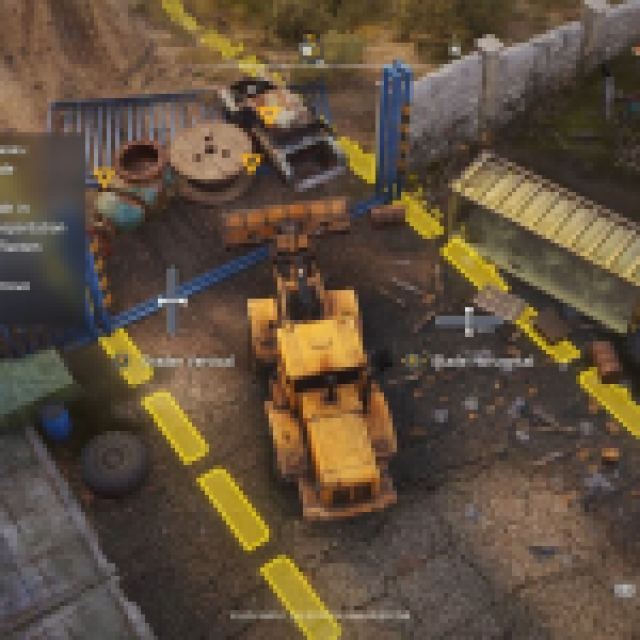

You’ll start the game working on simple construction tasks using the “Rusty Dozer” or the Kronenwerk L-34 vehicle. As the name suggests, this vehicle is primarily used for clearing out objects.
The Kronenwerk L-34 vehicle has several grader controls. You can adjust the grader blade’s position and tilt. Use L1 or LB to adjust the Blade Tilt. In clearing objects of debris, you want the tilt to be more vertical with a slight curve at the top to prevent more objects from slipping out when you are pushing them.
Use the right analog stick to adjust the Blade Tilt. If you want to flatten things, you’ll adapt it horizontally to flatten terrain like sand.
Once your Blade Tilt is adjusted, it is time to change the Grader and the Blade. For this setting, you want to press R1 or RB. Use the right analog stick vertically to adjust the Grader’s vertical and horizontally for the Blade’s horizontal.
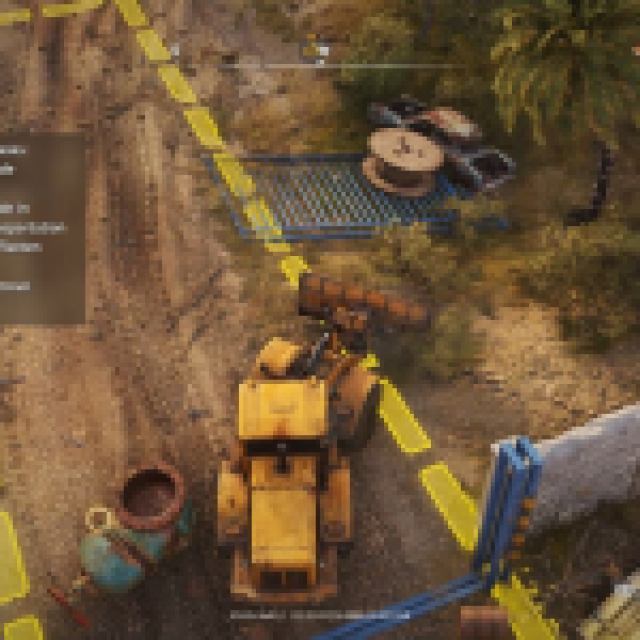
Adjust the Grader and the Blade to completely cover the ground or terrain without leaving any space. You also have to keep in mind that your Grader and Blade can stick in the ground, making it extremely hard to move, or you may even flip the vehicle.
You have to adjust these graders and blades more accurately. Use the camera angles to get a closer look and check that the grader barely touches the ground.
Once these settings are adjusted, just ram over the objects. You don’t have to pick up the debris or objects with the blade when you get objectives like clearing out objects. You only have to push them out of the construction zone, which usually has broken yellow lines in the area.
If you’re wondering how to switch vehicles in Roadcraft, we’ve got a guide for that, too.


