
How to Switch Vehicles in RoadCraft
You have to use them all, right?


In RoadCraft, you’ll have several off-road and construction vehicles at your disposal. Each has specific uses, and some tasks will see you using a few to achieve your goals.
You’ll have to get used to switching between vehicles and placing them correctly so you save some time. Here’s how to switch in and out of vehicles in RoadCraft.
How to Change Vehicles in RoadCraft
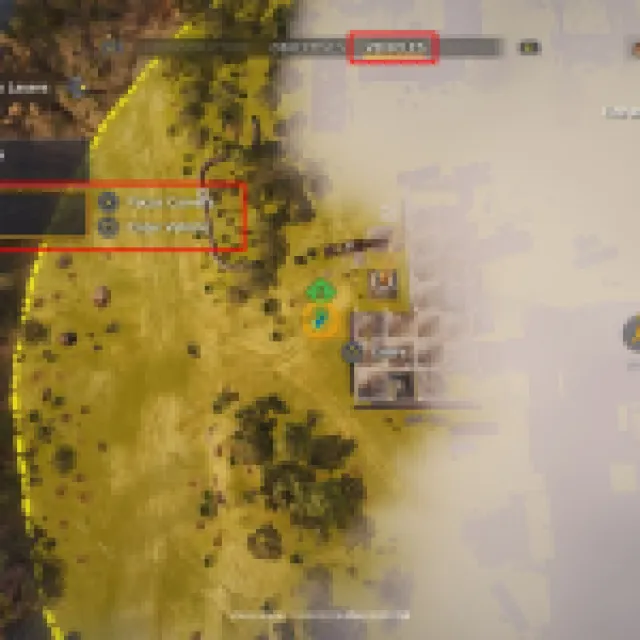
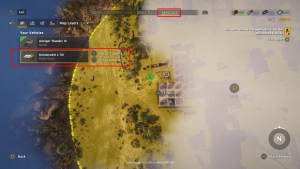
To swap your currently used vehicle, open the map or main screen. You’ll see tags like Infrastructure, Objectives, Bridges, Vehicles, and more. Go to the Vehicles tab, which should display all your available vehicles.
Your currently used vehicle has a green mark on the icon. Look through your vehicles, and you can either focus the camera or enter the vehicle. Focusing the camera allows you to see where it is, while selecting “Enter Vehicle” will switch you to the selected vehicle.
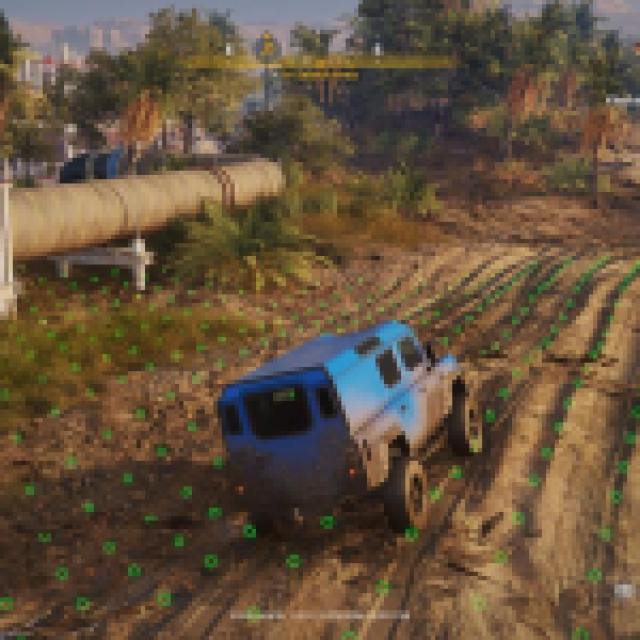
However, switching vehicles doesn’t “teleport” your vehicle to your current location. You’ll return to the last location of the vehicle you have swapped to.
This means that you really have to know where you leave your vehicles, or you’ll end up wasting a lot of time driving back and forth. In a way, you can even grab a vehicle and drag it while you are heading to your next objective. This means you can take two vehicles at once, saving a drive. Especially useful if the location is very far away.
If you want to transport your car to a location immediately, you can restart your position by holding “Up” on the D-pad, and it should reset. This is the unstuck feature, which can also be used to fast travel back to any checkpoint.
For more on the game, check out how to clear out objects in Roadcraft.


