
The Precinct Complete Controls for PC and Controller
Your digital handbook.

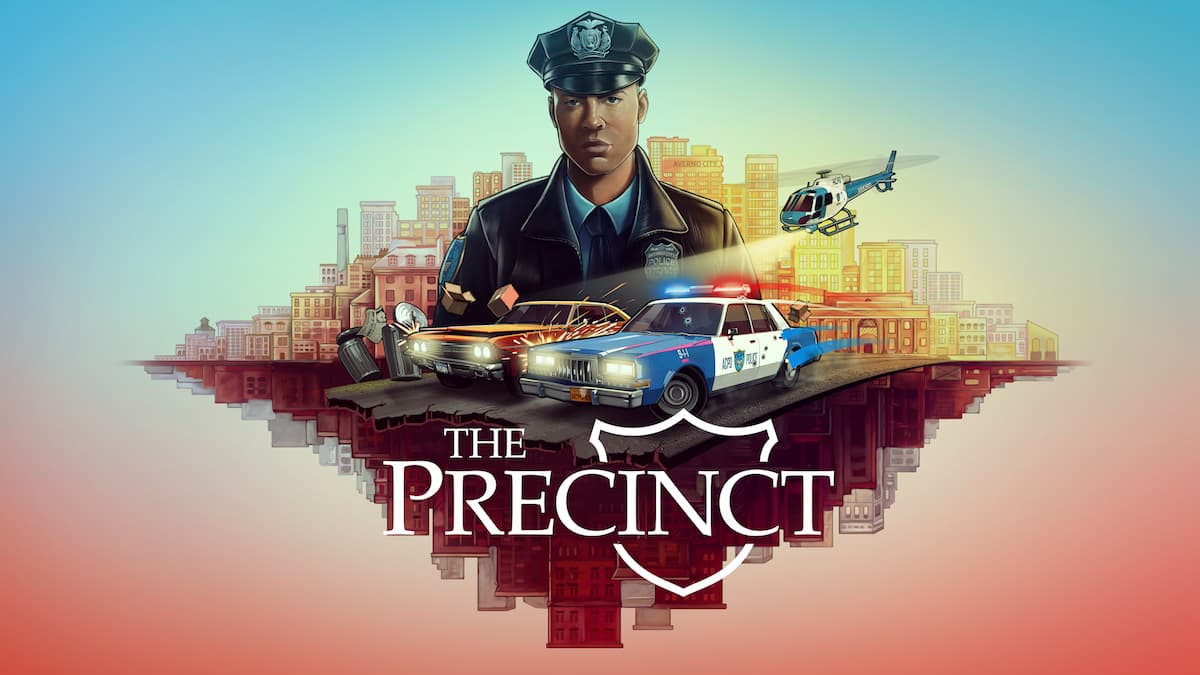
The Precinct is now available on PC and consoles. It’s a sandbox neo-noir crime thriller packed with activities around the city. You’ll be writing parking tickets, chasing down thugs in car chases, and patrolling Averno City from a helicopter.
With so much to do, there are several systems to learn and plenty of controls to master. If you need a reference, here are the complete default controls for The Precinct on controllers, as well as keyboard and mouse for PC.
The Precinct Controls for Controller
Here are the default controls for The Precinct, whether you’re playing on an Xbox or PlayStation controller.
On-Foot Controls Controls
| Action | Xbox | PlayStation |
|---|---|---|
| Interact / Timed Breath | Y | Triangle |
| Use Cover | B | Circle |
| Shout | X | Square |
| Tackle / Force Restrain | A | X |
| Walk | [Hold] A | [Hold] X |
| Camera | Right Thumbstick | Right Thumbstick |
| Flashlight | LS | L3 |
| Pause | Menu Button | Menu Button |
| Map | View Button | Touchpad |
| Movement | Left Thumbstick | Left Thumbstick |
| Change Weapon Up | D-Pad Up | D-Pad Up |
| Change Weapon Left / Right | D-Pad Left / Right | D-Pad Left / Right |
| Change Weapon Down | D-Pad Down | D-Pad Down |
| Open Radio | RB | R1 |
| Sprint / Vault / Shoot / Melee Attack | RT | R2 |
| Reload | LB | L1 |
| Holster Weapon | [Hold] LB | [Hold] L1 |
| Aim | LT | L2 |
Vehicle Controls
| Action | Xbox | PlayStation |
|---|---|---|
| Shout | X | Square |
| Handbrake | B | Circle |
| Exit Vehicle | Y | Triangle |
| Shoot | A | X |
| Camera | Right Thumbstick | Right Thumbstick |
| Vehicle Horn | RS | R3 |
| Open Radio | RB | R1 |
| Accelerate | RT | R2 |
| Pause | Menu Button | Menu Button |
| Map | View Button | View Button |
| Movement / Steer / Cycle Siren | Left Thumbstick | Left Thumbstick |
| Change Weapon Up | D-Pad Up | D-Pad Up |
| Change Weapon Left / Right | D-Pad Left / Right | D-Pad Left / Right |
| Change Weapon Down | D-Pad Down | D-Pad Down |
| Siren | LB | L1 |
| Brake | LT | L2 |
Helicopter Controls
| Input | Xbox | PlayStation |
|---|---|---|
| Ascend | A | X |
| Descend | B | Circle |
| Exit | Y | Triangle |
| Shout / Check Number Plate | X | Square |
| Pause | Menu Button | Menu Button |
| Map | View Button | View Button |
| Movement / Strafe / Throttle | Left Thumbstick | Left Thumbstick |
| Move Spotlight | LT | L2 |
| Camera / Turn | Right Thumbstick | Right Thumbstick |
| Open Radio | RB | R1 |
The Precinct Controls for Keyboard and Mouse
Here are the default controls for The Precinct if you’re playing the game on a keyboard and mouse.
On-Foot Controls
| Action | Input |
|---|---|
| Move Up | W |
| Move Down | S |
| Move Left | A |
| Move Right | D |
| Look Left | Q |
| Look Right | E |
| Sprint | Left Shift |
| Vault | Left Shift |
| Toggle Walk | Caps Lock |
| Use Cover | C |
| Aim | Right Mouse Button |
| Attack | Left Mouse Button |
| Holster Weapon | Tab |
| Show Weapons | Back Quote |
| Change Weapon Left | 1 |
| Change Weapon Up | 2 |
| Change Weapon Right | 3 |
| Change Weapon Down | 4 |
| Flashlight | 5 |
| Reload Weapon | R |
| Interact | F |
| Interact Secondary | T |
| Shout | Left ControlC |
| Tackle | C |
| Force Restrain | C |
| Timed Breath | Space |
Vehicle Controls
| Action | Input |
|---|---|
| Siren | Left Shift |
| Cycle Siren | C |
| Vehicle Horn | B |
| Vehicle Handbrake | Space |
| Check Number Plate | Tab |
| Exit Vehicle | F |
Helicopter Controls
| Action | Input |
|---|---|
| Ascend | Space |
| Descend | C |
| Strafe Left | Q |
| Strafe Right | E |
| Move Spotlight | Right Mouse Button |
General Controls
| Action | Input |
|---|---|
| Open Radio | V |
| Accept Callout | Y |
| Dismiss Callout | N |
| Map | M |
| Upgrades | U |
| Handbook | H |
| Journal | J |
| Statistics | K |
| Gangs | G |
| Artifacts | L |
| Pause | Escape |
Can you Remap Controls in The Precinct?
Apart from a few mouse-related inputs, you can remap all the keyboard and mouse controls in The Precinct.
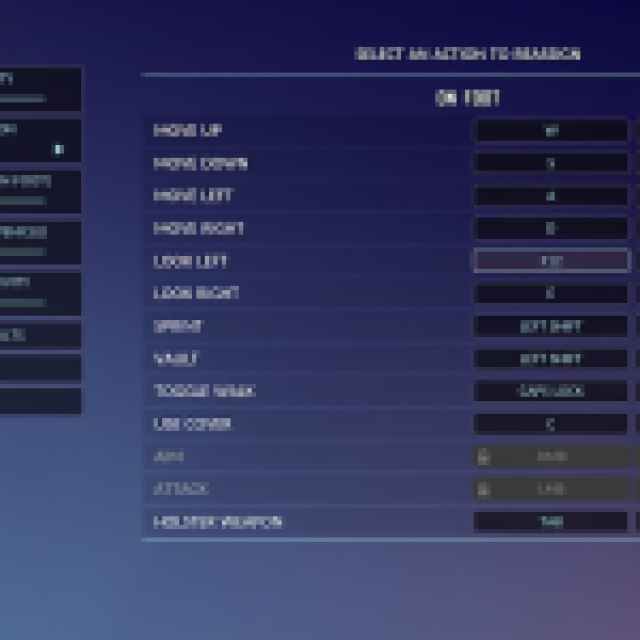
However, you can’t remap controls for the gamepad and have to stick to the default controls.
The Precinct Controller Support on PC
The Precinct has native support for Xbox and PlayStation controllers on PC, which is why you don’t need to rely on Steam Input. It also has correct in-game button prompts for PlayStation controllers.
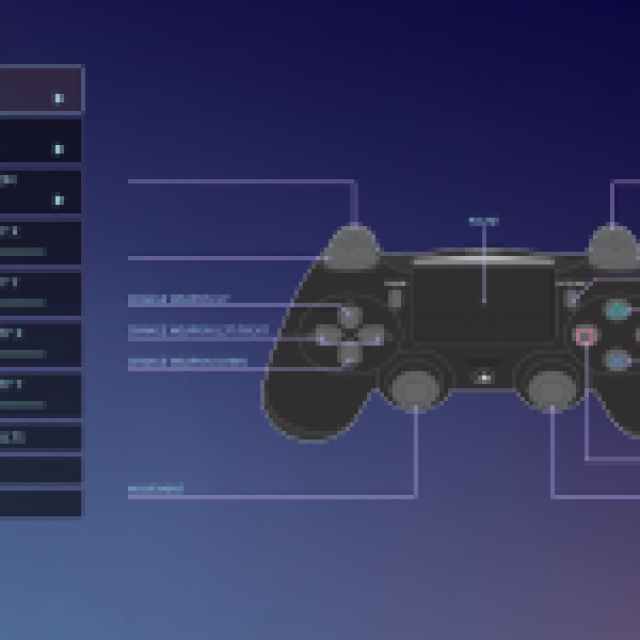
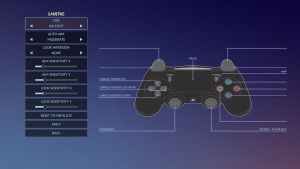
Overall, the support for controllers is solid, and the developers recommend playing The Precinct with one as well. It’s playable on keyboard and mouse as well, but I find it more intuitive on a controller myself.


