
Split Fiction Save File Location on PC
Split...saves? I don't have a joke for this.

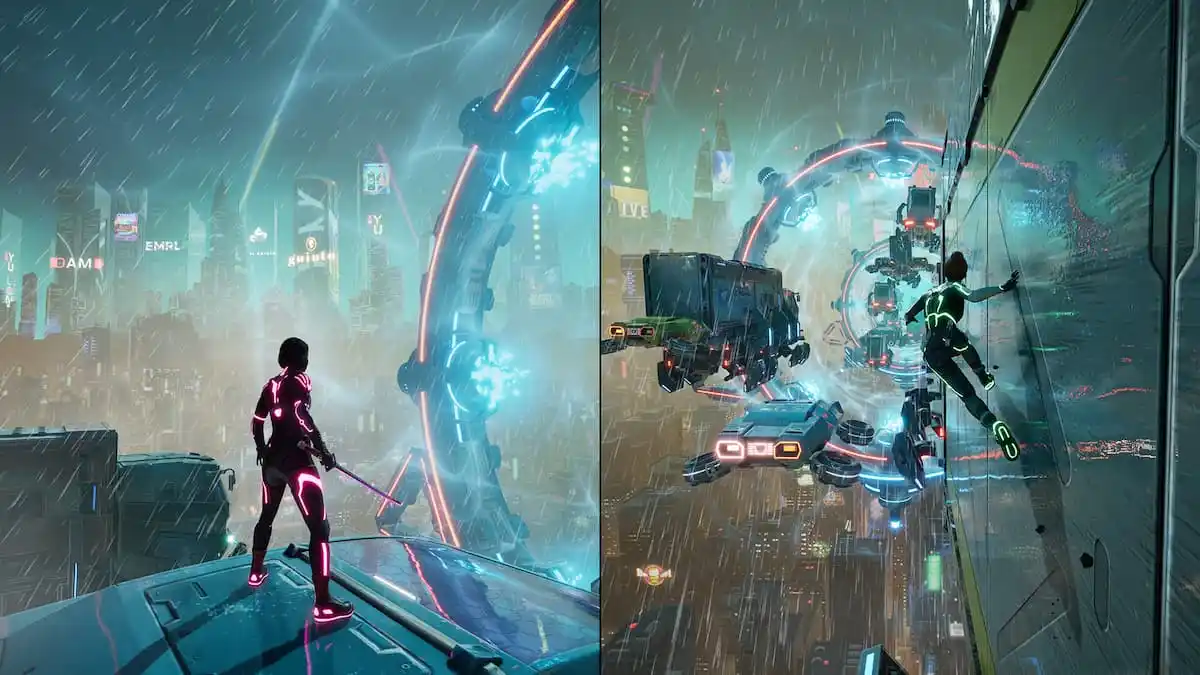
Split Fiction is another tremendous action title from Hazelight Studios that continues the trend of pure co-op titles full of creative ideas, massive set pieces, and a campaign that doesn’t waste a second of your time. Split Fiction also runs great on PC with plenty of settings to tweak and support several Steam features.
If you want to access your local progress on PC, however, here is the save file location for Split Fiction.
Split Fiction Save File Location
| Client | Save File Location |
|---|---|
| Steam | C:\Users\[Windows Username]\AppData\Local\SplitFiction |
| EA App | C:\Users\[Windows Username]\AppData\Local\SplitFiction |
| Epic Games Store | C:\Users\[Windows Username]\AppData\Local\SplitFiction |
Regardless of the client you’re playing Split Fiction on, the save files are found in the same location. The file in particular that you’re looking for is SaveData.Split, but you can back up the entire SplitFiction folder so the settings are saved as well.
You can reach the same location by entering the following address in Windows Run (Windows Key + R) or the file explorer.
%LOCALAPPDATA%\SplitFiction
There is only one active save slot, so if you want to play the game with multiple people, you’ll want to move around the save files as required. We would have liked a few more save slots, so you could have multiple sessions, whether you’re playing with someone online or locally. It shouldn’t be a problem, because your session progress is still saved in the same save data file.
Does Split Fiction Have Cloud Saves?
Yes, Split Fiction has support for cloud saves thanks to Steam Cloud on Steam. Make sure to keep this feature enabled if you’re playing on multiple devices like the Steam Deck as well. The same applies to the EA App and Epic Games Store versions which have their own cloud saves implementation.
Split Fiction Steam Feature
Outside of Steam Cloud, Split Fiction has the following Steam-exclusive features:
- Steam Input
- Steam Trading Cards
- Steam Family Share
- Remote Play Together
All in all, this is another fantastic PC release from Hazelight Studios that has made playing the game across platforms and clients a seamless experience. Once you have sorted out your save files, make sure to check out the complete controls as well.


