
Freedom Wars Remastered Crashing Workaround for PC
Freedom has a cost!

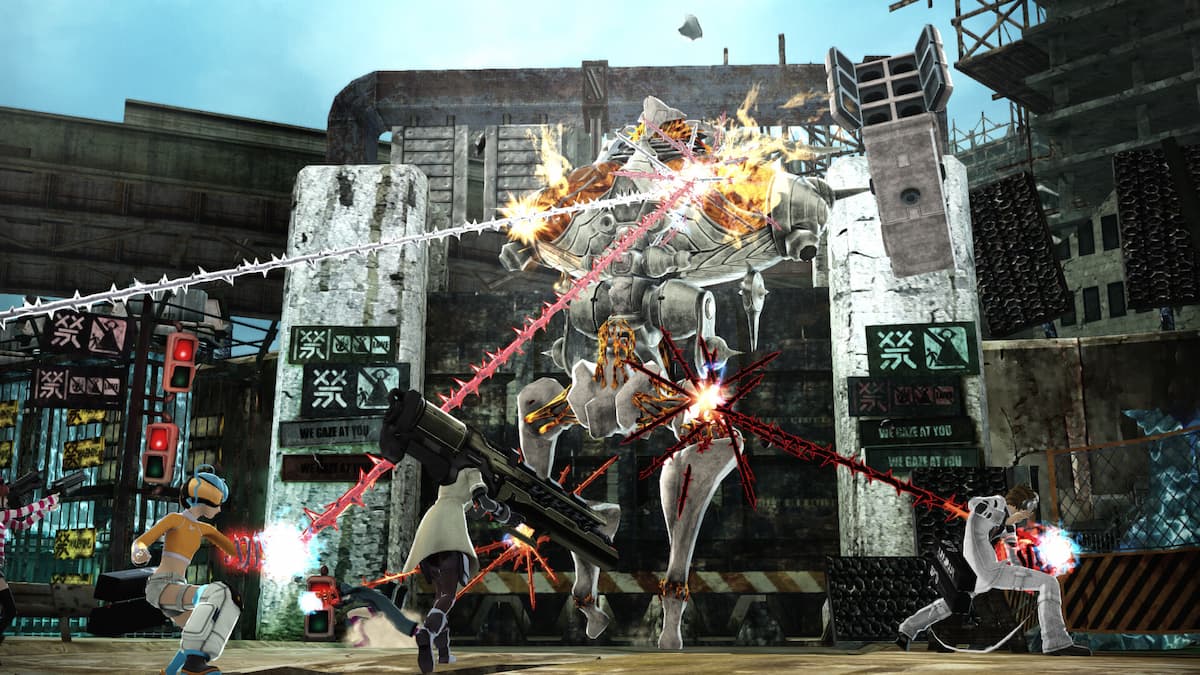
The once PS Vita exclusive, Freedom Wars has been remastered and ported to modern platforms with improved visuals, higher resolution support, and overhauled mechanics with added difficulty options. The PC version is a bit of a mess and there are plenty of stability issues reported by players. From poor performance to constant crashing, the remaster isn’t in the best shape at the moment. For now, here is a workaround to the crashing in Freedom Wars Remastered.
Freedom Wars Remastered Crashing Workaround
It seems that the anti-cheat deployed in Freedom Wars Remastered is causing stability issues, leading to crashes during gameplay. If you’re fine with playing the title in single-player mode then you can bypass the anti-cheat which should fix crashing, but will also disable the multiplayer aspect.
Until the developers address this in a patch, here is how you can bypass the anti-cheat and fix the crashing and stability issues:
- In your Steam library, right-click on Freedom Wars Remastered and select Manage, followed by Browse local files
- This will take you to the installation folder for Freedom Wars Remastered
- Now, locate the following executables
start_protected_game.exe
start.exe
- Rename these to the following:
start_protected_game.exe.old
start_protected_game.exe
After you’re done, the game will launch without the anti-cheat, and fix the stability issues. We recommend keeping an eye out for updates on Steam because the developers are aware of this problem.


They haven’t provided an ETA, but we expect a patch to drop for this very soon.
Generic Troubleshooting
If the crashing and stability issues aren’t related to anti-cheat, then we recommend going through our troubleshooting checklist to make sure everything is in order on your end.
- Update DirectX and Visual C++ Redistributables (Recommended)
- Update Windows to the latest version
- Update GPU Drivers: NVIDIA – AMD – Intel
- Update your BIOS, especially if you’re using an Intel 13th or 14th-generation processor
- Switch to your dedicated GPU if you’re playing on a laptop
- Make sure that the date and time in your Windows is correct
- Verify Game Files:
- Open Steam, and navigate to your library
- Here, right-click on Freedom Wars Remastered and select Properties
- In the Installed Files tab, click on Verify integrity of game file
Crashing aside, Freedom Wars Remastered also has issues with loading the correct language data, resolution, and even controllers. We hope the developers address these pressing issues as soon as possible because it has made the game unplayable for multiple users.


