
Wuchang Fallen Feathers Save File Location on PC
Here we go again!


Wuchang: Fallen Feathers is now available on PC, console, and through Xbox Game Pass. The PC version is somewhat of a mess, with numerous performance issues, resulting in a fairly low Steam user rating at the moment. Performance issues aside, the game thankfully has support for cloud saves.
If you’re looking for your local data, however, here is the save file location for Wuchang: Fallen Feathers on PC.
Wuchang Fallen Feathers Save File Location
| Client | Save File Location |
|---|---|
| Steam | C:\Users\[Windows Username]\AppData\Local\Project_Plague\Saved\[Steam ID]\GameSlots |
Within the GameSlots folder, each save slot will have a dedicated folder. So if you have three runs active at the moment, you’ll see maingame0, maingame1, maingame2 folders here. This is a neat way to ensure that everything is properly segmented, and you can access any particular slot’s individual save files.
To back up your entire progress, you can just make a copy of the main Project_Plague folder for easier use, but if you only want the files of a specific run, just copy the respective maingame folder within the GameSlots folder.
You can access the same save file location using the following shortcut address in Windows Explorer or Windows Run:
%LOCALAPPDATA%\Project_Plague\Saved\
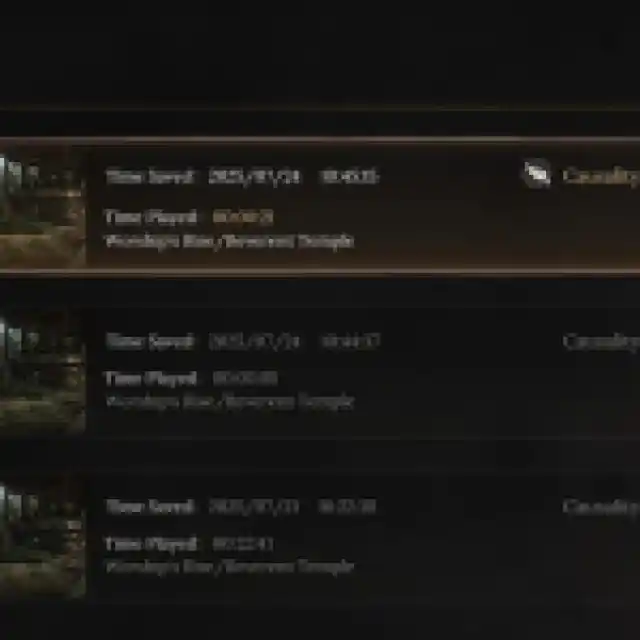
Does Wuchang Fallen Feathers Have Multiple Save Slots?
Yes, Wuchang: Fallen Feathers supports multiple save slots, with a total of 10 unique slots available to create and access directly from the main menu.

Does Wuchang Fallen Feathers Have Steam Cloud Support?
Yes, Wuchang: Fallen Feathers has support for Steam Cloud, which means you can easily access your save data across different devices while using the same Steam account. Outside of Steam Cloud, Wuchang: Fallen Feathers also has support for the following Steam features:
- Steam Family Share: All members in your Steam family can access the game.
- Achivements: Wuchang: Fallen Feathers has 40 achievements to unlock on Steam.
- Steam Input: While the game does have decent controller support, if you’re using something non-traditional, Steam Input lets you emulate it and use it without a problem.
Overall, like any good Soulslike, Wuchang: Fallen Feathers gives you plenty of room to experiment with different builds and runs, thanks to multiple save slots, which you can easily access on PC to manage or move around.


