
Wuchang Fallen Feathers Complete Controls for PC and Controller
Solid support.


Wuchang: Fallen Feathers is the debut soulslike title from Leenzee Games and is now available on PC, consoles, and Game Pass. The game is a massive hit on Steam, reaching nearly 115K concurrent players just a few hours after release.
Whether you prefer playing with a controller or a keyboard and mouse, Wuchang: Fallen Feathers fully supports both. Here are the complete controls for Wuchang: Fallen Feathers on Xbox and PlayStation controllers, as well as keyboard and mouse on PC.
Wuchang Fallen Feathers Complete Controls for Controllers
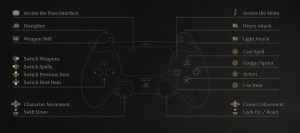
Here are the default controls for Wuchang: Fallen Feathers, whether you’re playing on an Xbox or PlayStation controller.
| Action | Xbox Input | PlayStation Input |
|---|---|---|
| Light Attack | RB | R1 |
| Heavy Attack | RT | R2 |
| Discipline | LT | L2 |
| Weapon Skill | LB | L1 |
| Cast Spell | Y | Triangle |
| Dodge / Sprint | B | Circle |
| Action | A | X |
| Use Item | X | Square |
| Character Movement | Left Thumbstick | Left Thumbstick |
| Swift Draw | LS | L3 |
| Switch Weapons | D-pad Right | D-pad Right |
| Switch Spells | D-pad Left | D-pad Left |
| Switch Previous Item | D-pad Up | D-pad Up |
| Switch Next Item | D-pad Down | D-pad Down |
| Camera Movement | Right Thumbstick | Right Thumbstick |
| Lock On / Reset | RS | R3 |
| Access the Pose interface | View Button | Touchpad |
| Access the Menu | Menu Button | Options Button |


Wuchang Fallen Feathers Complete Controls for Keyboard and Mouse
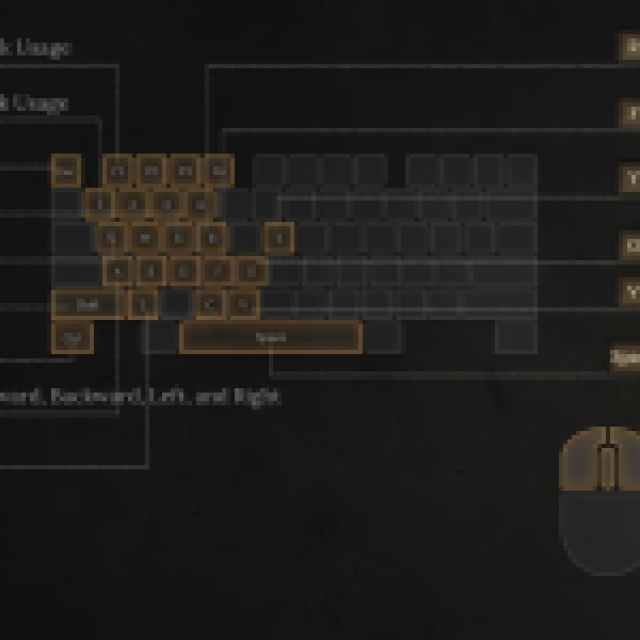
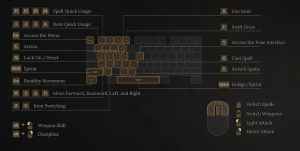
Here are the default controls for Wuchang Fallen Feathers if you’re playing on keyboard and mouse.
| Action | Input |
|---|---|
| Light Attack | Left Mouse Button |
| Heavy Attack | Right Mouse Button |
| Switch Weapons | Scroll Wheel Up |
| Switch Spells | Scroll Wheel Down |
| Spell Quick Usage | F1 – F4 |
| Item Quick Usage | 1 – 4 |
| Access the Menu | Escape |
| Action | E |
| Lock On / Reset | Q |
| Sprint | Shift |
| Stealthy Movement | Ctrl |
| Move Forward | W |
| Move Backward | S |
| Move Left | A |
| Move Right | D |
| Item Switching | Z, C |
| Use Item | R |
| Swift Draw | F |
| Access the Pose Interface | Y |
| Cast Spell | G |
| Switch Spells | V |
| Dodge / Sprint | Space |
| Weapon Skill | Alt + Left Mouse Button |
| Discipline | Alt + Right Mouse Button |
Can you Remap Controls in Wuchang Fallen Feathers?
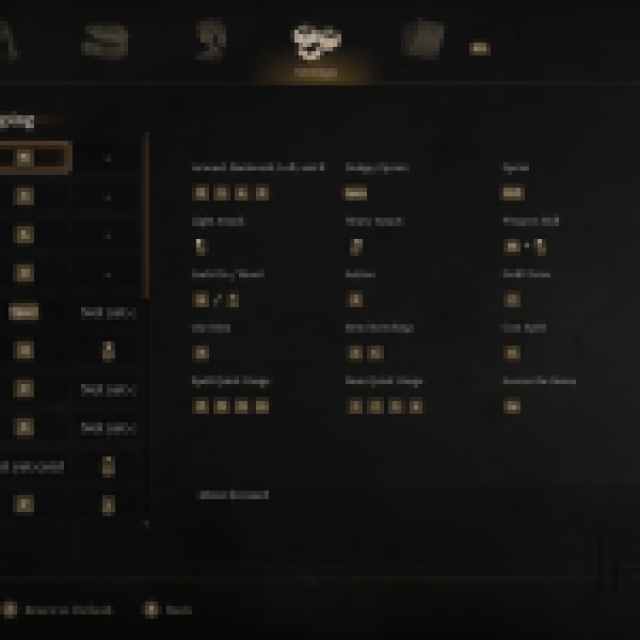
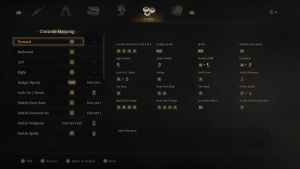
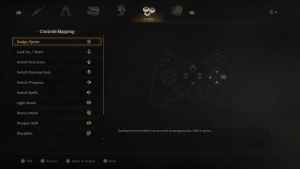
Yes, you can remap controls in Wuchang: Fallen Feathers for both controllers and keyboard and mouse inputs. There are dedicated mapping sections in the settings for both input types, and there are no restrictions from what I can tell.
Wuchang Fallen Feathers Supported Controllers on PC
On PC, Wuchang: Fallen Feathers has native support for Xbox and PlayStation controllers. I tested the DualShock 4 and Xbox Series controller with the game, and both work as you’d expect with correct in-game prompts on display as well.
Overall, the developers have put in the work to make sure Wuchang: Fallen Feathers feels responsive regardless of your preferred input. You can customize controls to your liking, and there is native support for multiple controller types.


