
Windrose Save File Location on PC
X marks the spot.

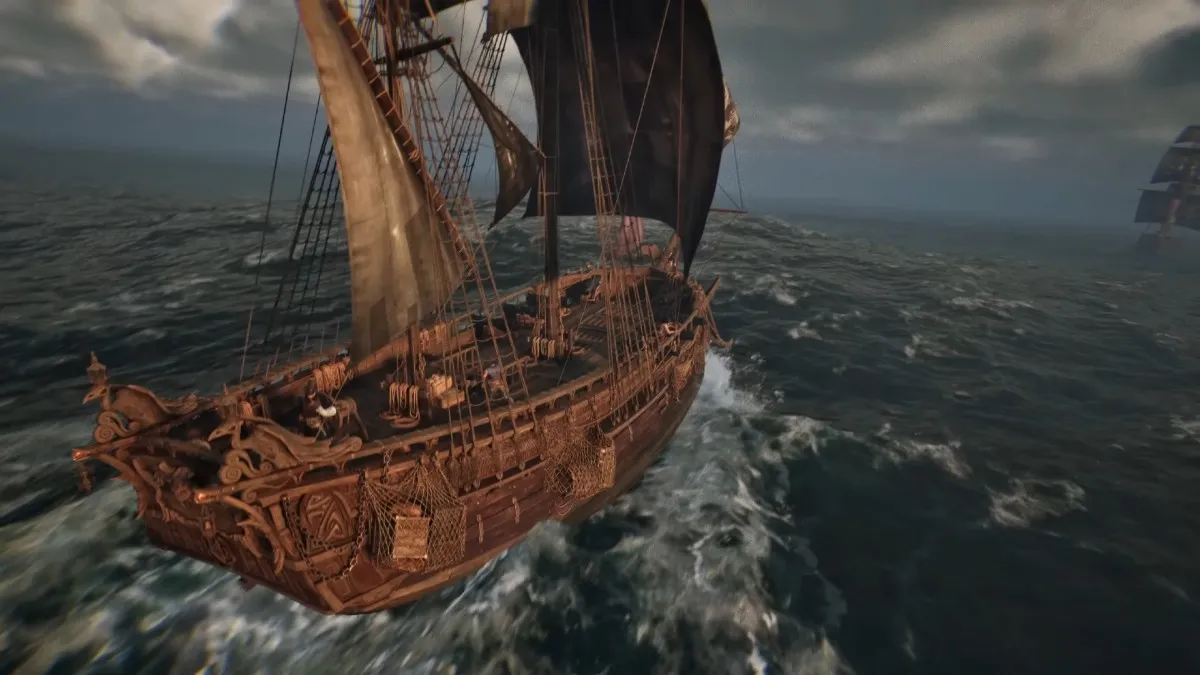
Windrose is out now in early access and is already an impressive survival crafting pirate adventure in its current state. With a planned early access period of around two years, there’s a lot more coming, and if you want to secure your local progress data, here is the save file location.
Windrose Save File Location
| Client | Save File Location |
|---|---|
| Steam | C:\Users\[Windows Username]\AppData\Local\R5\Saved\SaveProfiles/[Steam Numeric ID] |
Your character and world data are stored in dedicated folders within major versions. I’d highly advise against moving around data for individual characters since there are a lot of subfolders set up to keep things organised for the developers. Instead, if you want to move your progress or secure it for whatever reason, I recommend backing up the entire R5 folder.
You can access the same location by entering the following address in Windows Run or Explorer:
%USERPROFILE%/AppData/Local/R5/Saved/SaveProfiles
Can You Create Multiple Characters in Windrose?
Yes, you can create multiple worlds and characters in Windrose. I’m not sure what the upper limit of creatable characters is, but I made around 12 to test it, and the game didn’t have any problems with it.
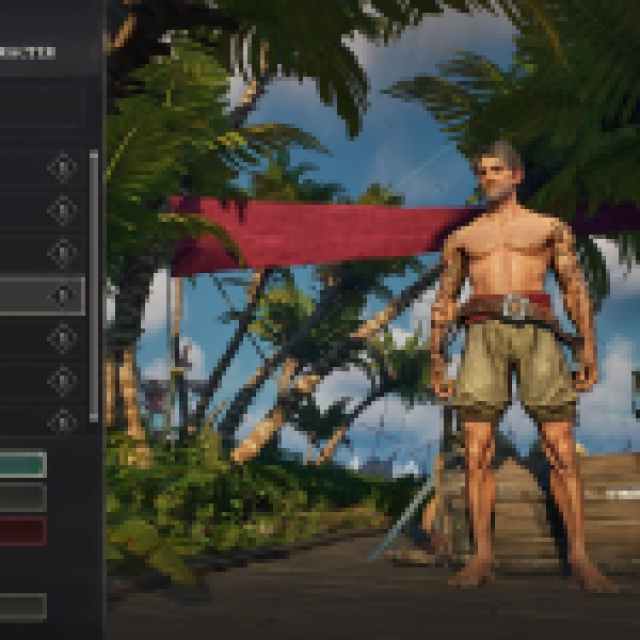

You can manage these characters from the main menu, edit their appearance, and delete them as well.
Overall, like other survival games, you aren’t limited to just one character at a time, and you can try out different difficulties and world conditions without any friction from the in-game management.
Windrose Steam Features
Windrose has support for several Steam features, including:
- Steam Cloud: After you close Windrose, your local data is automatically backed up to Steam’s cloud servers. You can access this on other devices with Steam installed with automatic parity.
- Steam Family Share: If you’ve purchased a Windrose, members of your Steam family will be able to download and play the title from their library.
- Steam Input: Windrose has controller support in early access, though it isn’t as polished in its current state, with improvements planned. That said, you can play with unsupported controllers using Steam Input and access different community presets as well.
Overall, Windrose has launched in a fine state on PC and runs quite well. I didn’t run into any major or noticeable performance issues during early testing, and it’s been smooth sailing so far.


