
StarRupture Complete Controls for PC
Press F to deconstruct.

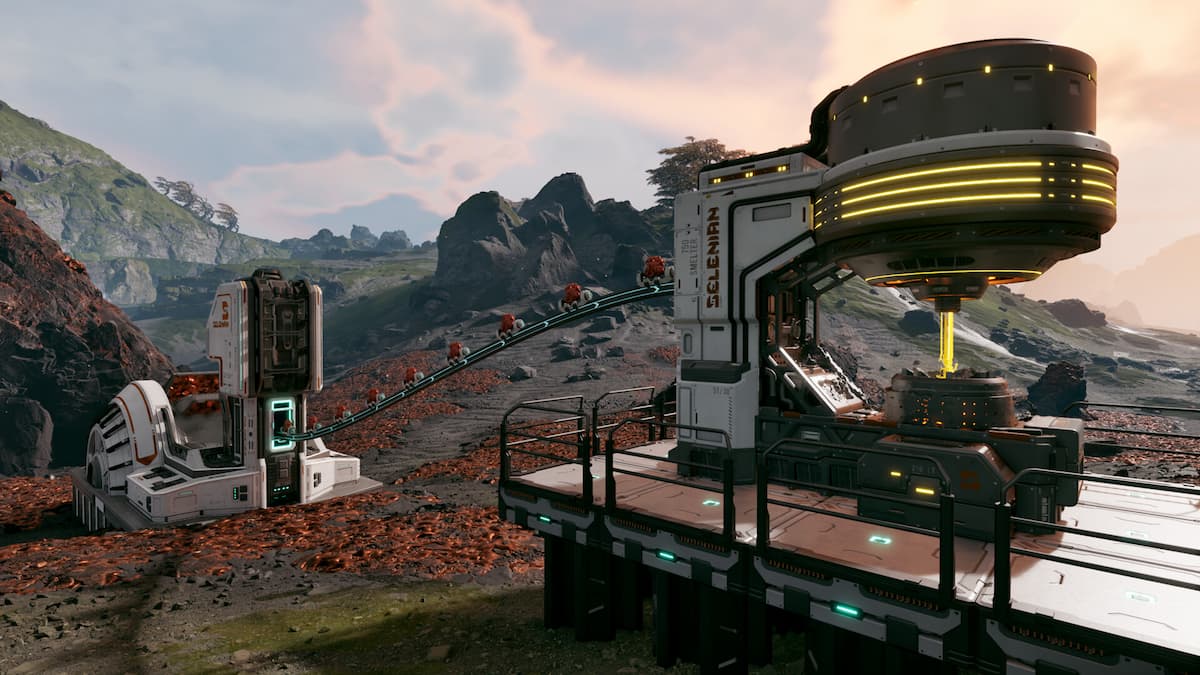
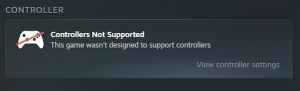
StarRupture is now available in early access on PC, and it is an open-world base-building title with plenty of exploration added to the mix. Currently, StarRupture only supports keyboard and mouse input, and it cannot be played with a controller.
If you need a reference for its default scheme, here are the complete controls for StarRupture.
StarRupture Complete Controls
| Action | Input |
|---|---|
| Move Forward | W |
| Move Backward | S |
| Move Left | A |
| Move Right | D |
| Sprint | Left Shift |
| Crouch / Slide | Left Ctrl |
| Jump | Space Bar |
| Dash | Left Alt |
| Cancel | Q |
| Interact / Pick Up | E |
| Open Inventory | Tab |
| Ping | Middle Mouse Button |
| Cancel | Q |
| Close Menu | Q |
| Open Map | M |
| Equip Building Tool | B |
| Deconstruct | F |
| Toggle Drone Status | C |
| Set Z Offset | Middle Mouse Button |
| Quick Building Selection | Z |
| Confirm Build | Left Mouse Button |
| Move Helper Up | Mouse Wheel Up |
| Side Rotation | R |
| Move Helper Down | Mouse Wheel Down |
| Lock Placement Location | T |
| Lock Placement Z Level | Y |
| Align to Terrain | X |
| Change Variant | Right Mouse Button |
| Toggle Vertical Snap | Left Alt |
| Confirm Build | Left Mouse Button |
| Fire | Left Mouse Button |
| Equip Next Weapon | Mouse Wheel Down |
| Reload | R |
| Aiming Down Sights (ADS) | Right Mouse Button |
| Equip Previous Weapon | Mouse Wheel Up |
| Equip Med Tool | H |
| Grenade | G |
| Harvester | 1 |
| Equip First Weapon Slot | 2 |
| Equip Second Weapon Slot | 3 |
| Flashlight | T |
| Holster / Unequip | Q |
| Drone Up | Space bar |
| Drone Down | Left Ctrl |
| Drone Forward | W |
| Drone Backward | S |
| Drone Left | A |
| Drone Right | D |
Can You Rebind Controls in StarRupture?
Yes, you can completely rebind controls in StarRupture for keyboard and mouse. In the main or pause menu, open Settings, followed by the Mouse & Keyboard tab. Scroll down a bit, and you can rebind any action you want under its dedicated section.
Outside of that, you can also adjust the following control settings:
- X and Y Axis Sensitivity
- Targeting Sensitivity
- Invert Vertical and Horizontal Axis
- Toggle Sprint, Crouch, and ADS
StarRupture Controller Support on PC
On PC, StarRupture does not have native support for controllers. You can use a profile created by players through Steam Input, but the experience is less than ideal because the game doesn’t respond properly to it, as it isn’t designed to support it.
Since this is an early access title, I am confident that the overwhelming demand for controller support will eventually lead to the feature being added in a future update. Outside of that, the game feels quite responsive, and the ability to remap controls is a bonus.


