
How To Skip the Tony Hawk’s Pro Skater 3 + 4 Intro Videos
Hit the ramp faster!


Tony Hawk’s Pro Skater 3 + 4 is a mostly faithful remake of the classic skating titles from Activision. Iron Galaxy Studios took on the task, and the new collection is tons of fun. The PC version runs and looks really good, but there is room for improvement.
If you’re tired of seeing the same splash screens and logos on each boot, here is how you can skip the Tony Hawk’s Pro Skater 3 + 4 intro videos and save a few seconds.
Skip the Tony Hawk’s Pro Skater 3 + 4 Intro Videos
Whenever you launch Tony Hawk’s Pro Skater 3 + 4, you’re greeted with a few publisher and developer logos, some of which you can skip, and some are unskippable. Thankfully, the powers of PC gaming allow us to delete the relevant video files and get past them, saving around 10-12 seconds. Here is how you can do this.
- Launch Steam and navigate to your library.
- Right-click on Tony Hawk’s Pro Skater 3 + 4.
- Select Manage, followed by Browse local files.


- Here, navigate to the following folders:
THPS34\Base\Content\Movies
- Delete the following video files:
- ATVI_Logo.bk2
- Demonware_Logo.bk2
- IG_Logo.bk2
- Playfab_Logo.bk2
- Skater_Intro_Video.bk2
- UE4_Logo.bk2
- Wwise.bk2
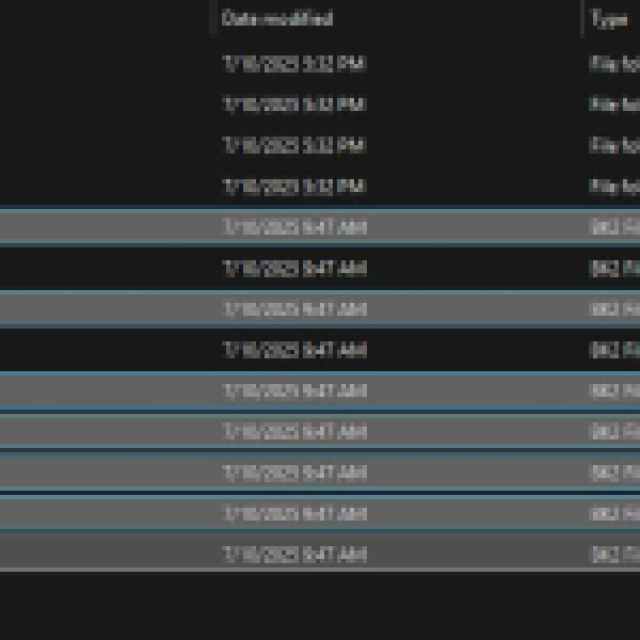
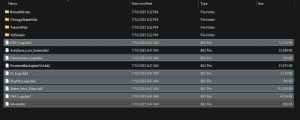
That’s all you have to do, and the next time you launch the game, most of the videos and logos will be skipped. I timed both launches, and you save around 10 seconds before the start screen appears with the video files deleted.
There is no harm in deleting these files because they have nothing to do with the actual game content. These are just Bink2 files, which contain video data and nothing else. The game simply goes past them when deleted. Don’t delete anything else, though, because you might need to watch those as part of in-game tutorials.
Now, keep in mind that if the game is updated, there’s a good chance that the video files will be restored, and you might have to redo this process. Overall, this small change improves the user experience a bit and lets you get to the action faster.


