
Paralives Complete Controls for PC
Press F to Center Camera on Para.

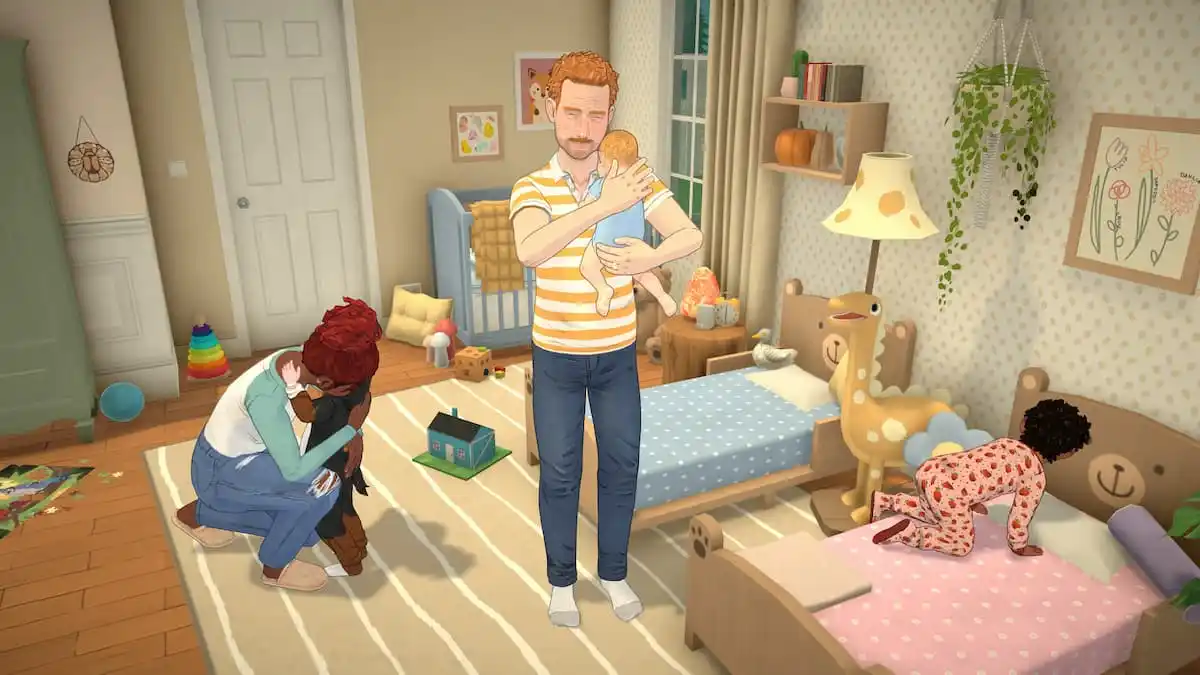
Paralives is out now in early access on PC, and it’s a life simulation title designed to be played with a mouse and keyboard. With a bunch of systems to juggle, if you need a quick reference for the default scheme, here are the complete controls for Paralives.
Paralives Complete Controls
| Action | Input |
|---|---|
| Move Camera | W / S / A / D |
| Move Camera Alternate | Up / Left / Down / Right |
| Pivot | Q / E |
| Zoom | Scroll Wheel |
| Zoom Alternate | – / = |
| Pause Time | Space |
| Time Speed 1 – 3 | 1 – 3 |
| Undo | Control + Z |
| Redo | Control + Y |
| Floor Up | Page Up |
| Floor Down | Page Down |
| Move Wall Visibility State Forward | Home |
| Move Wall Visibility State Backward | End |
| Quick Save | F5 |
| Toggle Modes | Tab |
| Town Map | M |
| Photo Mode | P |
| Build Wall | B |
| Search Build Mode Catalog | Control + F |
| Sledgehammer Mode | K |
| Pipette Mode | I |
| Lot Mode | L |
| Show Catalog | O |
| Delete | Delete |
| Toggle Grid | G |
| Rotate Item 45 Degrees Counterclockwise | , |
| Rotate Item 45 Degrees Clockwise | . |
| Rotate Item 90 Degrees | X |
| Select All Parafolks in Household | Control + U |
| Center Camera on Para | F |
How to Open the Command Console in Paralives
If you want to bring up the command console in Paralives to enter cheats or other commands, press Ctrl + F1.
Can You Rebind Controls in Paralives?
Yes, you can completely rebind controls in Paralives for both keyboard and mouse. If you aren’t comfortable with the default scheme, you can set the actions to whatever you want. For a game like this, having a mouse with extra buttons for different features can be a lifesaver.
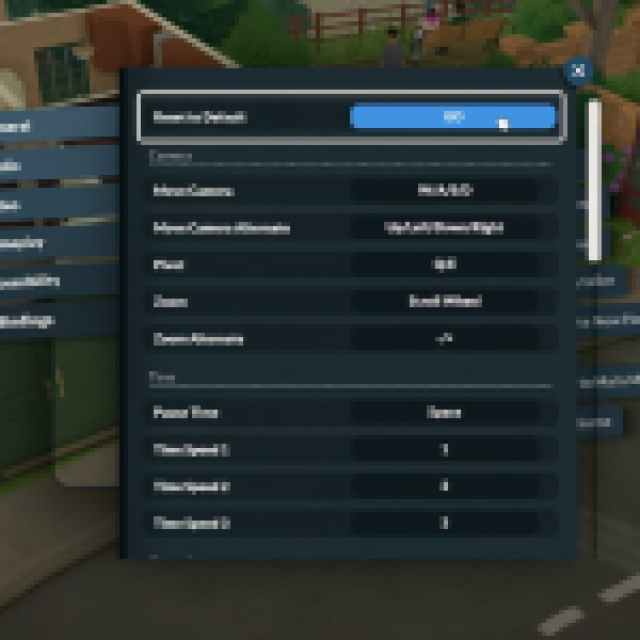
If you want to set everything back to default, just hit GO next to “Reset to Default” at the top in the Key Bindings section in settings.

Does Paralives Support Controllers?
No, Paralives does not have any native controller support.
You can use Steam Input to create a custom profile or access community ones, but the game will not display any controller prompts, and it may feel fairly awkward since the title is designed with keyboard and mouse in mind. It’s one of the most heavily requested features from the community, and we’ll have to see if it’s added during early access or not.


