
Metaphor ReFantazio Complete Controls for PC and Controller
Lots to keep track of!

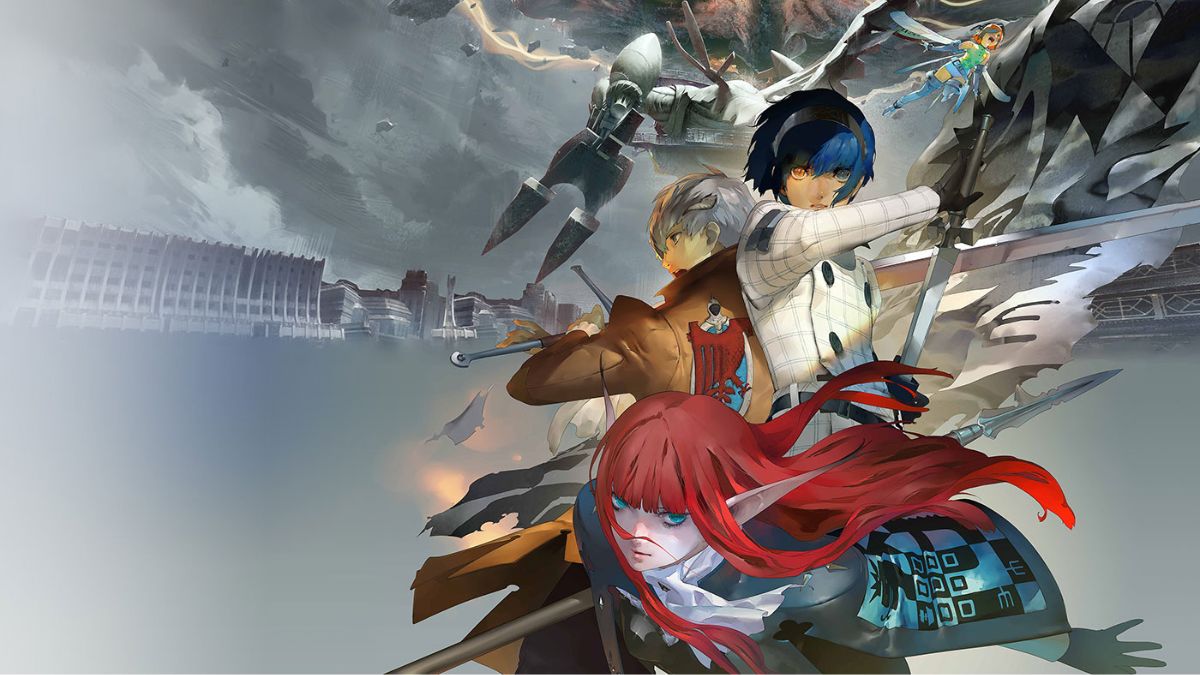
Metaphor: Refantazio is finally out and is already the biggest launch for ATLUS on PC. This new JRPG expands on the mechanics of the Persona titles, giving players more freedom in terms of traversal, combat, and building bonds with their companions. This means there are many controls to keep track of, and if you need a reference for the default scheme, here are the complete Metaphor: ReFantazio controls for controllers, as well as keyboard and mouse for PC.
Metaphor ReFantazio Complete Controls
Here are the default controls for Metaphor ReFantazio, whether you’re playing on an Xbox, PlayStation controller, or keyboard and mouse.
Common Controls
| Action | PC | Xbox | PlayStation |
|---|---|---|---|
| Move Character (Forward) | W | Left Stick | Left Stick |
| Move Character (Backwards) | S | Left Stick | Left Stick |
| Move Character (Left) | A | Left Stick | Left Stick |
| Move Character (Right) | D | Left Stick | Left Stick |
| Rotate Camera (Up) | I | Right Stick | Right Stick |
| Rotate Camera (Down) | K | Right Stick | Right Stick |
| Rotate Camera (Left) | J | Right Stick | Right Stick |
| Rotate Camera (Right) | L | Right Stick | Right Stick |
| Move Cursor (Up) | Up | D-Pad Up | D-Pad Up |
| Move Cursor (Down) | Down | D-Pad Down | D-Pad Down |
| Move Cursor (Left) | Left | D-Pad Left | D-Pad Left |
| Move Cursor (Right) | Right | D-Pad Right | D-Pad Right |
| Switch Page | List 1 (Left) | 1 | LB | L1 |
| Switch Page | List 2 (Left) | 3 | LT | L2 |
| Switch Page | List 1 (Right) | Q | RB | R1 |
| Switch Page | List 2 (Right) | E | RT | R2 |
| Confirm | Space bar | A | X |
| Cancel | Back | C | B | Circle |
| Restore Defaults | Menu | Tab | Menu | Menu |
| Traveller’s Voices | N | View | Touchpad |
| Switch Details | Archetypes | F | Y | Triangle |
| System Commands | H | X | Square |
| Log | B | Left Stick (Click) | L3 |
Event Controls
| Action | PC | Xbox | PlayStation |
|---|---|---|---|
| Auto Advance | X | Y | Triangle |
| Skip | Fast-Forward | F | Menu | Menu |
| Memorandum | Ctrl | Right Stick (Click) | R3 |
Field Controls
| Action | PC | Xbox | PlayStation |
|---|---|---|---|
| Access | Interact | E | A | X |
| Dash | Shift | RT | R2 |
| Menu | Tab | Menu | Menu |
| Popularity Ranking | 7 | LB | L1 |
| Royal Virtues | 9 | X | Square |
| Save | 2 | D-Pad Up | D-Pad Up |
| Blade-ride | V | B | Circle |
| FaeSight | G | LT | L2 |
| Ask Gallica | T | Y | Triangle |
| Map | M | RB | R1 |
| Reset Camera | 0 | Right-Stick (Click) | R3 |
| Memorandum | 4 | D-Pad Down | D-Pad Down |
| Follower | 1 | D-Pad Left | D-Pad Left |
| Requests | 3 | D-Pad Right | D-Pad Right |
Dungeon Controls
| Action | PC | Xbox | PlayStation |
|---|---|---|---|
| Access | Interact | E | A | X |
| Dash | Shift | RT | R2 |
| Attack | Space bar | X | Square |
| Menu | Tab | Menu | Menu |
| Lock On | R | LB | L1 |
| Auto Recovery | 2 | D-Pad Up | D-Pad Up |
| Dodge | Ctrl | B | Circle |
| FaeSight | G | LT | L2 |
| Engage Squad Battle | V | Y | Triangle |
| Map | M | RB | R1 |
| Reset Camera | 0 | Right Stick (Click) | Right Stick (Click) |
| Auto Recovery | 2 | D-Pad Up | D-Pad Up |
| Memorandum | 4 | D-Pad Down | D-Pad Down |
| Items | 1 | D-Pad Left | D-Pad Left |
| Skills | 3 | D-Pad Right | D-Pad Right |
Battle Controls
| Action | PC | Xbox | PlayStation |
|---|---|---|---|
| Use Synthesis | Q | A | X |
| Raise Defences | H | B | Circle |
| Wield Arms | F | X | Square |
| Use Skill | E | Y | Triangle |
| Tactics | Escape | Tab | LB | L1 |
| Yield Turn | N | RB | R1 |
| Analyse | T | LT | L2 |
| Assist | 5 | RT | R2 |
| Retry Battle | 1 | Left Stick (Click) | L3 |
| Auto-Battle | 3 | Right Stick (Click) | R3 |
| Use Item | R | Menu | Menu |
| Status | 2 | View | Touchpad |
Can You Remap the Controls in Metaphor ReFantazio?
Yes, you can rebind the controls in Metaphor ReFantazio, just like in Shin Megami Tensei V: Vengeance.
If you’re using the PC version, we recommend improving the experience by reducing the aliasing in Metaphor ReFantazio.


