
Metal Gear Solid Delta Snake Eater Complete Controls for PC and Controllers
UE5 Snake.

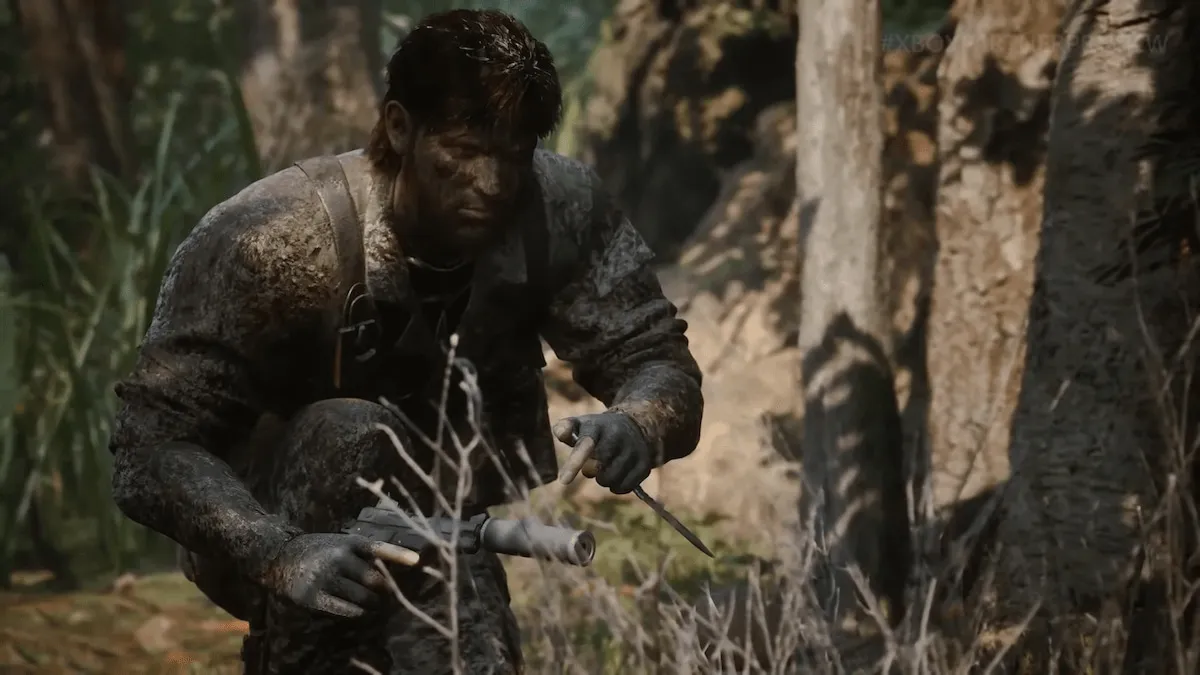
Metal Gear Solid Delta: Snake Eater brings the classic PS2 title to modern consoles with a full remake in Unreal Engine 5. Snake has a fairly extensive moveset in the game, along with access to several gadgets and gameplay systems. Mastering his kit is essential to survival and stealthy kills.
To provide you with a handy reference, here are the complete new and legacy controls for Metal Gear Solid Delta: Snake Eater whether you’re playing on PC with a keyboard and mouse or an Xbox or PlayStation controller.
Metal Gear Solid Delta Snake Eater Complete Controls for Keyboard and Mouse
Here are the complete controls for Metal Gear Solid Delta: Snake Eater if you’re playing on keyboard and mouse.
| Action | Input (New Style) | Input (Legacy Style) |
|---|---|---|
| Move Forward | W | W |
| Move Backward | S | S |
| Move Left | A | A |
| Move Right | D | D |
| Action Button | F | F |
| Evade Button | Space | – |
| Reload Button | R | R |
| Crouch Button | C | Space |
| First Person View Button | Middle Mouse Button | Middle Mouse Button |
| Stalking Button | Left Shift | Left Shift |
| Attack Button / CQC Button | Left Mouse Button | – |
| CQC Button | – | C |
| Weapon Button | – | Weapon Button |
| Aim Button | Rigth Mouse button | Right Mouse Button |
| Walk Button | Left Ctrl | Left Ctrl |
| Switch Camera Button | V | – |
| Fix Camera Button | – | V |
| Interrogate / Sonar Button | Z | Z |
| Weapon Window Button | E | E |
| Equipment Window Button | Q | Q |
| Radio Window Button | 2 | 2 |
| Camouflage Window Button | 1 | 1 |
| Survival Viewer Button | Tab | Tab |
| Pause Button | Esc | Esc |
Metal Gear Solid Delta Snake Eater Complete Controls for Controllers
Here are the complete controls for Metal Gear Solid Delta: Snake Eater if you’re playing on an Xbox or PlayStation controller.
| Action | Xbox (New Style) | Xbox (Legacy Style) | PS (New Style) | PS (Legacy Style) |
|---|---|---|---|---|
| Aim Button | LT | LT | L2 | L2 |
| Stalking Button | LB | LB | L1 | L1 |
| Attack / CQC Button | RT | RB | R2 | R1 |
| Weapon Button | – | RT | – | R2 |
| First Person View Button | RS (Press) | RS (Press) | R3 | R3 |
| Evade Button | Y | – | Triangle | – |
| CQC Button | – | B | – | Circle |
| Crouch Button | B | A | Circle | X |
| Action Button | A | Y | X | Triangle |
| Reload Button | X | X | Square | Square |
| Movement Stick | LS | LS | L3 | L3 |
| Camera Stick | RS | RS | R Stick | R Stick |
| Camouflage Window Button | D-Pad Left | D-Pad Left | D-Pad Left | D-Pad Left |
| Equipment Window Button | D-Pad Right | D-Pad Right | D-Pad Right | D-Pad Right |
| Radio Window Button | D-Pad Down | D-Pad Down | D-Pad Down | D-Pad Down |
| Weapon Window Button | D-Pad Up | D-Pad Up | D-Pad Up | D-Pad Up |
| Survival Viewer Button | Back | Back | Share | Share |
| Pause Button | Menu | Menu | Options | Options |
Can you Remap Controls in Metal Gear Solid Delta Snake Eater?
You can remap most of the controls in Metal Gear Solid Delta: Snake Eater for both keyboard and mouse, as well as controllers, but some buttons like LB/RB are locked.
You can switch between a few presets for both to see what works best for you. There are legacy control schemes for both input types as well, which is a nice inclusion for fans of the classic. The game also comes with correct in-game prompts for Xbox and PlayStation controllers.
Overall, it’s great that the developers have created presets for new and returning players for Metal Gear Solid Delta: Snake Eater


