
Mafia The Old Country Save File Location for PC
All this from a slice of gabagool?


Mafia: The Old Country is now available on PC and console, and it’s the latest entry in the crime-drama series from Hangar 13 and 2K Games, this time set in early 1900s Sicily. The developers have opted for Unreal Engine 5 for their latest title instead of their proprietary tech.
If you can’t find your local data in the usual Hangar 13 folder, here is the save file location for Mafia: The Old Country on PC.
Mafia The Old Country Save File Location
| Client | Save File Location |
|---|---|
| Steam | C:/Users/[Windows Username]/AppData/Local/Local/Hangar 13 Games/Mafia The Old Country/SaveGames/ |
You can find your individual saves in a folder with your specific Steam ID within the SaveGames folder, and the files are in the sav format. Though for the sake of ease, I recommend backing up the entire “Mafia The Old Country” folder.
You can get to the same location mentioned above by entering the following address in Explorer or Windows Run:
%USERPROFILE%/AppData/Local/Hangar 13 Games/Mafia The Old Country/SaveGames/
Mafia: The Old Country also comes with Steam Cloud support, so if you’re playing on more than one PC, you can easily access your save data across each device as long as you have an active internet connection to upload and download said data.
The game also has support for Steam Family Share on Steam, so members of your family can access the game right now. There are over 50 achievements to unlock on the PC version, and this is a completely single-player experience, but you do need an internet connection for its initial launch.
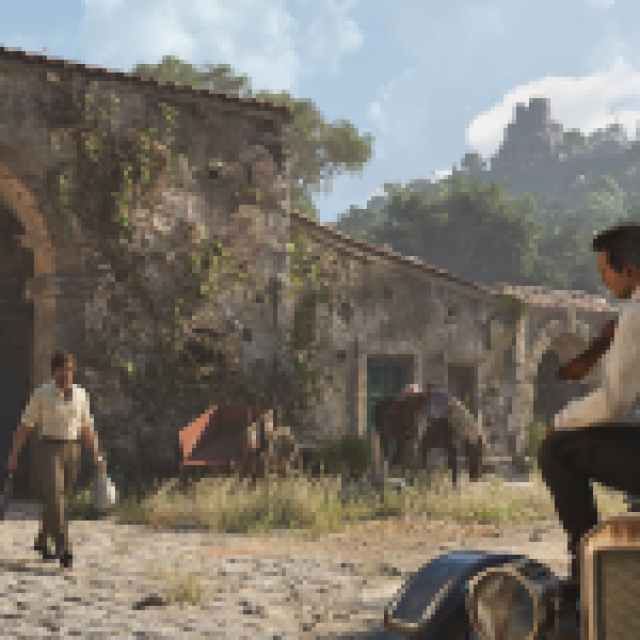
While Steam Deck support would be ideal, Mafia: The Old Country is simply too much for the poor handheld, and while you can most certainly launch the game, it will not run in a playable form.
Thankfully, things are much better on the PC side because Mafia: The Old Country comes jam-packed with tons of settings to tweak and upscaling tech to make use of for a smoother experience, as well as frame generation. You don’t need to play any of the previous games to enjoy this, and there are tons of accessibility options to tailor the experience to your liking.


