
Like a Dragon Pirate Yakuza in Hawaii Photos Location on PC
I call them, Majima snaps!


Like a Dragon: Pirate Yakuza in Hawaii gives Majima his time to shine on the sandy beaches and clear waters of Hawaii as a pirate captain. His crew of trusty mateys will also help him on his journey to recover his memory and search for the hidden treasure of Esperanza.
The game doesn’t have a traditional photo mode but Majima can document his adventures by taking all sorts of photos using his smartphone. Here is how you can access these in Like a Dragon Pirate Yakuza in Hawaii photos
Like a Dragon Pirate Yakuza in Hawaii Photos Location
Players can find their photos taken with the in-game camera at the following location:
C:/Users/[Windows Username]/AppData/Local/SEGA/LikeADragonPirates/Steam/album/
The album folder contains all the photos you’ve snapped using the camera tool in Like a Dragon: Pirate Yakuza in Hawaii in jpg format. The only caveat is that the photos are only captured in 1080p resolution even if you’re playing at a higher resolution.
It’s not a dealbreaker, but the quality of the image file could match the game’s resolution, which is usually the case with many photo modes. We hope that an update adds support for higher-resolution images.
How to Take Photos in Like a Dragon Pirate Yakuza in Hawaii
Players can take live photos by bringing up their smartphone camera with the D-pad up button on their controller or C on the keyboard.
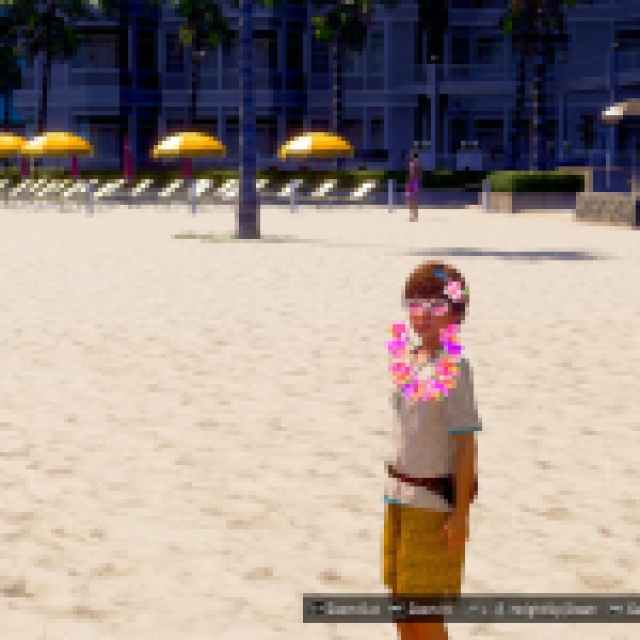
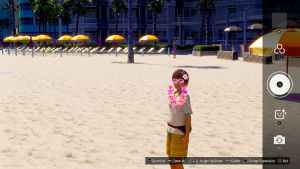
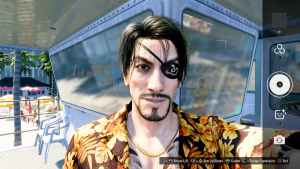
Players can switch between filters, apply dynamic effects on characters in view, adjust the zoom level, and change Majima’s expressions in selfie mode. This is not a typical photo mode where the game world freezes, so lining up the perfect shot can take some trial and error.
Once you’ve taken a shot, you can view it in the Smartphone album from the pause menu.

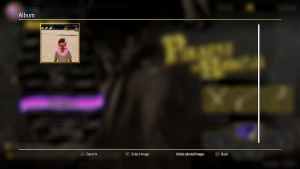
Alternatively, you can open the menu directly in the camera tool as well.
Even with its limitations, players can take some fun shots, especially of characters and environments. Key NPCs will pose in different ways when you have them in the frame.
If you’re looking for your local progress files instead, make sure to check out the save file location for Like a Dragon: Pirate Yakuza in Hawaii.


