
How to Unlock the Map in StarRupture
Got to navigate somehow.


StarRupture has a vast open world, and you’ll need a way to navigate through everything. The map isn’t available at first, and you’ll want to prioritize unlocking it so you can explore farther without getting lost.
Here’s a short explainer on how to unlock the map in StarRupture, including the Geo Scanners that require it.
How to Open the Map in StarRupture
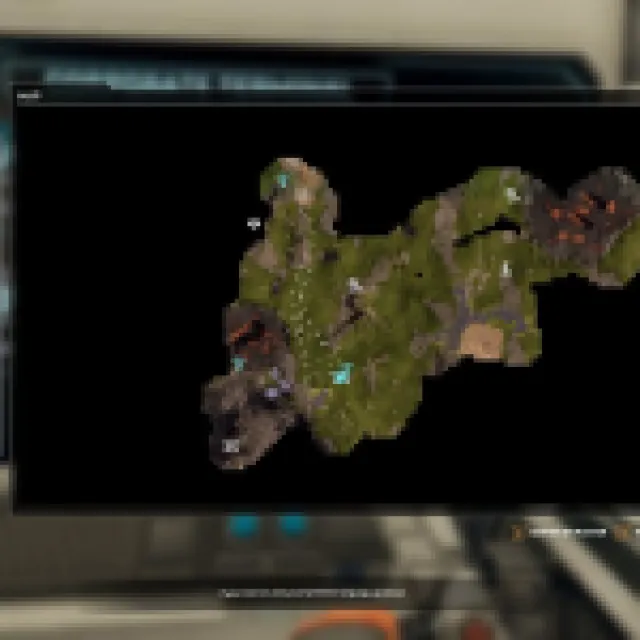
To open up the map, simply press “M” and the map HUD should show up. However, the feature is only available when you actually unlock the map.
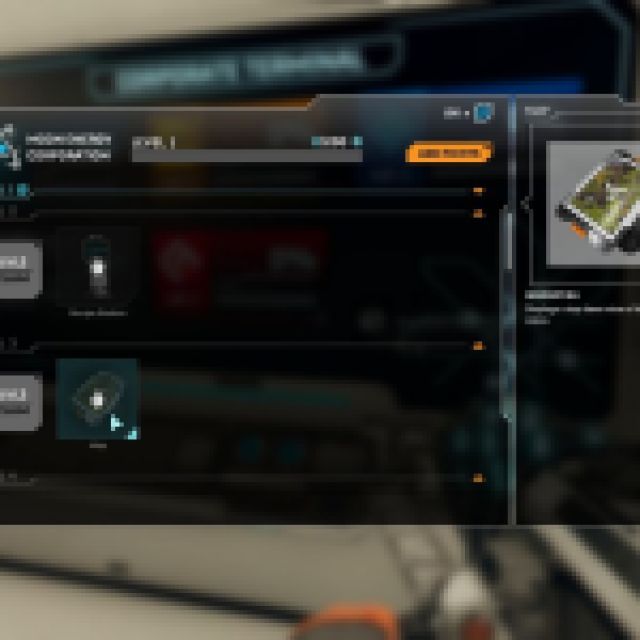
The map is unlocked when you reach level 3 in the Moon Energy Corporation, accessed and claimed through the Corporate Terminal.
To reach level 3, use an Orbital Cargo Launcher and set it to Moon Energy Corporation. From level 1 to 2, you’ll want an input of Wolfram Bar. While this is happening, you should immediately farm some Meteorite Hearts and try to explore some Calcium nodes around.
Once you find a Calcium node, place another Base Core so you can place Ore Excavators on the land. When placing an Ore Excavator on a Calcium node, it needs to have an output before it starts mining. Connect it to an Orbital Cargo Launcher and make sure it has power.
To reach level 3 from level 2 with the Moon Energy Corporation, you’ll need Calcium Ores. While you were waiting to reach level 2, you should be setting up for the Calcium, since it can be hard to find depending on where you set up your starting base.
Once you reach level 3, go to the Corporate Terminal and claim the level 3 reward. After unlocking the map, you can press “M” and open the map.
How to Unlock Geo Scanners in StarRupture
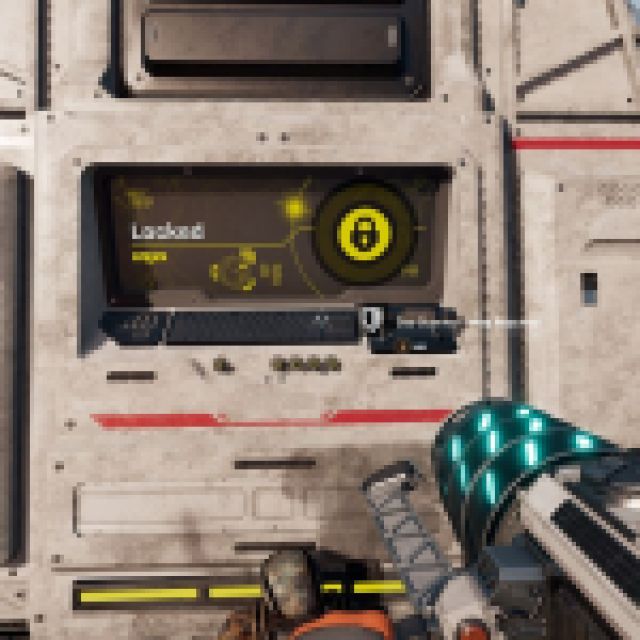
Apart from the map, you can also find Geo Scanners around the area. These Geo Scanners operate like a radar scanner, scanning the area. When activating a Geo Scanner, it takes time to scan, and you’ll also get attacked by enemies throughout, so you’ll need to defend yourself.
Once finished, it’ll scan the area, but also give you some rewards like combat levels and LEM slots.


