
How To Unlock Personal Storage in StarRupture
For all your organizing needs!

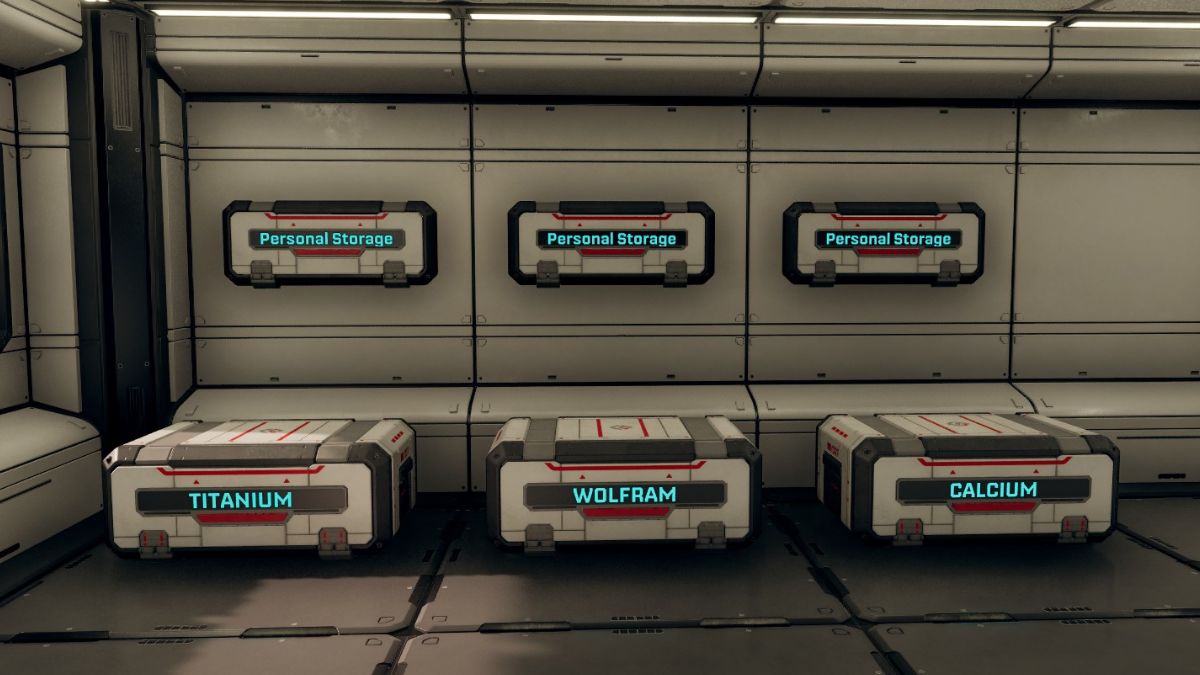
In StarRupture, you will be collecting, analyzing, and using all sorts of materials, organics, and items for building and research as you explore Arcadia 7. You will soon realize that you do not have enough inventory space, and running back and forth to the shuttle is not ideal.
Here is how you can unlock personal storage in StarRupture and everything you can use it for.
Unlock Personal Storage in StarRupture
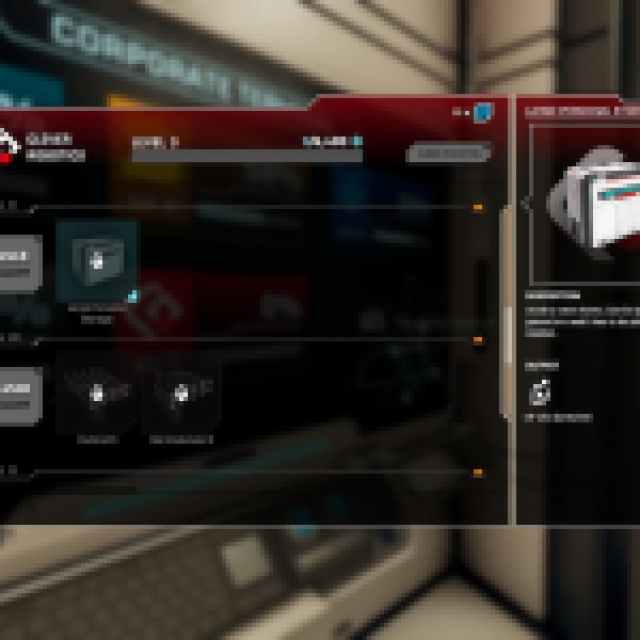
To unlock Personal Storage in StarRupture, you need to use the Corporate Terminal and reach level two of the Clever Robotics corporation.
Here is a quick breakdown of the steps:
- First, in your Habitat, build a Corporate Terminal, which is part of the tutorial.
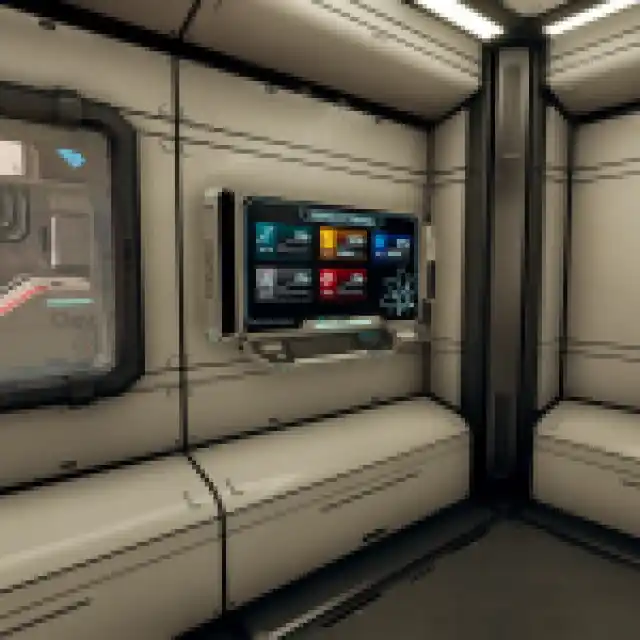
- After that, you’ll need to collect Data Points by analyzing different organics and items you find around the world in the Analyzing Station.
- You need 200 Data Points invested in Clever Robotics to reach level two.
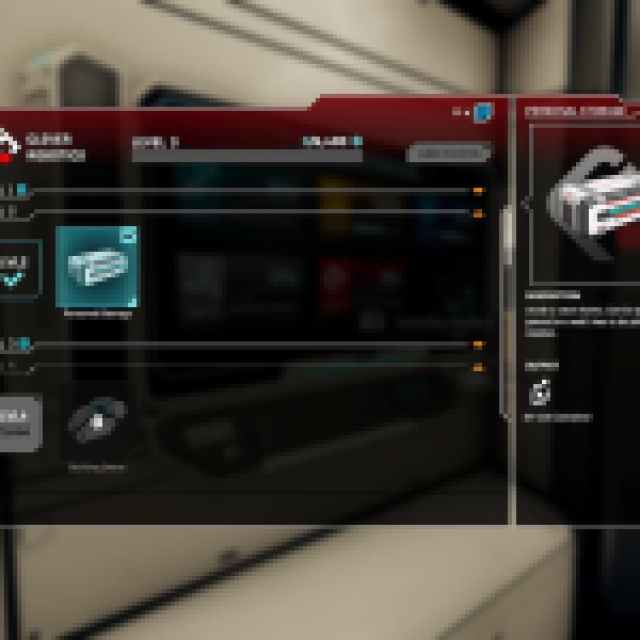
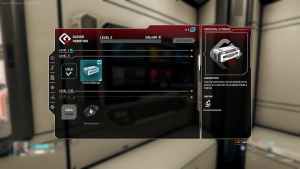
- You can also do this by fulfilling the material requirements with the Orbital Cargo Launcher, but it’s easier to just analyze things early on.
- After you’ve reached level two, make sure to claim the rewards for it, which is “Personal Storage” in the case of Clever Robotics.
Placing and Modifying Personal Storage Containers
You can now build personal storage containers that have 18 slots each using the building tool (B). These can be placed on a surface or attached to a wall; I find the latter approach I find more space-efficient.


Regardless of where you place it, a personal storage container requires 60 Basic Building Materials.
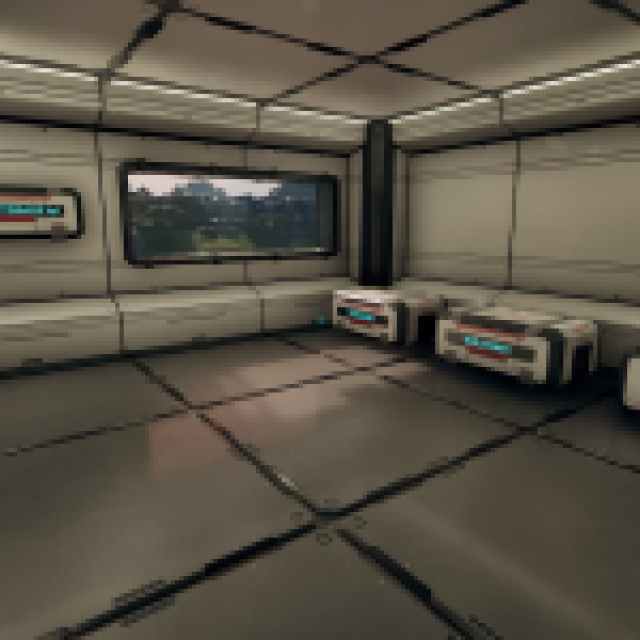
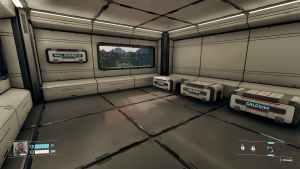
- You can copy any building type by pressing Z. This way, you do not have to keep opening the build menu and can create as many containers as you like.
- You can take everything out of the storage container to your inventory by pressing F.
Rename Storage Container
You can also rename the label of these storage containers. Simply open a container and edit the text at the top of the window.
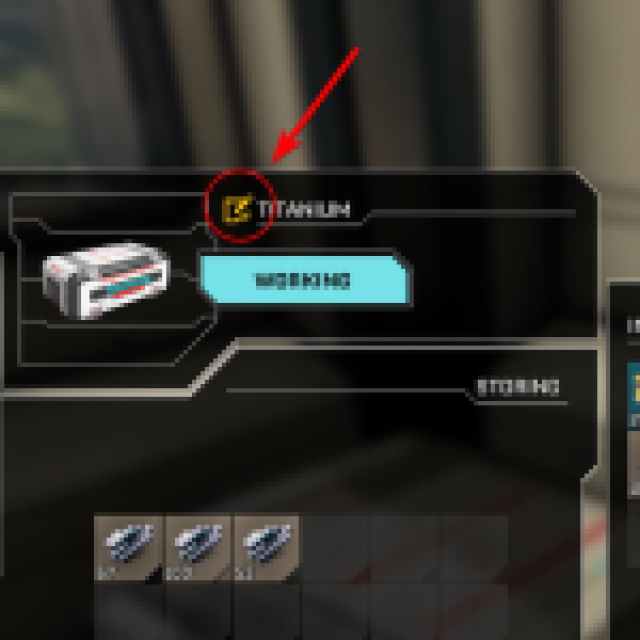
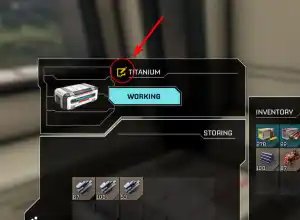
This is pretty handy because you can dedicate certain containers to specific materials or item types, like food.
Unlock Large Personal Storage
Eventually, when you reach level nine in the Clever Robotics line, you’ll unlock the Large Personal Storage container, which has 42 slots instead of 18.
This one can also be placed on the ground and walls. For most of your early hours, though, regular storage is more than enough and very cheap to build. I recommend dedicating specific habitats to storage containers so you do not clutter your main one.


